 logo
logo
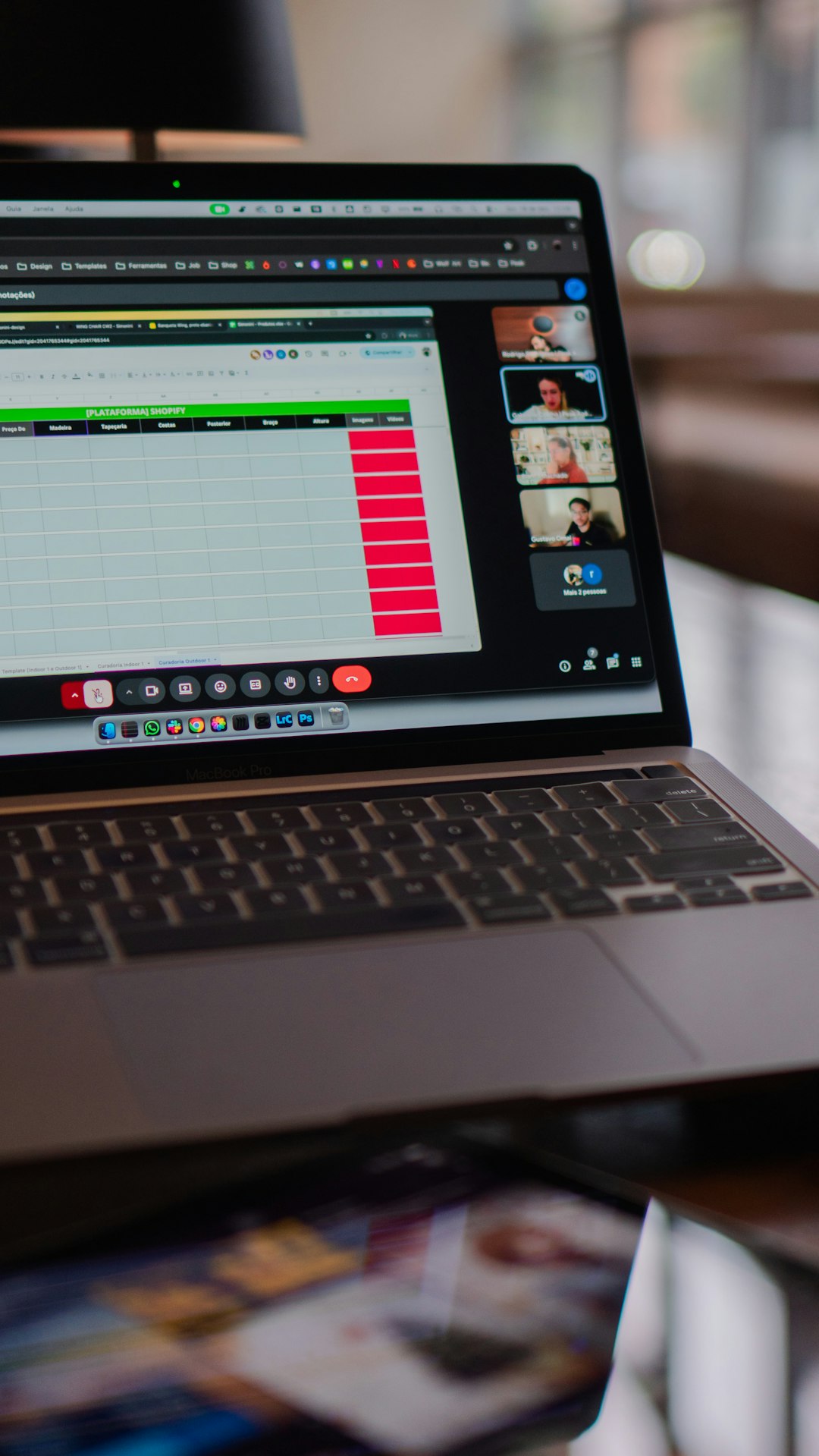
Meetings often contain decisions, objections, deadlines, and useful context that disappear as soon as the call ends. AI note taker programs help reduce that risk by recording, transcribing, summarizing, and organizing meeting information so teams can focus on the discussion instead of manual note taking. The best tools are not just transcription apps; they connect meeting notes to workflows, CRMs, project plans, and follow-up tasks.
TLDR: AI note takers can save time by turning meetings into searchable transcripts, summaries, and action items. For example, a sales manager running six 45-minute calls per week could save several hours by using automated summaries instead of manually reviewing recordings. In a 10-person team, even saving 15 minutes per meeting can return more than 2.5 hours of team productivity per session. The strongest options include Otter.ai, Fireflies.ai, Fathom, Microsoft 365 Copilot, Google Gemini for Workspace, Sembly AI, and Granola.
What to Look for in an AI Note Taker
Before choosing a tool, consider how your team actually works. A note taker that is excellent for sales calls may not be ideal for internal strategy sessions, legal reviews, or engineering standups. The most important features usually include transcription accuracy, speaker identification, summary quality, integrations, security controls, and the ability to turn discussion points into tasks.
- Accuracy: Transcripts should handle different accents, speaking speeds, and technical terms reasonably well.
- Action items: The tool should identify owners, deadlines, decisions, and next steps.
- Integrations: Look for compatibility with Zoom, Google Meet, Microsoft Teams, Slack, Salesforce, HubSpot, Notion, or project management platforms.
- Privacy: Review data retention, recording consent, admin controls, and compliance documentation.

1. Otter.ai
Otter.ai is one of the most recognizable AI note taking platforms, especially for teams that need reliable transcripts and quick summaries. It can join meetings, produce live transcripts, identify speakers, and create post-meeting recaps. Its interface is straightforward, making it a practical choice for users who want speed without a steep learning curve.
Otter is particularly useful for interviews, lectures, internal meetings, and recurring team check-ins. The searchable transcript is one of its strongest features because teams can quickly locate a quote, decision, or topic from previous discussions. However, organizations with strict compliance requirements should carefully evaluate plan-level security and data settings before deploying it broadly.
2. Fireflies.ai
Fireflies.ai is designed for teams that want meeting intelligence combined with automation. It records, transcribes, summarizes, and analyzes conversations across common video conferencing platforms. It also integrates with tools such as Slack, Salesforce, HubSpot, Asana, and Trello, which makes it useful for sales, customer success, recruiting, and operations teams.
A key advantage of Fireflies is its ability to organize conversations by topics and create searchable meeting libraries. Managers can review trends across multiple calls, such as repeated customer objections or recurring project blockers. For productivity, this is valuable because the tool does more than document a single meeting; it helps reveal patterns across many meetings.
3. Fathom
Fathom is a strong option for professionals who want fast, clean summaries with minimal friction. It works well for Zoom, Google Meet, and Microsoft Teams, depending on the plan and configuration. Fathom can highlight important moments, summarize key points, and sync notes to CRM systems, making it especially attractive for sales and customer-facing teams.
One of Fathom’s strengths is its focus on usability. Users can mark highlights during a call and later receive structured notes that are easier to share than a full transcript. This is helpful when a team member only needs the decision, objection, or next step, not every sentence from the meeting.
4. Microsoft 365 Copilot in Teams
Microsoft 365 Copilot, when used inside Microsoft Teams, is a serious option for organizations already committed to the Microsoft ecosystem. It can summarize meetings, identify unresolved questions, list action items, and help users catch up on discussions they missed. Because it fits into Teams, Outlook, Word, and other Microsoft 365 apps, it can support meeting productivity across a broader workplace environment.
This tool is best suited for companies with established Microsoft governance, security policies, and administrative controls. Its value increases when meeting notes are connected to emails, documents, calendars, and chats. For example, a project manager can ask Copilot to summarize what was decided in a Teams meeting and then use that information to draft a follow-up email or project update.

5. Google Gemini for Workspace
Google Gemini for Workspace supports teams that rely heavily on Google Meet, Gmail, Docs, and Drive. In meeting contexts, Gemini can help generate summaries, capture key points, and support follow-up work inside the Google productivity suite. For organizations already using Google Workspace, this reduces the need to move information between disconnected systems.
Gemini is most effective when meeting outputs need to become documents, emails, or shared collaboration notes. A marketing team, for example, could use a meeting summary to quickly draft a campaign brief in Google Docs. The main consideration is that features and availability may depend on Workspace edition, administrator settings, and regional rollout.
6. Sembly AI
Sembly AI focuses on turning conversations into structured meeting records. It can capture transcripts, summaries, decisions, risks, requirements, and action items. This makes it suitable for teams that need more formal documentation, such as product, consulting, finance, and client services groups.
Sembly’s strength is the way it categorizes meeting content. Instead of presenting only a transcript, it attempts to separate the practical elements of a discussion: what was agreed, what needs follow-up, and what may create risk. For larger teams, this structure can reduce ambiguity and improve accountability after meetings.
7. Granola
Granola has gained attention for a more personal and discreet approach to AI meeting notes. Rather than behaving only like a meeting bot, it helps users combine their own notes with AI-generated summaries. This can be useful for executives, consultants, founders, and managers who want control over their notes but appreciate automation.
Granola is especially helpful for people who write partial notes during meetings and want AI to clean them up afterward. The result can feel more tailored than a fully automated transcript summary. It may not be the best fit for organizations that need extensive admin dashboards or large-scale meeting analytics, but it is compelling for individual productivity.
Practical Use Cases
- Sales teams: Capture customer objections, buying signals, budget discussions, and follow-up commitments.
- Project managers: Track action items, blockers, owners, and decisions across recurring meetings.
- Recruiters: Summarize candidate interviews and compare feedback consistently.
- Executives: Review concise meeting briefs instead of replaying long recordings.
- Customer success teams: Document client concerns and share meeting outcomes with internal stakeholders.
Privacy and Consent Matter
AI note takers are powerful, but they also create responsibilities. Recording and transcribing meetings may require participant consent depending on location, company policy, and meeting type. Sensitive discussions involving legal matters, personnel issues, financial data, or confidential product plans should be handled carefully.
Before adopting any program, review whether the vendor offers encryption, retention controls, access permissions, audit logs, and enterprise administration. Also create a simple internal policy that explains when AI note takers may be used and how meeting records should be stored or deleted.
Final Recommendation
The best AI note taker depends on your work environment. Otter.ai is a strong general-purpose choice, Fireflies.ai is useful for automation and meeting libraries, and Fathom is excellent for quick summaries and customer-facing workflows. Microsoft 365 Copilot and Google Gemini for Workspace are best for organizations already invested in those ecosystems, while Sembly AI suits structured business documentation and Granola supports personal productivity.
Used properly, these tools do not replace judgment or thoughtful communication. They reduce administrative burden, improve recall, and make follow-up more consistent. For teams with frequent meetings, an AI note taker can turn scattered conversations into a reliable productivity system.
