 logo
logo
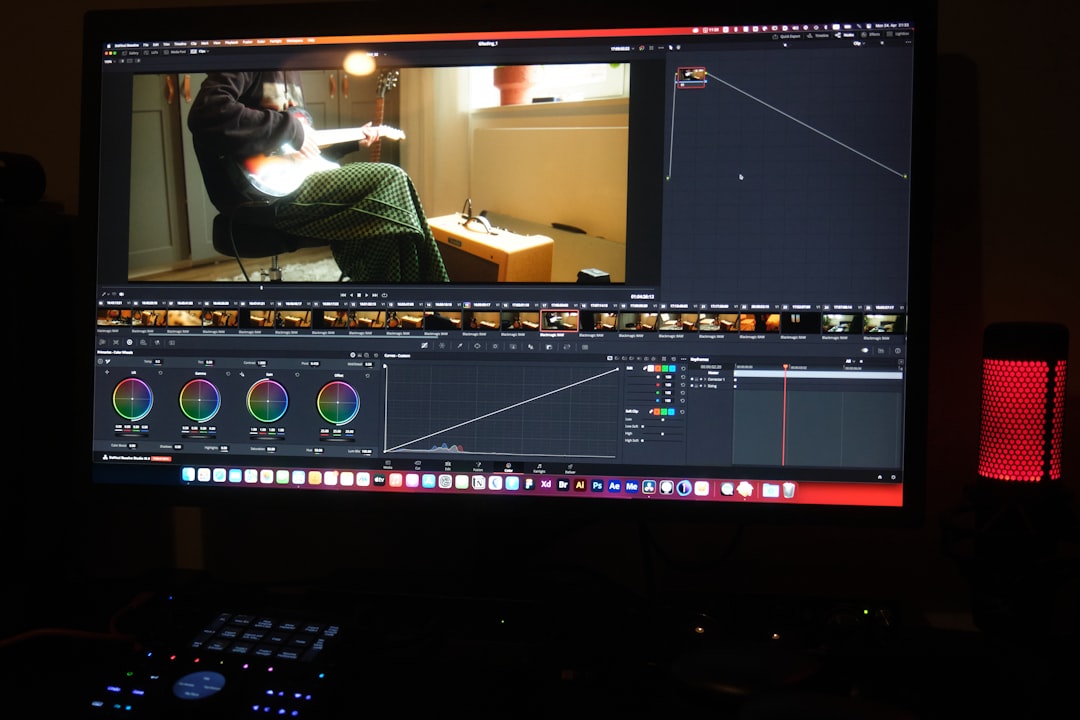
Editing videos can be fun — when it’s not painfully slow. Whether you’re a YouTuber, TikToker, or just making cool clips for Instagram, speed matters. And that’s where AI comes in. Redditors have been buzzing about AI-powered video editing apps that work wonders on Macs. Let’s dive into the best eight, according to the ones who use them the most.
TL;DR:
Short on time? Here’s the quick version. Redditors love AI video editors that help speed up cutting, adding smart edits, and even suggesting music or B-roll. We found eight of the best ones for Mac users. These apps are easy, fast, and do a lot of the heavy lifting for you. If you want to spend more time being creative and less time clicking, keep reading.
1. Runway ML – The AI Post-Production Powerhouse
Runway ML is a favorite for those doing more than just hobby edits. It’s great for automatically removing backgrounds, generating transitions, and even helping you storyboard with AI suggestions.
- AI Magic Tools: Quick background removal and object tracking.
- Real-Time Collaboration: Good for teams on shared projects.
- Works in Browser: No heavy installs.
Redditors say it cuts editing time in half. Multiple threads praise it for “being like Photoshop meets Premiere, but smarter.”
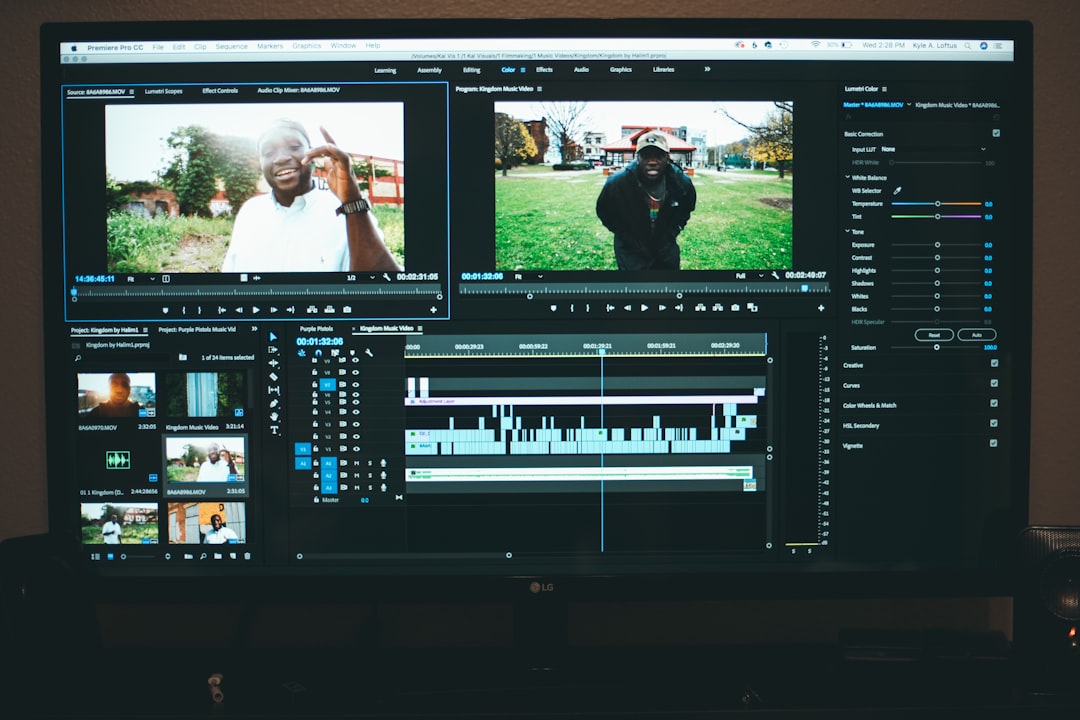
2. Descript – Edit Video Like You’re Editing Text
Ever wished you could just delete words in a transcript to cut a video? Descript lets you do exactly that.
- Overdub Feature: Even clone your voice to fix audio.
- Text-Based Cutting: Speeds up slicing interviews and podcasts.
- Screen Recording: Great for tutorials.
Redditors say it feels like “Google Docs for video editing.” Easy, intuitive, and rich in features. A fan-favorite for vloggers and educators.
3. Pictory – AI for Turning Text Into Video
Got a script, blog, or rough notes? Pictory takes your words and turns them into videos. Yep, seriously.
- Instant Video Creation: From blog posts, summaries, or scripts.
- Massive Stock Library: Images, clips, and music galore.
- Auto Captions: Great for accessibility and engagement.
Perfect if you hate editing but love storytelling. Reddit’s content marketers and solopreneurs love it for promo content.
4. Magisto – Let AI Do Most of the Work
Magisto feels like magic. Upload footage, pick a style, and let the AI do everything else.
- Smart Cutting: Detects emotional moments and highlights.
- Music Syncing: Automatically adjusts cuts to the beat.
- Fast as Lightning: Great for quick turnarounds.
Redditors recommend this for people who want impressive results without spending hours on timelines and keyframes.
Image not found in postmeta5. Wisecut – Perfect for YouTubers and Talking Head Videos
Wisecut is built for talking head videos, like vlogs, interviews, or explainer content. It automatically removes silence, adds subtitles, and even makes cuts on its own.
- Auto Silence Remover: Say goodbye to awkward pauses.
- AI Voice Translation: Reach more viewers in different languages.
- Subtitle Generation: Easy captions, even in other languages.
Reddit creators who post tutorials and tech reviews swear by it. One comment said: “I edited a 10-minute video in 8 minutes flat.”
6. Adobe Premiere Pro (with Sensei AI) – Industry Standard, Now Smarter
Yes, it’s Adobe, but now it has AI help built in. Sensei is Adobe’s AI engine, and it’s quietly making editing smarter without changing your workflow much.
- Auto Reframe: Automatically crops videos for social formats.
- Scene Edit Detection: Finds and marks cuts automatically.
- Speech-to-Text: Easy transcriptions and captions.
Redditors who already use Adobe love that Sensei saves hours when prepping videos for Instagram, TikTok, and YouTube Shorts.
7. Final Cut Pro X (with AI Plugins) – Classic Mac Favorite Gets a Boost
Final Cut Pro X is beloved by Mac users. While the app itself isn’t fully AI-powered, you can add plugins that do the trick.
- Plugins like Neat Video and Coremelt: Add noise reduction, stabilization, and smart tracking.
- Speech Enhancement Tools: Help clean up dialogue with AI filters.
- Smart Color Grading: AI matches colors across cuts.
Mac Redditors say if you’re editing professionally, Final Cut with the right plugins can dance circles around pricier setups.

8. Kapwing – Light, Browser-Based, and Surprisingly Smart
Kapwing is an online editor that’s fast becoming a go-to option for creators who don’t want downloads but still want AI features.
- Smart Cut: Instantly removes pauses and stutters.
- Auto Subtitles: With multiple styles and fonts.
- Team Editing: Great for collabs on social media content.
Redditors love it for quick meme edits, Instagram videos, and team projects. You can jump in, drag—and boom, you’re done.
Wrap-Up: Which One Is Right for You?
There’s no “one app to rule them all.” It really depends on your style and needs. Here’s a quick breakdown:
- For serious post-production: Runway ML, Final Cut Pro with AI plugins.
- For everyday creators: Descript, Wisecut, Kapwing.
- For marketers and small biz: Pictory, Magisto.
- Already in the Adobe world? Lean into Premiere Pro’s AI tools.
AI won’t replace your creativity — it supercharges it. Play around, test a few, and see which one makes your editing life happier and faster. As Reddit would say, “Don’t overthink it. Just cut it.”
Happy editing!
