


Digital note-taking has become an essential part of modern productivity, especially for iPad and Mac users who want seamless syncing, handwriting support, and powerful organization tools. While Notability remains a popular choice, it is far from the only capable option available. A growing number of apps now offer impressive feature sets that rival—or even surpass—Notability in certain areas.
TL;DR: Notability is powerful, but several alternative note-taking apps offer unique strengths for iPad and Mac users. GoodNotes excels in handwriting and organization, Microsoft OneNote is ideal for collaboration, Apple Notes offers seamless ecosystem integration, and Obsidian is perfect for knowledge management. Each app caters to different workflows and priorities. Choosing the best alternative depends on whether the focus is handwriting, collaboration, simplicity, or advanced linking.
Below are four standout alternatives that deserve consideration.
1. GoodNotes
Best for: Handwritten notes, structured notebooks, and planners
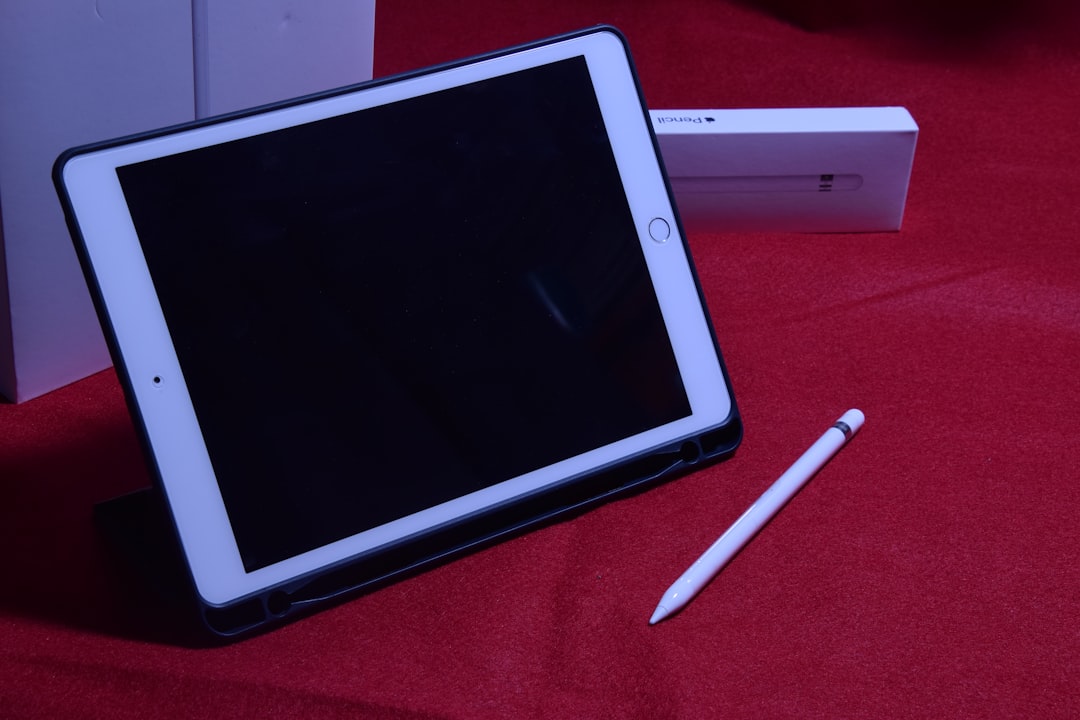
GoodNotes is often considered the closest competitor to Notability—and for many users, it surpasses it. Designed specifically with Apple Pencil in mind, GoodNotes delivers an exceptionally smooth handwriting experience on the iPad.
Key Features:
- Advanced handwriting recognition with searchable notes
- Customizable notebook covers and templates
- Precise shape recognition tools
- Tabbed document interface for efficient multitasking
- Cross-device sync between iPad, iPhone, and Mac
GoodNotes shines in organization. Users can create multiple notebooks, folders, and subfolders, mimicking a traditional filing system. For students and professionals managing separate subjects or projects, this structure proves extremely helpful.
Another major advantage is the one-time purchase model (depending on version), which appeals to users who prefer avoiding subscriptions. The app also supports PDF annotation, making it an excellent choice for academic reading or contract markups.
Drawbacks: Audio recording is more limited compared to Notability, and real-time collaboration is not its strongest area.
2. Microsoft OneNote
Best for: Collaboration and cross-platform flexibility
Microsoft OneNote offers a completely different philosophy. Instead of focusing primarily on handwriting aesthetics, it emphasizes flexibility and collaboration. Best of all, OneNote is free to use.

Key Features:
- Free-form canvas for typing, drawing, and inserting media
- Real-time collaboration with multiple users
- Deep integration with Microsoft 365
- Cross-platform availability (Windows, Mac, iOS, Android, Web)
- Automatic cloud syncing via OneDrive
OneNote’s structure mimics physical binders, complete with sections and pages. However, unlike GoodNotes or Notability, elements can be placed anywhere on the page, making it more flexible but sometimes less structured.
For teams, business users, or students working on group projects, OneNote’s collaborative features are unmatched. Shared notebooks update instantly, allowing simultaneous contributions.
Drawbacks: The handwriting experience, while solid, may not feel as polished as GoodNotes. The interface can also feel cluttered to new users.
3. Apple Notes
Best for: Simplicity and seamless Apple ecosystem integration
Apple Notes has evolved significantly in recent years. What was once a basic utility app is now a surprisingly powerful productivity tool. For iPad and Mac users deeply invested in the Apple ecosystem, it may be all they need.
Key Features:
- Built-in across all Apple devices
- iCloud syncing with end-to-end encryption
- Handwriting and Apple Pencil support
- Smart folders and tagging system
- Document scanning and inline attachments
The biggest advantage is convenience. There’s no additional download, subscription, or setup required. Notes integrates seamlessly with Siri, Safari, Mail, and other native apps.
For users who prefer a mix of typed and handwritten notes, Apple Notes handles both well. The tagging feature and smart folders allow users to create automatic organization systems without manually filing every note.
Drawbacks: Limited customization and fewer advanced handwriting tools compared to dedicated note-taking apps.
4. Obsidian
Best for: Knowledge management and linked thinking
Obsidian takes note-taking in a completely different direction. Rather than focusing primarily on handwriting, it excels in building interconnected knowledge systems using Markdown files.
Key Features:
- Bi-directional linking between notes
- Graph view to visualize connections
- Local file storage for privacy
- Extensive plugin ecosystem
- Cross-platform compatibility
Obsidian is particularly appealing to researchers, writers, and professionals managing large volumes of information. Notes can be linked together wiki-style, making it easy to trace ideas and concepts over time.
Though it lacks the elegant handwriting experience of GoodNotes, users can still integrate stylus tools or plug-ins if needed. Its true strength lies in creating a “second brain” for long-term knowledge retention.
Drawbacks: Learning curve is steeper. Not ideal for users primarily focused on handwriting or sketching.
Comparison Chart
| Feature | GoodNotes | Microsoft OneNote | Apple Notes | Obsidian |
|---|---|---|---|---|
| Best For | Handwriting & structured notes | Collaboration | Simplicity & Apple integration | Knowledge management |
| Handwriting Quality | Excellent | Good | Good | Limited |
| Collaboration | Basic | Excellent | Good | Limited |
| Syncing | iCloud | OneDrive | iCloud | Optional cloud sync |
| Pricing Model | One-time / Subscription | Free | Free | Free (paid sync option) |
| Mac Support | Yes | Yes | Yes | Yes |
How to Choose the Right Alternative
Choosing the right note-taking app depends largely on workflow and priorities:
- If handwriting precision and notebook structure are essential, GoodNotes is likely the best fit.
- For team collaboration and sharing across platforms, Microsoft OneNote stands out.
- For simplicity and tight Apple ecosystem integration, Apple Notes is highly practical.
- For advanced knowledge linking and long-term organization, Obsidian offers unmatched depth.
Each of these alternatives provides a compelling reason to look beyond Notability. Rather than searching for an exact replacement, users may benefit from identifying the app that complements their specific work style.
Frequently Asked Questions (FAQ)
1. Which Notability alternative is best for students?
GoodNotes is often the top choice for students due to its powerful handwriting tools, searchable notes, and structured organization. However, students working on group projects may prefer OneNote for collaboration.
2. Is there a completely free alternative to Notability?
Yes. Microsoft OneNote and Apple Notes are free to use. Obsidian is also free for personal use, though some sync features require payment.
3. Which app has the best handwriting experience?
GoodNotes is widely regarded as offering the smoothest and most accurate handwriting experience on iPad, especially when paired with Apple Pencil.
4. Can these apps sync between iPad and Mac?
All four alternatives—GoodNotes, OneNote, Apple Notes, and Obsidian—support Mac compatibility and syncing, though methods vary depending on the platform.
5. Is Obsidian suitable for handwritten notes?
Obsidian is not primarily designed for handwriting. It focuses on Markdown text and knowledge linking. Users seeking strong stylus support may find it less suitable.
6. Which alternative is best for long-term knowledge management?
Obsidian excels in long-term knowledge organization thanks to its linking system and graph view visualization.
7. Are these apps secure?
Apple Notes offers end-to-end encryption via iCloud. Obsidian stores files locally by default, providing strong privacy control. OneNote and GoodNotes rely on cloud services but follow standard security practices.
Ultimately, moving away from Notability does not mean compromising on quality. With strong competitors like GoodNotes, OneNote, Apple Notes, and Obsidian available, iPad and Mac users have more choices than ever before. The best note-taking experience will depend not just on features, but on how well an application supports the user’s unique workflow and long-term productivity goals.
