


So you want a website. Fast. Maybe it’s for your side hustle. Maybe it’s for your portfolio. Or maybe you finally bought that domain name at 1 a.m. and now you feel committed. Good news: you can launch a clean, professional site in a single weekend. You don’t need to code. You don’t need a tech degree. You just need the right builder.
TLDR: You can launch a website in one weekend using beginner-friendly tools like Wix, Squarespace, Shopify, or Webflow. Each platform has simple templates, drag-and-drop editing, and built-in hosting. Choose Wix for flexibility, Squarespace for stunning design, Shopify for selling, and Webflow for more advanced control. Pick one, follow a checklist, and go live by Sunday night.
Let’s break down four website builders that make this possible. Simple tools. Clean templates. Fast results.
1. Wix – The Flexible All-Rounder
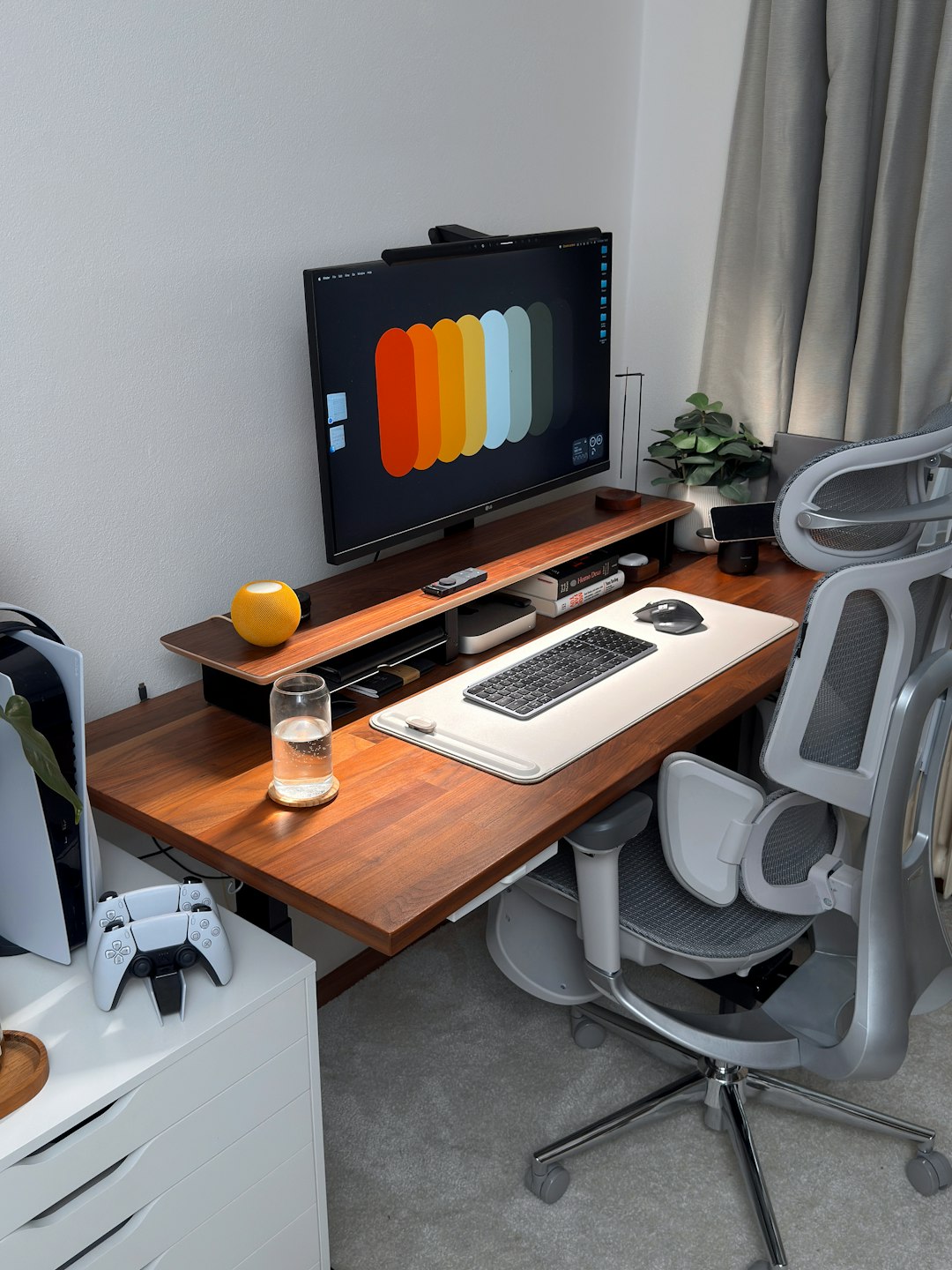
If you want freedom, start here. Wix is known for drag-and-drop simplicity. You grab elements and move them anywhere. No coding. No stress.
Why people love Wix:
- True drag-and-drop editor
- Tons of templates
- App market for extra features
- Beginner-friendly interface
You can build:
- Personal blogs
- Small business websites
- Consulting pages
- Event pages
- Simple online stores
Wix holds your hand. When you sign up, it even asks questions and suggests designs. You can use Wix ADI (Artificial Design Intelligence) if you want more guidance. Or choose a template and customize everything yourself.
Best for: Beginners who want control without complexity.
Weekend launch plan:
- Saturday morning: Pick a template.
- Saturday afternoon: Customize colors and fonts.
- Sunday morning: Add content and images.
- Sunday evening: Connect domain and hit publish.
Simple. Done.
2. Squarespace – The Design Lover’s Dream
If you care about aesthetics, Squarespace shines. The templates are sleek. Minimal. Modern. Everything looks polished out of the box.
It’s not as “freeform” as Wix. But that’s often a good thing. The structure keeps your design clean.
Why people choose Squarespace:
- Beautiful templates
- Strong blogging tools
- Built-in analytics
- Great typography
This builder is popular with:
- Photographers
- Designers
- Creators
- Small brands
Editing works in sections. You add blocks inside those sections. It feels organized. You don’t accidentally break your layout.
Best for: Creatives who want a stunning website without hiring a designer.
Weekend launch plan:
- Saturday: Choose a template that matches your vibe.
- Add logo, brand colors, and fonts.
- Sunday: Upload portfolio or blog posts.
- Press publish.
By Sunday night, you look legit.
3. Shopify – The Online Store Champion
Want to sell products? Start here. Shopify is built for ecommerce first. Everything else comes second.
You can launch a real store in two days. Products. Checkout system. Payments. Shipping. All included.
Why Shopify works so well:
- Easy product uploads
- Secure payments
- Tons of ecommerce apps
- Fast checkout experience
You don’t have to touch code. Just:
- Add products
- Upload photos
- Write descriptions
- Set prices
It’s that straightforward.
Shopify also handles hosting and security. That means fewer technical headaches. You focus on selling.
Best for: Anyone starting an online shop.
Weekend launch plan:
- Saturday morning: Choose a theme.
- Saturday afternoon: Add products.
- Sunday morning: Set up payments and shipping.
- Sunday evening: Test checkout and go live.
You could wake up Monday with your first order.
4. Webflow – The Power User’s Playground
Webflow is different. It’s still visual. But more advanced. You get deeper design control.
It feels like professional design software. But in the browser.
Why people use Webflow:
- Full design flexibility
- Clean code output
- Advanced animations
- CMS capabilities
There is a learning curve. But don’t be scared. If you’re comfortable experimenting, you can launch a simple site in a weekend.
This tool is great if:
- You want custom layouts
- You are a freelancer
- You plan to scale
- You care about performance
Best for: Designers or ambitious beginners who want more control.
Weekend launch plan:
- Saturday: Pick a starter template.
- Study structure and sections.
- Sunday: Replace content and adjust layout.
- Connect domain and publish.
By Sunday night, your site feels custom-built.
Quick Comparison Chart
| Builder | Ease of Use | Best For | Design Flexibility | Ecommerce Power |
|---|---|---|---|---|
| Wix | Very Easy | Beginners and small businesses | High drag and drop freedom | Good |
| Squarespace | Easy | Creatives and portfolios | Structured but polished | Solid |
| Shopify | Easy | Online stores | Theme based | Excellent |
| Webflow | Moderate | Designers and freelancers | Very high | Good with setup |
How to Actually Launch in a Weekend
Let’s be real. Tools help. But execution matters.
Here’s a simple system:
Step 1: Keep It Small
You don’t need 15 pages. Start with:
- Home
- About
- Services or Products
- Contact
That’s enough.
Step 2: Use Templates
Don’t start from scratch. Templates save hours. Replace content. Adjust colors. Done.
Step 3: Prepare Content First
Write your text in a document before building. Collect photos. Have your logo ready.
This avoids weekend panic.
Step 4: Don’t Chase Perfection
Your first version will not be perfect. That’s fine. Launch anyway. You can improve later.
Which One Should You Choose?
Still unsure? Here’s a quick cheat sheet:
- Pick Wix if you want maximum freedom and ease.
- Pick Squarespace if beauty and simplicity matter most.
- Pick Shopify if selling products is your goal.
- Pick Webflow if you want pro-level design control.
You cannot really go wrong. All four are solid.
Final Thoughts
Launching a website used to take weeks. And a developer. And a budget.
Not anymore.
Today, you can:
- Sign up Saturday morning
- Build all weekend
- Launch Sunday night
It’s completely realistic.
The biggest obstacle is not technology. It’s indecision. Pick one builder. Commit. Follow the simple plan. Publish.
Your website does not need to be huge. It needs to exist.
And one weekend from now, it can.
