



AI-powered video repurposing has become a core strategy for creators, marketers, and media teams looking to maximize the value of long-form content. While Opus Clip is one of the most well-known tools in this space, it is far from the only option. Depending on your workflow, budget, editing needs, and publishing goals, another platform may offer better customization, analytics, or automation. Choosing the right alternative requires understanding how each tool approaches clipping, captions, formatting, and distribution.
TLDR: Opus Clip is popular for turning long videos into short, shareable content, but several strong alternatives exist. Tools like Descript, Vidyo.ai, Kapwing, Pictory, and VEED offer different strengths in automation, editing precision, collaboration, and branding. The best choice depends on whether you prioritize AI automation, hands-on control, social media formatting, or enterprise-level workflows. Below is a practical breakdown and comparison to help you decide.
Why Look for an Opus Clip Alternative?
Although Opus Clip excels at automatically extracting short clips from long-form content, it may not meet every creator’s needs. Some users want deeper manual editing capabilities. Others need advanced caption styling, brand kits, team collaboration features, or better pricing tiers.
Key reasons professionals explore alternatives include:
- Greater editing control beyond automatic clip selection
- More flexible caption customization
- Collaboration and team workflows
- Better integrations with publishing tools
- Transparent or scalable pricing
Below are five serious and reliable platforms that compete strongly in the AI video repurposing space.
1. Descript
Best for: Creators who want transcript-based editing with deep control.
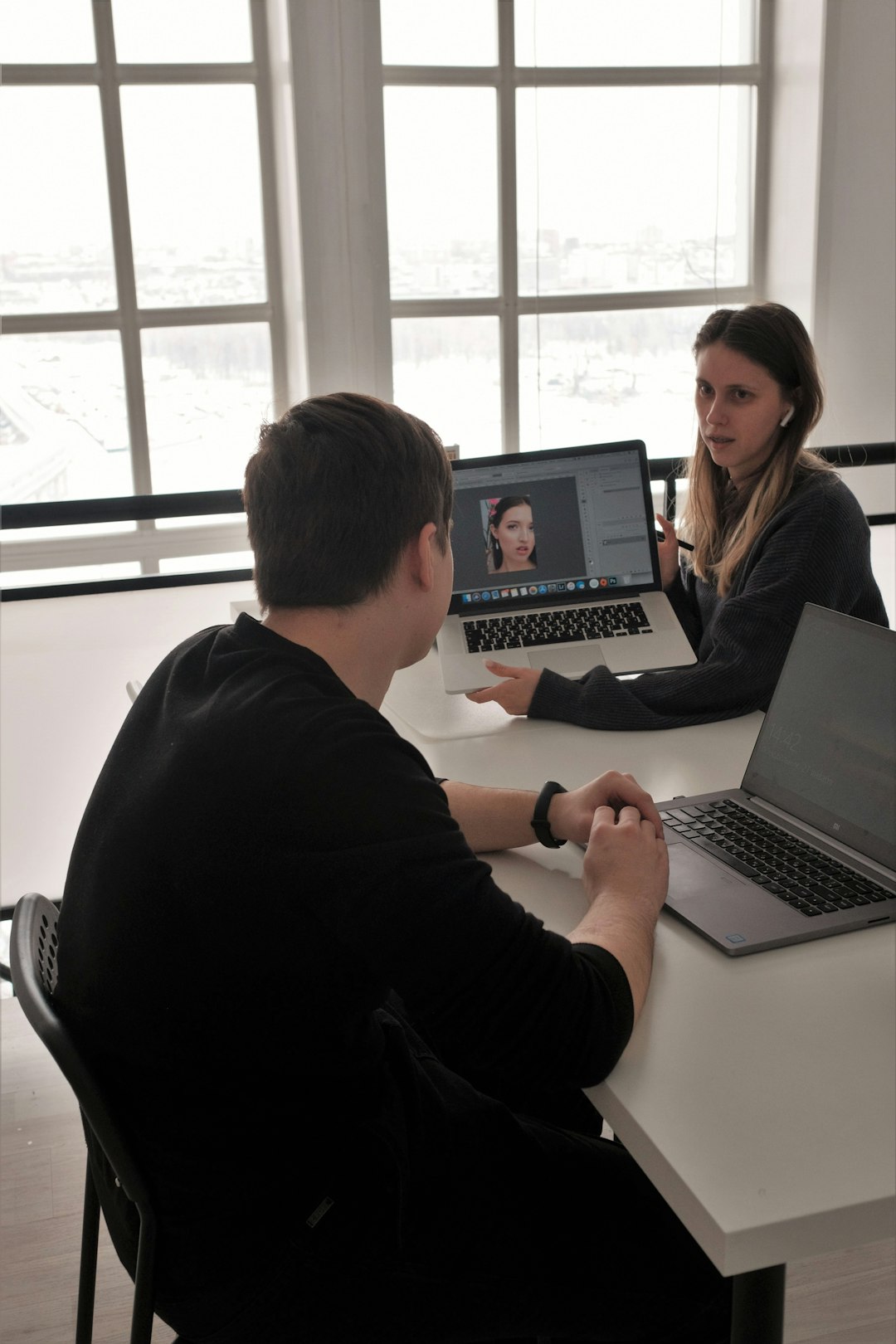
Descript is more than a clipping tool; it is a comprehensive audio and video editing platform powered by AI. Instead of focusing solely on viral-ready snippets, Descript allows users to edit video by editing text transcripts. This feature makes it particularly attractive for podcasters, educators, and interview-based creators.
Key features:
- Transcript-based editing
- AI filler-word removal
- Studio-quality audio enhancement
- Overdub AI voice cloning
- Manual and automated clip creation
Unlike Opus Clip, which focuses heavily on automated virality scoring, Descript gives creators more structural control. You can manually shape the narrative while still leveraging AI for efficiency.
Strength: Precision and flexibility.
Potential drawback: Slightly steeper learning curve.
2. Vidyo.ai
Best for: Fast, automated social media clipping.
Vidyo.ai competes directly with Opus Clip in the quick-turnaround space. It analyzes long videos and extracts shorter segments optimized for platforms like TikTok, Instagram Reels, and YouTube Shorts.
Key features:
- AI-powered highlight detection
- Auto captions with styling options
- Aspect ratio adjustments
- Custom branding templates
Vidyo.ai distinguishes itself through a streamlined interface and relatively fast processing. It is particularly useful for creators producing large volumes of podcast or webinar clips weekly.
Strength: Efficiency and simplicity.
Potential drawback: Less granular manual editing compared to traditional editors.
3. Kapwing
Best for: Teams and collaborative workflows.
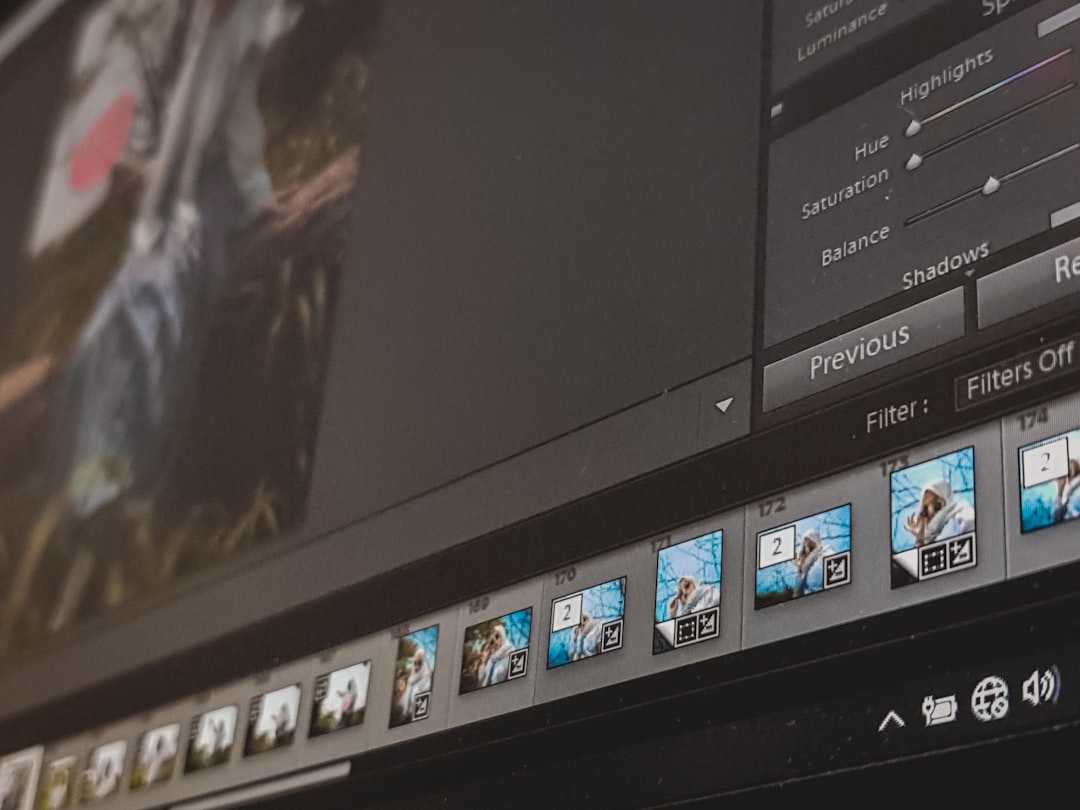
Kapwing is an online video editor that blends AI tools with traditional editing features. Unlike Opus Clip, it offers real-time collaboration, making it ideal for marketing teams and agencies managing shared content calendars.
Key features:
- AI clip generation
- Smart subtitles with dynamic styling
- Shared workspaces
- Cloud-based editing
- Brand kits and templates
Kapwing provides strong caption customization and design flexibility, which is crucial for branded short-form video. Teams can review and edit projects without downloading separate software.
Strength: Excellent collaboration and accessibility.
Potential drawback: Rendering speed may vary depending on project complexity.
4. Pictory
Best for: Turning scripts or long-form content into structured short videos.
Pictory takes a slightly different approach. In addition to repurposing existing video, it can generate videos from scripts or blog posts. For businesses that generate written content first, this makes repurposing more efficient.
Key features:
- Script-to-video conversion
- AI voiceovers
- Automatic summarization
- Stock footage integration
- Caption automation
Compared to Opus Clip, Pictory is more content-transformation oriented. It is particularly useful for thought leadership brands, training content, and corporate communications.
Strength: Flexibility across text and video content.
Potential drawback: Less optimized for viral-style clipping.
5. VEED

Best for: Social media–focused creators who want both AI and design control.
VEED combines automatic subtitling, clip generation, and a user-friendly editing interface. It stands out for subtitle animation styles and minimal learning barrier, which makes it popular among social-first creators.
Key features:
- Auto subtitles with extensive design options
- AI clip maker
- Eye contact correction tools
- Background noise removal
- Direct social exports
While Opus Clip leans heavily on algorithmic highlight scoring, VEED allows creators to shape their content visually and stylistically for platform-specific trends.
Strength: Balance between automation and creativity.
Potential drawback: Advanced automation features may require higher-tier plans.
Feature Comparison Chart
| Tool | Best For | AI Auto Clipping | Caption Customization | Team Collaboration | Script to Video |
|---|---|---|---|---|---|
| Descript | Transcript-based editing | Yes | Moderate | Yes | No |
| Vidyo.ai | Fast social clips | Strong | Good | Limited | No |
| Kapwing | Teams and agencies | Yes | Strong | Strong | No |
| Pictory | Content transformation | Moderate | Moderate | Limited | Yes |
| VEED | Social media creators | Yes | Very strong | Yes | No |
How to Choose the Right Alternative
Selecting the right platform depends less on which tool has the most features and more on how those features align with your goals.
Choose Descript if:
- You prioritize narrative control.
- You edit interviews or podcasts frequently.
- You want transcript-level precision.
Choose Vidyo.ai if:
- You need large quantities of shorts quickly.
- Speed is more important than manual refinement.
Choose Kapwing if:
- You manage a team-based workflow.
- Collaboration and shared editing matter.
Choose Pictory if:
- You transform blog content into video.
- You create structured educational materials.
Choose VEED if:
- Social-first design is your priority.
- You care about caption aesthetics and vertical format trends.
Final Thoughts
AI video repurposing is no longer optional for brands that rely on digital visibility. Long-form podcasts, webinars, interviews, and educational content contain dozens of potential short-form moments. The challenge is extracting and optimizing them efficiently.
While Opus Clip remains a strong player in the space, alternatives like Descript, Vidyo.ai, Kapwing, Pictory, and VEED offer meaningful differences in workflow, collaboration, design control, and automation philosophy. The right tool should amplify your existing strategy rather than dictate it.
Ultimately, the most effective approach is to align your software choice with your production style, team size, and distribution platforms. With the proper platform in place, AI video repurposing becomes not just a time-saving tactic, but a scalable content multiplier.
