


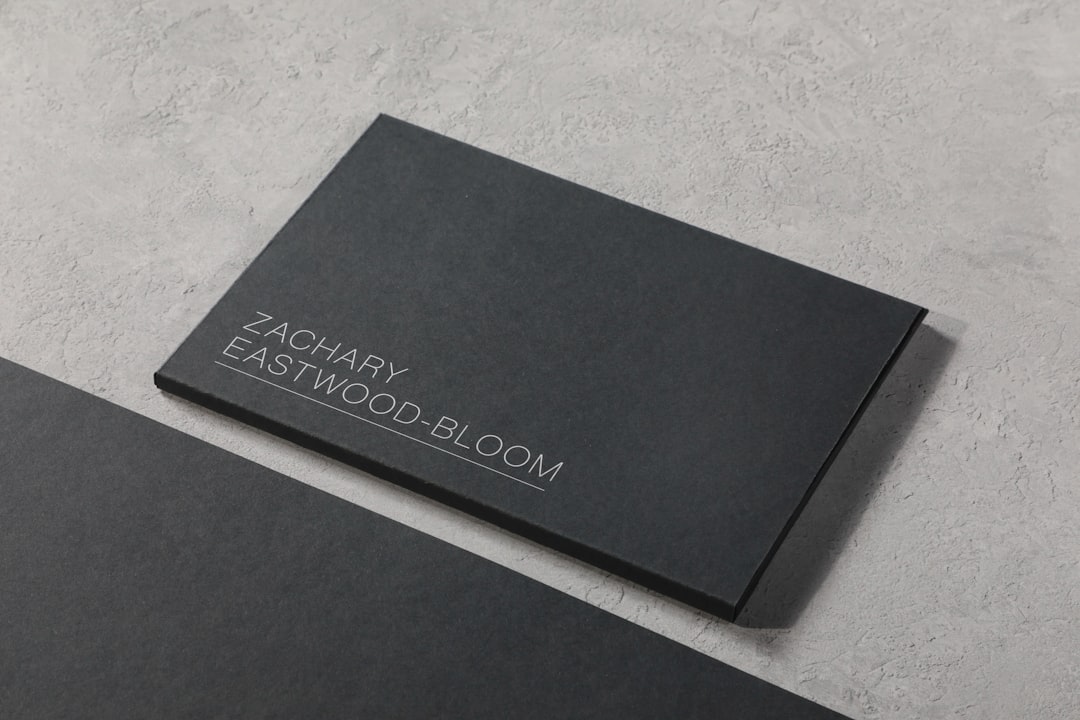
In a competitive professional landscape, a business card remains one of the most tangible and personal ways to communicate identity, credibility, and values. While digital networking continues to grow, a thoughtfully designed business card still makes a lasting impression, especially when it reflects a strong personal brand. Modern design tools make it easier than ever for professionals, freelancers, and entrepreneurs to craft cards that align with their image and goals.
TLDR: Business card design tools have evolved into powerful platforms for personal branding. From beginner-friendly options like Canva to professional tools such as Adobe Illustrator and Figma, there is a solution for every skill level. Choosing the right tool depends on design experience, branding needs, and printing preferences. A well-designed card reinforces brand identity and makes networking more memorable.
Personal branding is about consistency, clarity, and recognition. Business cards, though small, communicate color preferences, typography choices, and even personality traits. The following nine business card design tools stand out for their ability to support personal branding through flexibility, aesthetics, and ease of use.
1. Canva
Canva is widely recognized as one of the most accessible design tools available. It is particularly popular among professionals who want visually appealing results without advanced design skills. Canva offers thousands of customizable business card templates, making it easy to maintain brand colors, fonts, and layout consistency.
With drag-and-drop functionality and built-in brand kits, Canva allows users to store logos, brand colors, and typography for reuse. This feature is especially useful for personal branding, ensuring consistency across business cards, social media graphics, and presentations.
2. Adobe Express
Adobe Express combines Adobe’s design credibility with simplicity. It is designed for users who want professional-quality visuals without diving into complex software like Photoshop or Illustrator. Adobe Express provides high-quality templates and smooth integration with Adobe Fonts and Adobe Stock.
For personal branding, Adobe Express enables users to create clean, visually refined business cards that align with broader branding assets. It is particularly appealing to creatives who already use Adobe products and value aesthetic consistency.
3. VistaCreate (formerly Crello)
VistaCreate is a strong alternative to Canva, offering a wide range of templates and design elements. The platform is known for its visually bold designs, making it suitable for personal brands that want to stand out through color and layout.
VistaCreate supports easy resizing and customization, which allows a personal brand to evolve without starting from scratch. Its intuitive interface makes it accessible while still allowing room for creative expression.
4. Visme
Visme is often associated with presentations and infographics, but it also excels at business card design. The platform focuses on visual storytelling, which translates well into personal branding. Business cards created in Visme tend to emphasize clarity of message and structured design.
Visme is particularly useful for consultants, coaches, and educators who want their personal brand to communicate professionalism and approachability. Interactive branding options also allow for seamless extension into digital assets.
5. Figma
Figma is a professional design tool favored by designers and product teams. While not specifically built for business cards, its precision and collaborative features make it ideal for advanced personal branding projects.
Using Figma allows complete control over layout, spacing, typography, and color systems. This level of control is valuable for individuals who view their personal brand as a visual system rather than a single asset.

6. Adobe Illustrator
Adobe Illustrator remains the industry standard for vector-based design. It is best suited for professionals who want complete creative freedom and print-ready results. Illustrator allows designers to build business cards from scratch with precise control over every detail.
For personal branding, Illustrator is ideal when originality is a priority. Custom typography, logos, and layouts can be developed without template limitations, ensuring a truly unique brand expression.
7. Microsoft Designer
Microsoft Designer is a newer entrant in the design space, integrating artificial intelligence to simplify the creative process. It is particularly appealing to users already embedded in the Microsoft ecosystem.
The tool suggests layouts, color schemes, and typography based on input, which helps individuals quickly design business cards aligned with their personal brand. Microsoft Designer emphasizes efficiency and clarity, making it suitable for professionals who value speed and structure.
8. Moo Design Tool
Moo is best known as a premium printing service, but its built-in design tool is a valuable resource for business card creation. The Moo Design Tool focuses on high-quality print results, which is an essential consideration for personal branding.
One standout feature is the ability to print different designs on the back of each card, allowing users to showcase portfolio pieces, patterns, or brand variations. This approach adds depth and memorability to a personal brand.
9. Shopify Business Card Maker
The Shopify Business Card Maker is a straightforward tool aimed at entrepreneurs and small business owners. While simple, it covers the essentials of effective business card design.
This tool is best for individuals who want a clean, functional card that aligns with a professional brand identity. It integrates well with online business assets and supports consistency across digital and physical touchpoints.
[p]
Choosing the Right Tool for Personal Branding
Selecting the right business card design tool depends on several factors, including design experience, branding goals, and budget. Beginner-friendly platforms offer speed and simplicity, while advanced tools provide creative control and scalability.
- Skill level: Beginners may prefer template-based tools, while designers benefit from advanced software.
- Brand consistency: Tools with brand kits or style guides support long-term personal branding.
- Print quality: Vector-based tools ensure crisp, professional results.
- Workflow integration: Compatibility with other branding assets saves time.
Ultimately, a business card is not just a contact tool but a reflection of personal identity. The right design platform helps translate that identity into a memorable physical form.
FAQ
- Why are business cards still important for personal branding?
Business cards provide a tangible reminder of a personal brand and help create a more memorable connection during in-person networking. - Which tool is best for beginners?
Canva and VistaCreate are often considered the most beginner-friendly due to their templates and intuitive interfaces. - Are free tools sufficient for professional branding?
Free tools can be sufficient for many professionals, but premium features often unlock better customization, assets, and print quality. - What should a personal brand business card include?
Essential elements include name, role, contact information, logo, and consistent brand colors and typography. - Is it better to design for print or digital first?
Designing with print in mind ensures proper resolution and color accuracy, which can then be adapted for digital use.
