 logo
logo
Canva has become one of the most recognizable names in online design, offering an accessible way for beginners and professionals to create stunning visuals. However, it’s far from the only option available. Whether you’re looking for more advanced controls, better collaboration tools, specialized branding features, or simply a fresh interface, there are numerous powerful platforms that can rival—or even surpass—Canva in specific areas. The right choice depends on your workflow, design expertise, and creative goals.
TLDR: Canva is popular, but it’s not the only powerful design tool available. Alternatives like Adobe Express, Visme, Figma, VistaCreate, Snappa, and PicMonkey offer unique strengths ranging from advanced branding to collaborative design. Some tools excel at professional vector editing, while others focus on quick social media content or marketing visuals. Choosing the right alternative depends on your skill level, design needs, and budget.
If you’re ready to explore beyond Canva, here are some of the most powerful tools you can start using today.
1. Adobe Express
Adobe Express (formerly Adobe Spark) is often considered Canva’s most direct competitor. Backed by Adobe’s powerful ecosystem, it offers a user-friendly interface with access to professional-grade design assets. It also makes it easy to crop video for different platforms, helping users quickly adjust aspect ratios and frame key visuals without needing advanced editing skills.
Key Features:
- Seamless integration with Adobe Creative Cloud
- Professional-level fonts and stock assets
- Quick social media post and video creation
- Brand kits for consistent marketing
Best for: Users who want beginner-friendly design tools with the option to scale into professional Adobe products like Photoshop and Illustrator.
Adobe Express strikes a balance between simplicity and depth. If you already use Creative Cloud tools, this is a natural upgrade from Canva.
2. Visme
Visme shines when it comes to data visualization and presentations. While Canva offers presentation templates, Visme takes it further with interactive charts, infographics, and animated content.
Key Features:
- Advanced data widgets and interactive charts
- Presentation-focused templates
- Brand management tools
- Animation and interactivity options
Best for: Marketers, educators, and business professionals who frequently create data-driven presentations or reports.
Visme isn’t just about beautiful slides; it’s about storytelling through data. If your work demands impactful visuals backed by numbers, this platform offers more flexibility than Canva.
3. Figma
Figma is a cloud-based design powerhouse favored by UI/UX designers. Unlike Canva, which focuses largely on marketing graphics, Figma is built for interface design and collaborative product development.

Key Features:
- Real-time collaboration
- Advanced vector editing tools
- Prototyping and wireframing features
- Developer-friendly handoff tools
Best for: Product designers, UX professionals, and teams building apps or websites.
While it may have a steeper learning curve than Canva, Figma’s flexibility makes it one of the most powerful browser-based design tools available today.
4. VistaCreate
Previously known as Crello, VistaCreate is a highly capable design tool with a strong focus on animated visuals and social media content. Its interface feels familiar to Canva users, making the switch seamless.
Key Features:
- Large animation library
- Thousands of customizable templates
- Built-in background remover
- Easy-to-use editing interface
Best for: Social media managers, content creators, and small business owners who need quick, engaging graphics.
VistaCreate excels in animation and motion content—areas where many Canva users seek more variety and creativity.
5. Snappa
Snappa focuses on speed and simplicity. If Canva feels overwhelming or cluttered, Snappa offers a streamlined alternative for creating ads, blog graphics, and social posts quickly.
Key Features:
- Drag-and-drop simplicity
- Pre-sized templates for marketing channels
- Royalty-free stock photo library
- Fast export options
Best for: Entrepreneurs and bloggers who prioritize speed over complex design features.
Snappa may not offer advanced editing capabilities, but it does one thing exceptionally well: helping you create polished visuals in minutes.
6. PicMonkey
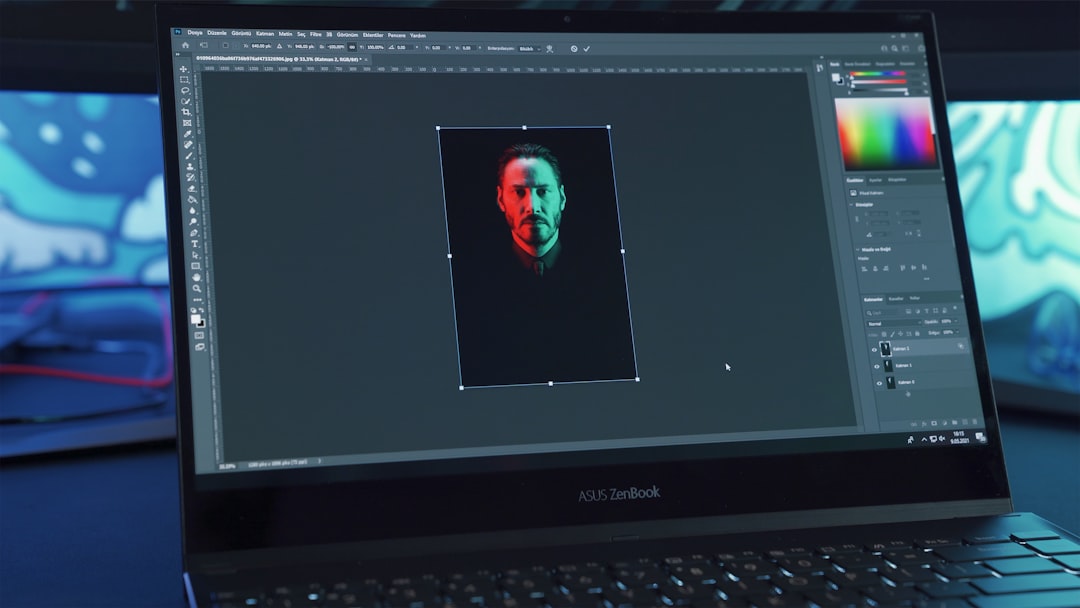
PicMonkey started as a photo editing tool but has evolved into a comprehensive design platform. It offers more advanced photo manipulation tools than Canva, making it especially useful for image-focused projects.
Key Features:
- Powerful photo retouching tools
- Layer-based editing
- Custom branding features
- Extensive typography options
Best for: Photographers, influencers, and small brands focused on high-quality imagery.
If your projects lean heavily on photo editing, PicMonkey provides more precise control than Canva’s relatively simple editing tools.
Comparison Chart: Canva Alternatives at a Glance
| Tool | Best For | Strengths | Ease of Use | Collaboration |
|---|---|---|---|---|
| Adobe Express | Marketing & Branding | Creative Cloud integration | High | Good |
| Visme | Presentations & Data | Interactive charts and infographics | Moderate | Good |
| Figma | UI/UX Design | Advanced vector tools, prototyping | Moderate to Advanced | Excellent |
| VistaCreate | Social Media Content | Animation and templates | High | Moderate |
| Snappa | Quick Marketing Graphics | Speed and simplicity | Very High | Limited |
| PicMonkey | Photo Editing & Branding | Advanced retouching tools | Moderate | Moderate |
How to Choose the Right Canva Alternative
Selecting the right tool depends on understanding your primary design goals. Ask yourself:
- Do I need advanced design control? Consider Figma or Adobe Express.
- Am I presenting complex data? Visme is a strong choice.
- Do I mainly create social media content? VistaCreate or Snappa may be ideal.
- Is professional photo editing important? PicMonkey stands out.
Budget also plays a role. Many of these platforms offer free plans, but advanced features typically require subscriptions. If collaboration is key, prioritize tools with real-time teamwork capabilities like Figma.
Final Thoughts
Canva may dominate the conversation, but it’s far from the only powerful design solution available. In fact, depending on your creative needs, one of these alternatives might better align with your goals. From the professional depth of Adobe Express and Figma to the animation-heavy features of VistaCreate and the photo precision of PicMonkey, today’s design landscape is more versatile than ever.
The best part? Most of these tools offer free trials or starter plans, giving you the opportunity to experiment without commitment. Exploring beyond Canva could unlock new creative possibilities, streamline your workflow, and elevate the quality of your designs.
Ultimately, the most powerful design tool isn’t the most popular one—it’s the one that fits seamlessly into your creative process and helps you bring your ideas to life.
