 logo
logo

Creating professional, engaging presentations no longer requires hours of manual design work. With the rise of artificial intelligence, slide creation has become faster, smarter, and significantly more intuitive. AI presentation makers now help users generate layouts, suggest content, design visuals, and even transform simple prompts into full slide decks within minutes.
TLDR: AI presentation makers simplify slide creation by automating design, layout, and content generation. They help professionals, educators, marketers, and students build visually polished decks in a fraction of the time. This guide explores 18 of the best AI-powered tools available today, along with a comparison chart and FAQs to help users choose the right solution for effortless presentations.
Whether someone needs a corporate pitch deck, a classroom lecture, or a marketing proposal, AI-powered tools are redefining the workflow. Below are 18 of the best AI presentation makers currently available.
18 Best AI Presentation Makers
1. Beautiful.ai
Best for: Automated slide layout design
Beautiful.ai uses AI to automatically adjust layouts and maintain consistency across slides. Its smart templates prevent design mistakes and ensure that content stays visually balanced.
2. Tome
Best for: AI-generated storytelling presentations
Tome transforms simple prompts into structured narratives. It combines text generation with image suggestions to create compelling story-driven decks.
3. Gamma
Best for: Quick content-to-presentation conversion
Gamma allows users to paste notes or prompts and converts them into formatted slides instantly. It emphasizes collaboration and modern design aesthetics.
4. Canva AI Presentations
Best for: Design flexibility with AI assistance
Canva integrates AI tools for layout suggestions, content generation, and image creation while retaining full manual design control.
5. Microsoft Copilot for PowerPoint
Best for: Enterprise users
Integrated into PowerPoint, Copilot generates slides from documents, summarizes reports, and enhances speaker notes automatically.
6. Google Slides with Gemini
Best for: Cloud-first collaboration
Gemini assists with content drafting, slide summaries, and visual suggestions directly inside Google Slides.
7. Prezi AI
Best for: Dynamic, non-linear presentations
Prezi’s AI features help structure presentations into zoomable, interactive storytelling experiences.
8. Pitch
Best for: Team collaboration
Pitch combines collaborative features with AI-powered layout assistance to streamline business presentation workflows.
9. SlidesAI
Best for: Text-to-slide automation
SlidesAI converts written content into organized presentation slides in seconds.
10. Simplified AI Presentation Maker
Best for: Marketing teams
This tool offers AI design assistance alongside branding and marketing integrations.
11. Visme AI
Best for: Data visualization
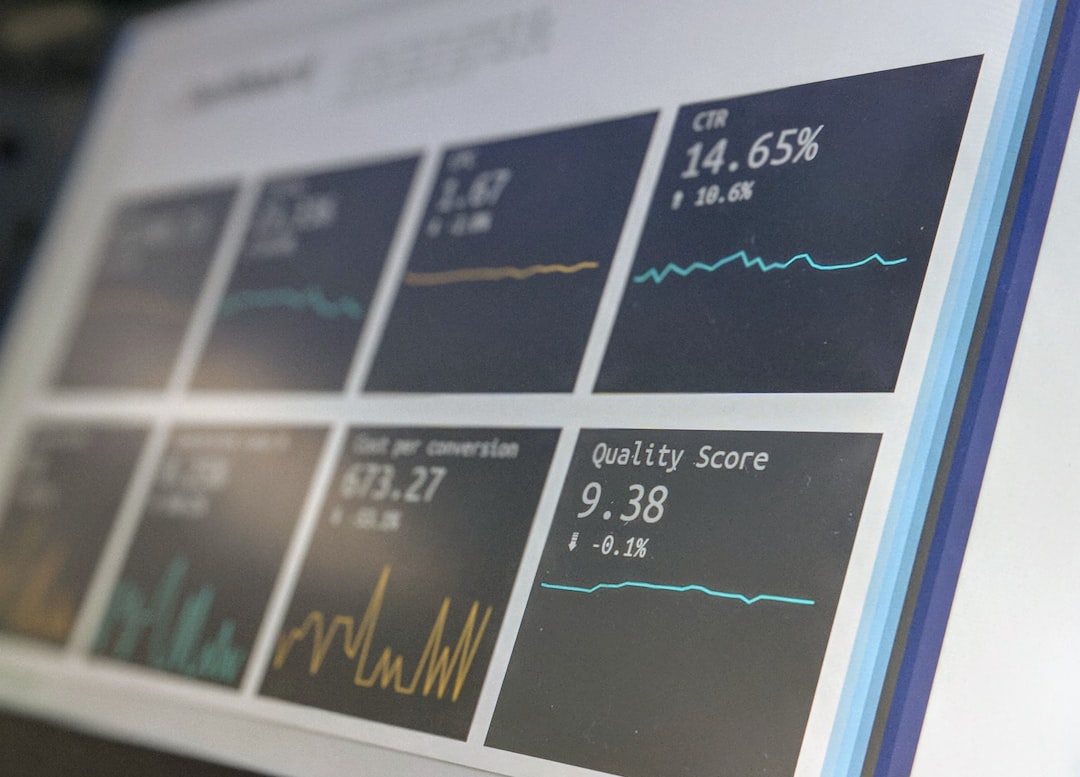
Visme uses AI to recommend visuals, infographics, and charts, making complex data easier to understand.
12. Decktopus
Best for: Fast professional decks
Decktopus generates complete presentations, including slide notes and design structure, from short prompts.
13. Zoho Show with AI
Best for: Business ecosystems
Zoho Show integrates AI tools within its broader business software suite for seamless workflows.
14. Kroma.ai
Best for: Investor pitch decks
Kroma focuses on business and financial presentations with high-level design support.
15. Slidebean
Best for: Startup founders
Slidebean automates slide formatting while allowing users to focus on content structure.
16. Storydoc
Best for: Interactive sales presentations
Storydoc creates engaging, trackable presentations optimized for online viewing.
17. Sendsteps AI
Best for: Audience engagement
Sendsteps generates interactive slides with polls and quizzes powered by AI insights.
18. Presentations.AI
Best for: Smart, brand-consistent decks
This tool emphasizes automated design alignment with brand guidelines.

Comparison Chart of Top AI Presentation Makers
| Tool | Best For | AI Content Generation | Collaboration | Design Automation |
|---|---|---|---|---|
| Beautiful.ai | Smart layouts | Limited | Yes | Strong |
| Tome | Storytelling | Strong | Yes | Strong |
| Gamma | Quick decks | Strong | Yes | Moderate |
| Canva | Creative control | Moderate | Yes | Strong |
| Copilot | Enterprise | Strong | Yes | Moderate |
| Prezi | Dynamic presentations | Moderate | Yes | Moderate |
| Decktopus | Fast generation | Strong | Limited | Strong |
| Slidebean | Startups | Moderate | Limited | Strong |
Key Benefits of Using AI Presentation Makers
1. Time Efficiency
AI tools drastically reduce the time spent adjusting layouts, aligning elements, and brainstorming design ideas.
2. Professional Design Quality
Even users without design experience can produce sleek, modern presentations thanks to automated formatting and visual optimization.
3. Content Suggestions
Many platforms generate headlines, bullet points, summaries, and even images from short text prompts.
4. Improved Collaboration
Cloud-based AI tools allow multiple team members to edit and refine presentations simultaneously.

How to Choose the Right AI Presentation Maker
Choosing the ideal platform depends on individual needs:
- For businesses: Tools with collaboration and brand control are essential.
- For educators: Simplicity and quick content generation matter most.
- For startups: Investor-focused templates and storytelling features provide strong advantages.
- For marketers: Visual customization and multimedia integration are critical.
Users should also consider integration options, pricing structure, export capabilities, and ease of use before committing to a platform.
The Future of AI in Presentations
AI presentation makers continue to evolve rapidly. Future developments are likely to include real-time audience analysis, automated voice narration, personalized slide adaptation, and advanced interactive elements. As machine learning algorithms improve, presentations may become more adaptive and context-aware, adjusting content dynamically based on viewer engagement.
Ultimately, AI is not replacing human creativity but enhancing it. By automating repetitive design tasks, these platforms allow presenters to focus on storytelling, strategy, and audience connection.
Frequently Asked Questions (FAQ)
1. Are AI presentation makers suitable for professional use?
Yes. Many AI presentation tools are designed specifically for corporate environments and support brand customization, collaboration, and enterprise security requirements.
2. Do AI presentation tools replace designers?
No. They assist with layout and structure but still benefit from human creativity and oversight, especially for high-stakes presentations.
3. Can AI create an entire presentation from a single prompt?
Several tools can generate full slide decks from short prompts or documents. However, users may still refine the content for clarity and accuracy.
4. Are these tools beginner-friendly?
Most AI presentation makers are designed for ease of use, making them accessible to beginners while still offering advanced options for experienced users.
5. Do AI-generated presentations look generic?
Not necessarily. Many tools provide customizable templates and brand settings to ensure unique, polished results.
6. Are AI presentation makers free?
Many platforms offer free plans with limited features, while advanced AI capabilities typically require paid subscriptions.
With the growing demand for faster and more efficient workflows, AI presentation makers are becoming indispensable tools. By leveraging smart automation and content generation, they make slide creation effortless while maintaining high design standards.
