 logo
logo

QR code technology has evolved from a simple way to store URLs into a powerful marketing, analytics, and engagement tool for businesses of all sizes. As more brands integrate QR codes into packaging, menus, ads, and digital campaigns, choosing the right QR code generator has become increasingly important. Among the many tools available today, TQRCG has gained attention for its modern features and flexibility. But how does it truly compare to other popular QR code tools on the market?
TLDR: TQRCG stands out for its customizable designs, strong analytics, and user-friendly interface. Compared to traditional QR generators, it offers more advanced tracking and branding capabilities. While some tools specialize in simplicity or enterprise-scale deployment, TQRCG aims to balance flexibility, affordability, and performance. The right choice ultimately depends on business needs, budget, and marketing goals.
What Businesses Expect from a Modern QR Code Tool
Before comparing specific tools, it is helpful to understand what modern users expect from a QR code platform. Basic code generation is no longer enough. Today’s businesses require:
- Dynamic QR codes that allow content editing after publishing
- In-depth analytics such as scan location, time, and device type
- Custom branding with logos, colors, and shapes
- High-resolution downloads for print materials
- Integrations with marketing and CRM platforms
- Security and reliability for large-scale usage
TQRCG competes in this environment by positioning itself as both accessible and powerful.
TQRCG: Core Features and Strengths
TQRCG focuses on combining simplicity with advanced functionality. It allows users to generate both static and dynamic QR codes, catering to individual creators and large teams alike.
1. Dynamic Code Flexibility
One of TQRCG’s strongest features is its dynamic QR code editing. Users can update destination URLs, change file uploads, or modify landing page content without reprinting the code. This is particularly advantageous for:
- Restaurant menus
- Event promotions
- Product packaging
- Temporary marketing campaigns
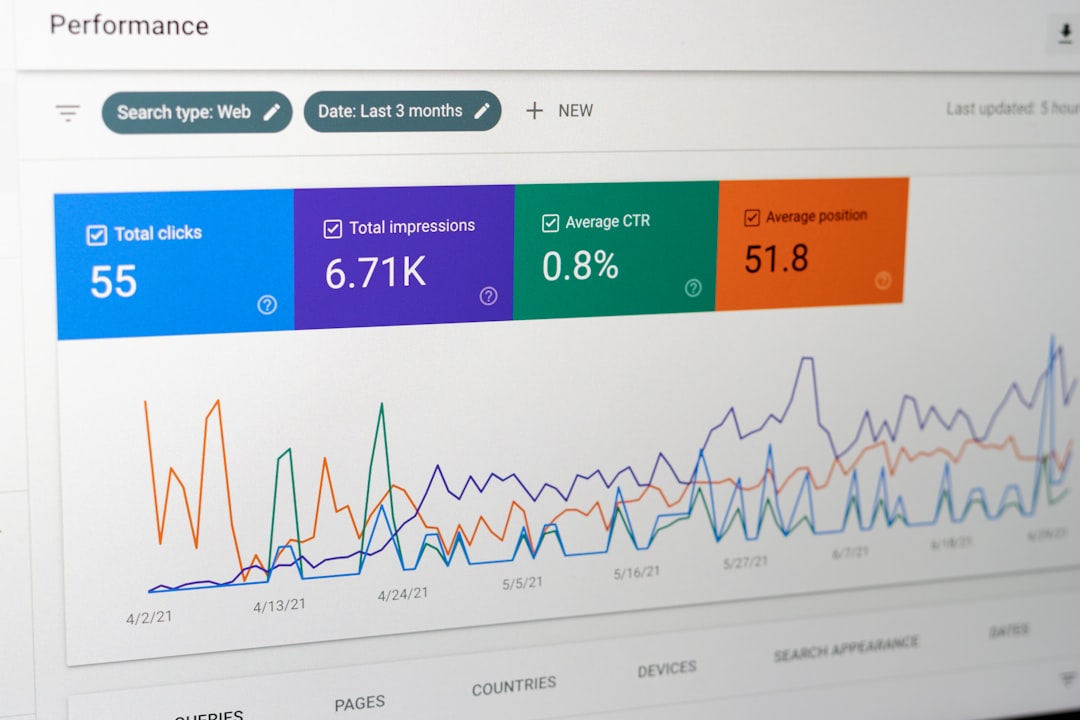
2. Advanced Analytics Dashboard
TQRCG provides detailed analytics that track:
- Number of scans
- Geographic locations
- Devices used
- Time-based engagement patterns
Compared to many entry-level QR generators that only offer basic scan counts, TQRCG’s analytics can offer actionable business intelligence.
3. Extensive Customization
Customization plays a major role in brand recognition. TQRCG supports:
- Logo insertion
- Color adjustments
- Gradient styling
- Frame and call-to-action text
- Unique pattern shapes
This level of control allows companies to align QR codes with their brand identity rather than relying on plain black-and-white squares.
4. User Experience
TQRCG features a clean dashboard and intuitive navigation. Many traditional tools overwhelm users with cluttered interfaces, while overly simplified tools may lack advanced features. TQRCG seeks a middle ground that appeals to both beginners and marketing professionals.
How Other QR Code Tools Compare
Competing QR code tools often fall into three categories: basic free generators, mid-tier marketing tools, and enterprise platforms.
Basic Free Generators
These platforms are typically used for simple, one-time purposes. They often:
- Offer static QR codes only
- Lack editing capabilities
- Provide limited or no analytics
- Offer minimal customization
While free generators are suitable for hobby projects, they may not meet the ongoing demands of growing businesses.
Mid-Tier Marketing Platforms
Mid-range tools often include branding options and basic analytics. However, some limit features to higher subscription tiers. Compared to these tools, TQRCG frequently provides competitive pricing while maintaining feature depth.
Enterprise QR Solutions
Enterprise-level tools focus on mass deployment, team access management, API integration, and highly secure infrastructure. These platforms may exceed the needs of small businesses but are valuable for corporations running global campaigns.
Feature Comparison Chart
| Feature | TQRCG | Basic Generators | Mid-Tier Tools | Enterprise Platforms |
|---|---|---|---|---|
| Static QR Codes | Yes | Yes | Yes | Yes |
| Dynamic QR Codes | Yes | No | Yes | Yes |
| Edit After Publishing | Yes | No | Limited | Yes |
| Advanced Analytics | Detailed | None | Basic to Moderate | Advanced |
| Custom Branding | Extensive | Minimal | Moderate | Advanced |
| Team Collaboration | Available | No | Limited | Robust |
| API Integration | Limited to Moderate | No | Sometimes | Yes |
| Best For | SMBs and marketers | One-time use | Growing businesses | Large enterprises |
Pricing Considerations
Pricing often plays a decisive role. Basic generators are free but limited. Mid-tier platforms typically operate on subscription models. Enterprise tools may require custom quotes.
TQRCG generally positions itself in a competitive pricing bracket, offering scalable plans suitable for:
- Freelancers
- Small businesses
- Marketing teams
- Ecommerce brands
The balance between affordability and professional-level features is where TQRCG attempts to differentiate itself.
Use Case Scenarios
Retail and Product Packaging
TQRCG’s editable dynamic codes are especially useful when linking to product tutorials, warranty registrations, or promotional campaigns. If a link changes due to seasonal sales, it can be updated instantly.
Restaurants and Hospitality
Compared to static tools, TQRCG allows restaurants to adjust menus, pricing, and promotions without generating new codes, saving printing costs.
Events and Conferences
Event organizers benefit from scan tracking and geographic insights. TQRCG enables them to monitor engagement in real time and measure campaign performance.

Security and Reliability
Security is a growing concern in the QR ecosystem. Reliable platforms must ensure:
- Secure hosting infrastructure
- Data protection compliance
- Minimal downtime
- Protection against malicious redirects
TQRCG competes by offering stable infrastructure and responsible data practices. While enterprise-level tools may offer deeper integrations and compliance certifications, TQRCG serves mainstream business needs effectively.
Ease of Adoption
Adoption speed matters, especially for small businesses without technical teams. Some enterprise systems require onboarding processes and staff training. In contrast:
- Basic generators are easy but limited.
- TQRCG maintains simplicity while delivering advanced features.
- Enterprise solutions may require significant setup time.
This makes TQRCG particularly attractive to organizations that want rapid deployment without compromising on marketing capabilities.
Pros and Cons Summary
TQRCG Advantages
- Strong customization features
- Comprehensive analytics
- Editable dynamic codes
- Competitive pricing
- User-friendly dashboard
Potential Limitations
- May lack ultra-advanced enterprise APIs
- Feature depth depends on subscription tier
- Not fully tailored for multinational enterprise complexities
Final Evaluation
When comparing TQRCG with other QR code tools, the distinction becomes clear: it aims to bridge the gap between simple generators and high-cost enterprise systems. For small and medium-sized businesses, marketers, and ecommerce brands, it offers a practical mix of customization, analytics, flexibility, and affordability.
In contrast, free generators are suitable only for limited use cases. Enterprise solutions, while powerful, may exceed the needs and budgets of most organizations. TQRCG occupies a strategic middle ground, making it a compelling option for businesses seeking scalable QR solutions without unnecessary complexity.
Frequently Asked Questions (FAQ)
1. What makes TQRCG different from free QR code generators?
TQRCG offers dynamic QR codes, detailed analytics, and branding options, while most free generators only provide static codes with no editing or tracking capabilities.
2. Are dynamic QR codes better than static ones?
Yes, dynamic QR codes allow users to edit the destination content without changing the physical code. This makes them ideal for marketing campaigns and long-term use.
3. Is TQRCG suitable for small businesses?
Yes, it is particularly well-suited for small and medium-sized businesses that need professional features without enterprise-level costs.
4. Can TQRCG QR codes be customized with logos and brand colors?
Yes, TQRCG supports logo uploads, custom colors, gradient effects, and frame styling to match brand identity.
5. Does TQRCG provide analytics?
Yes, users can track scan counts, locations, devices, and time-based performance data through its analytics dashboard.
6. When should a company choose an enterprise QR platform instead?
Organizations running large-scale international campaigns, requiring deep API integrations, or managing multiple departments may benefit more from a dedicated enterprise solution.
Ultimately, the choice between TQRCG and other QR code tools depends on business size, marketing objectives, and technical requirements. For many companies seeking flexibility and insight-driven performance, TQRCG presents a strong and balanced option.
