 logo
logo

Video has become the dominant form of communication across social media, corporate training, marketing, and education. However, without captions, a significant portion of your audience may never fully engage with your content. Subtitles are no longer optional—they are essential for accessibility, viewer retention, and platform optimization. Fortunately, modern video captioning apps like Kapwing make it easier than ever to add subtitles quickly and accurately, even without professional editing experience.
TLDR: Video captioning apps simplify the process of adding accurate subtitles to your videos, improving accessibility and engagement. Tools similar to Kapwing offer automated transcription, customizable caption styles, and export-ready formats for multiple platforms. These platforms save time while boosting SEO, audience reach, and inclusivity. Choosing the right app depends on your workflow, budget, and desired level of editing control.
Why Captions Matter More Than Ever
Captions do far more than simply convert speech into text. They serve multiple strategic and practical purposes:
- Accessibility: They allow people who are deaf or hard of hearing to engage fully with content.
- Improved viewer retention: Many users scroll social media with sound off.
- Global reach: Subtitles support multilingual translation.
- SEO benefits: Transcribed content enhances search engine discoverability.
- Professional credibility: Clean subtitles increase perceived production quality.
Data from multiple digital platforms consistently shows that videos with captions experience higher completion rates and improved engagement metrics. In professional environments, captioning is often mandated for compliance reasons. In consumer marketing, it is simply smart strategy.
Core Features of Video Captioning Apps
Platforms similar to Kapwing provide a streamlined workflow built around automation and editing flexibility. While features vary slightly, most high-quality apps include:
1. Automatic Speech Recognition (ASR)
AI-powered transcription converts spoken audio into text within minutes. Advanced tools offer high accuracy rates and support for multiple languages.
2. Manual Editing and Timeline Sync
While automation is helpful, fine-tuning captions ensures precision. Editors typically allow frame-level timing adjustments.
3. Customizable Styling
Users can modify font size, color, placement, background, and animation to align subtitles with brand guidelines.
4. Multi-Format Exports
Options often include hardcoded captions (burned into video) or separate subtitle files such as SRT and VTT.
5. Collaboration Tools
Certain apps support team-based editing, comments, and shared projects.
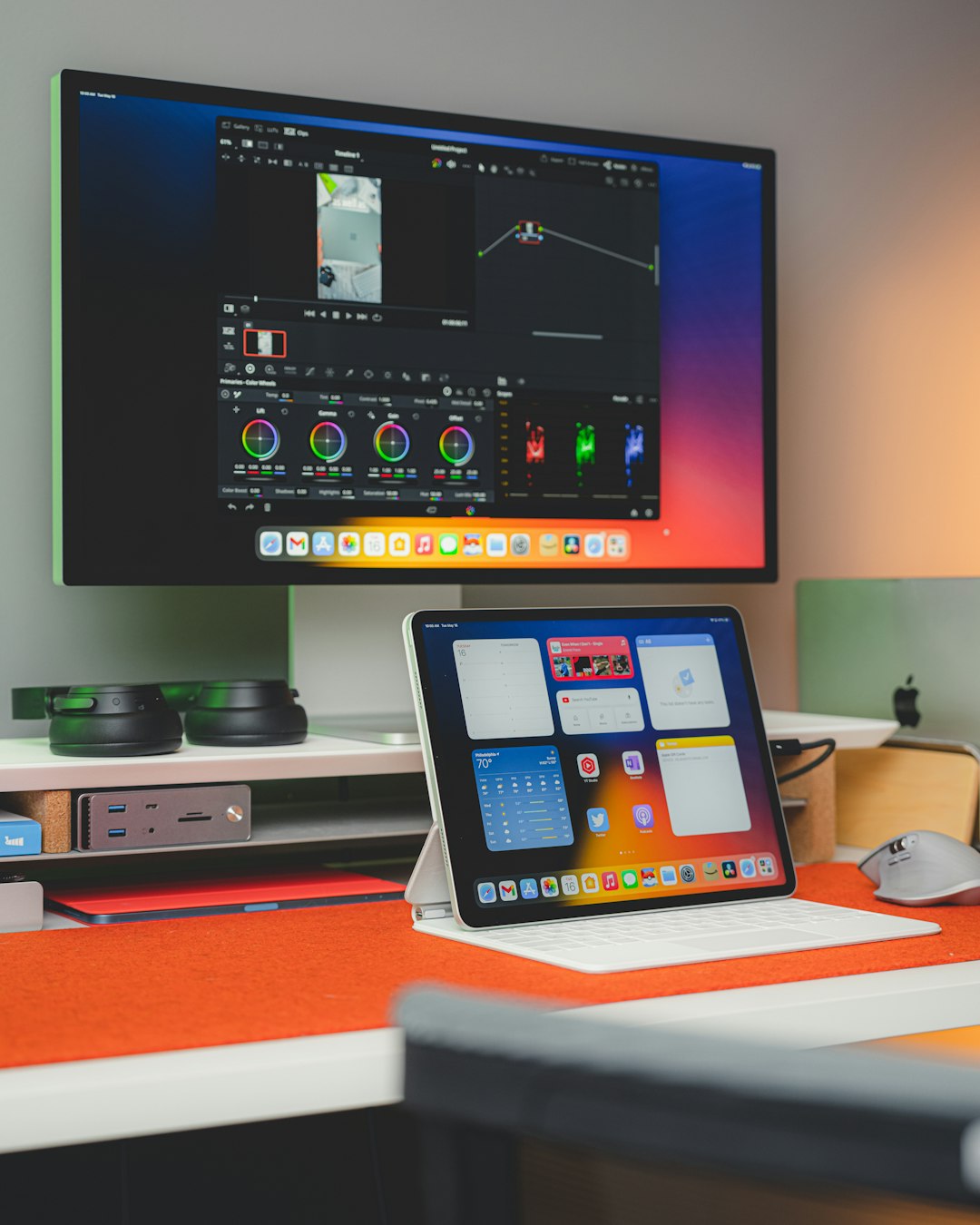
These features significantly reduce the technical barrier traditionally associated with professional video editing software.
Top Video Captioning Apps Like Kapwing
Several trusted platforms offer reliable captioning tools. Each has strengths depending on user needs.
1. VEED.io
VEED.io is a browser-based editor known for its clean interface. Its automatic subtitle generator is fast, and users can edit text directly within the timeline. It also includes branding tools and supports various export options.
Best for: Content creators and marketers who want quick, browser-based edits without complicated software installation.
2. Descript
Descript approaches video editing by treating audio and video like editable text documents. Once transcribed, users can edit video by editing the transcript itself.
Best for: Podcasters, educators, and professionals producing dialogue-heavy content.
3. Rev
Rev combines AI transcription with the option of human-reviewed accuracy. While it leans more toward transcription services, it provides downloadable subtitle files compatible with most editing platforms.
Best for: Users who require high-accuracy captions for legal, corporate, or compliance purposes.
4. Clipchamp
This platform integrates captioning tools within a broader suite of beginner-friendly editing features. Its speech-to-text generator is simple and effective for short-form content.
Best for: Social media creators and small businesses producing promotional videos.
5. Subly
Subly focuses specifically on subtitle creation, offering multilingual translation and accessibility compliance features.
Best for: Businesses expanding into global markets.

How to Choose the Right Captioning App
Selecting the best tool requires thoughtful consideration of workflow requirements. Consider the following factors:
Accuracy
Automatic systems vary in performance. Industry-standard AI delivers strong results, but accents, background noise, and technical vocabulary can affect quality.
Ease of Use
A user-friendly interface minimizes training time. Drag-and-drop functionality and straightforward exports improve efficiency.
Language Support
If your audience spans multiple regions, prioritize tools offering multilingual transcription and translation services.
Customization Options
Brand consistency may require precise font and styling adjustments. Confirm that the platform allows detailed design control.
Pricing Structure
Some apps offer subscription-based models, while others charge per minute of transcription. Evaluate long-term usage costs carefully.
Workflow: Adding Subtitles Step-by-Step
Although platforms differ slightly, the general process typically follows these steps:
- Upload your video file.
- Generate automatic subtitles.
- Review and edit the transcript.
- Synchronize timing adjustments.
- Customize style and formatting.
- Export with hardcoded subtitles or download SRT file.
For most short-form videos, the entire process can be completed within 5–15 minutes, depending on video length and correction requirements.
Hardcoded vs. Separate Subtitle Files
Understanding the difference between subtitle types is essential:
- Hardcoded captions: Permanently embedded into the video file. Ideal for social platforms such as Instagram and TikTok.
- SRT or VTT files: Separate subtitle files that viewers can toggle on or off. Common for YouTube and corporate hosting platforms.
SRT files also improve accessibility compliance across learning management systems and enterprise software platforms.
Accessibility and Legal Compliance
Accessibility legislation in many regions mandates captioning for educational, governmental, and corporate communications. Professional environments are increasingly adopting captioning standards as part of inclusive communication policies.
Reliable captioning tools reduce legal exposure and demonstrate organizational responsibility.
In addition, captions benefit populations with cognitive processing differences, non-native speakers, and viewers in sound-sensitive environments. The broader impact of subtitles extends well beyond regulatory compliance.
The Role of AI in Modern Captioning
Artificial intelligence has transformed captioning workflows. What once required manual transcription and painstaking timing adjustments can now be accomplished with near real-time automation.
Modern AI systems incorporate:
- Context-based language modeling
- Speaker differentiation
- Automatic punctuation
- Noise filtering algorithms
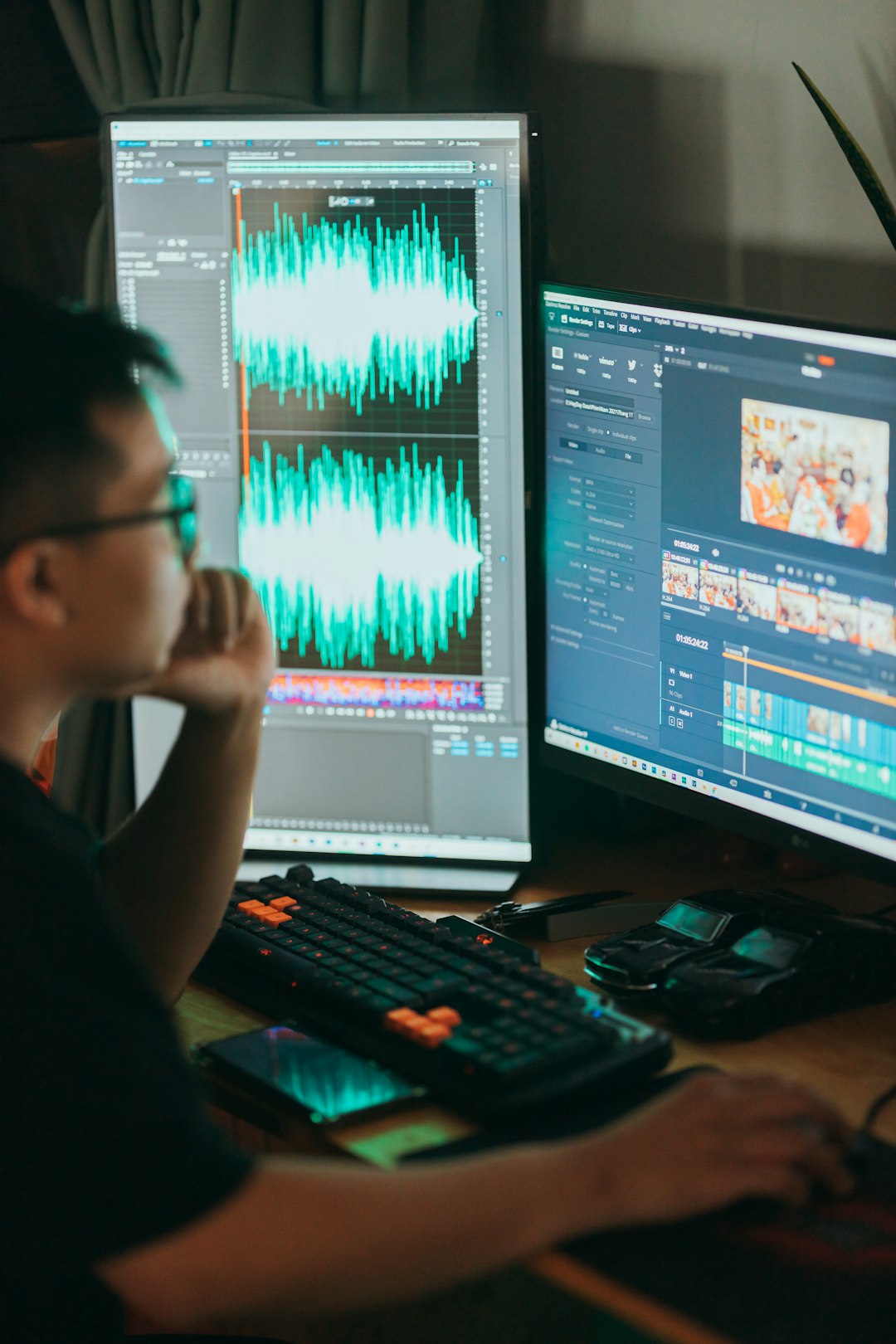
Although human review remains valuable for complex or technical content, AI-first captioning tools have dramatically improved both speed and affordability.
Best Practices for Professional Subtitles
Even with strong tools, quality depends on thoughtful execution. Consider the following guidelines:
- Keep captions concise: Avoid overcrowding the screen with excessive text.
- Maintain readable contrast: Use high-contrast text and background.
- Align timing carefully: Subtitles should match speech rhythm naturally.
- Avoid obstructing visual elements: Place captions strategically.
- Review for grammar and clarity: Automated systems may miss contextual nuances.
Consistency is especially important for organizations producing ongoing video series.
Use Cases Across Industries
Video captioning extends across diverse professional contexts:
Marketing: Boost social engagement and ad performance.
Education: Support diverse learning styles and accessibility requirements.
Corporate Training: Standardize internal communication.
Media Production: Prepare broadcast-ready assets.
E-Commerce: Enhance product demonstrations and tutorials.
In each scenario, captioning improves clarity, professionalism, and audience trust.
The Strategic Advantage of Captioning Early
Importantly, subtitle integration works best when incorporated early in production rather than treated as an afterthought. Planning for captions influences pacing, scripting clarity, and visual design.
Organizations that systematize caption workflows often see measurable gains in engagement analytics and audience retention data.
Conclusion
Video captioning apps like Kapwing and similar platforms have fundamentally changed how creators and businesses approach subtitles. What was once a technical, time-intensive process is now streamlined through intelligent automation and intuitive design interfaces. These tools combine efficiency, affordability, and professional output quality.
As digital communication continues to expand, subtitles will remain essential—not only for accessibility, but also for visibility, reach, and credibility. Selecting a reliable captioning app ensures that your video content remains inclusive, discoverable, and aligned with professional standards. In today’s competitive media landscape, that advantage is no longer optional; it is strategic.
