 logo
logo
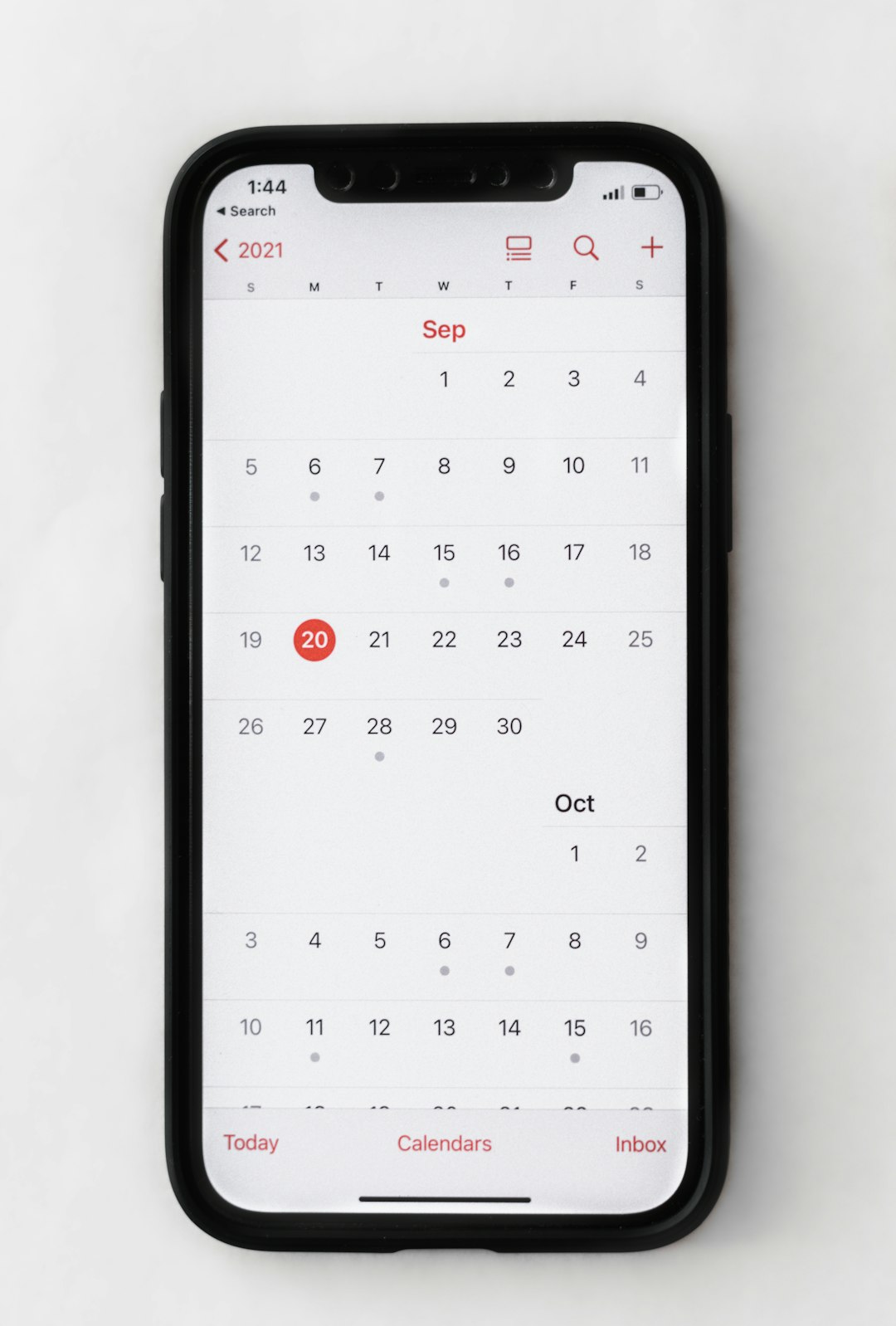
Managing your calendar should not feel like a full-time job. Yet for many people, bookings, reminders, rescheduling, and time zones turn into daily chaos. The good news? There are tools that make it all simple, fast, and even enjoyable. Let’s explore the best ones that turn messy schedules into smooth systems.
TLDR: Calendar and appointment tools save time, reduce no-shows, and keep your day organized. The best tools automate booking, send reminders, and sync across devices. Some are perfect for teams, others are great for freelancers or small businesses. Pick the one that fits your workflow and let it handle the busywork.
1. Google Calendar
This is the classic. And for good reason.
Google Calendar is simple, clean, and works on almost any device. It syncs instantly across phone, tablet, and desktop. You can color-code events. You can set reminders. You can invite others.
- Easy event creation
- Automatic reminders
- Calendar sharing
- Free to use
It also connects with Gmail. That means flights, hotel bookings, and meetings can show up automatically.
Best for: Individuals and teams who want a simple, reliable solution.
2. Calendly
Back-and-forth emails are exhausting.
Calendly solves that problem. You send someone your link. They pick a time. Done.
It connects to your calendar and only shows available time slots. No double bookings.
- Automatic time zone detection
- Buffer times between meetings
- Custom meeting lengths
- Works with Zoom and other video tools
Best for: Consultants, freelancers, sales teams.
3. Microsoft Outlook Calendar
If you work in a corporate environment, this one is probably familiar.
Outlook Calendar combines email and scheduling in one place. It’s powerful and professional.
- Shared calendars for teams
- Meeting room booking
- Integration with Microsoft Teams
- Strong security features
It shines in large organizations where coordination matters.
Best for: Corporate teams and enterprises.
4. TimeTailor
Run a salon, spa or barbershop? This one is built for you.
TimeTailor is a free Salon Appointment App that handles the whole day.
- Client self-booking 24/7
- Deposits and no-show protection
- SMS, email and WhatsApp reminders
- Mobile POS and payments
No monthly subscription. No marketplace putting your competitors next to you.
Best for: Beauty and wellness businesses that live by the appointment book.
5. Acuity Scheduling
Acuity is like Calendly’s more customizable cousin.
It allows clients to book appointments, pay online, and fill out intake forms before the meeting.
- Online payment integration
- Custom branding
- Automated reminders via email and SMS
- Package and subscription options
This makes it ideal for service-based businesses.
Best for: Coaches, therapists, salons, and wellness professionals.
6. Zoho Bookings
Already using Zoho products? Then this one fits right in.
Zoho Bookings integrates smoothly with the Zoho ecosystem. It handles staff scheduling and customer bookings with ease.
- Team management tools
- Automated confirmations
- Calendar sync options
- Customizable booking pages
It keeps everything in one organized system.
Best for: Businesses already using Zoho apps.
7. Setmore
Setmore is simple and budget-friendly.
It offers a clean interface and supports both individual and team bookings.
- Free plan available
- Automated reminders
- Video meeting integration
- Easy website embedding
It is easy to set up. No technical skills needed.
Best for: Small businesses and startups.
8. Doodle
Planning a group meeting can feel impossible.
Doodle makes it easy. You suggest times. Participants vote. The best option wins.
- Group polls
- No account required for participants
- Simple interface
- Quick coordination
It saves endless messages in group chats.
Best for: Teams and event organizers.
9. Fantastical
Mac users love this one.
Fantastical offers a beautiful interface and smart scheduling features.
You can type “Lunch with Sarah Friday at 1” and it automatically creates the event.
- Natural language input
- Weather forecasts
- Clean design
- Apple ecosystem integration
It makes scheduling feel modern.
Best for: Apple users who want advanced features.

10. Calendars by Readdle
This tool is powerful yet simple.
Calendars by Readdle combines task management and scheduling in one place.
- Task and event integration
- Drag and drop scheduling
- Offline access
- Multiple calendar views
It works especially well on mobile devices.
Best for: Busy professionals on the go.
11. SimplyBook.me
This platform focuses on customer booking experiences.
SimplyBook.me allows full customization of your booking website.
- Online payments
- Membership features
- Marketing tools
- Client management system
You can tailor it to fit your brand.
Best for: Businesses that want strong branding control.
12. TimeTap
Need serious customization?
TimeTap offers advanced scheduling features and flexible configurations.
- Custom booking rules
- Automated workflows
- CRM integration
- Detailed reporting
It’s powerful without being overwhelming.
Best for: Mid-sized businesses and growing teams.
How to Choose the Right Tool
Not every tool fits every situation.
Ask yourself:
- Do I work alone or with a team?
- Do I need payment processing?
- Do I meet clients in different time zones?
- Do I need deep customization?
If you want simplicity, start with Google Calendar or Calendly.
If you run a service business, try Acuity or SimplyBook.me.
If you’re in a corporation, Outlook may already be your best bet.
The key is automation. The less manual input required, the better.
Why These Tools Matter
Missed meetings cost money.
Double bookings damage reputation.
Scheduling stress wastes energy.
Calendar tools fix these problems by:
- Sending automatic reminders
- Reducing human error
- Allowing easy rescheduling
- Improving time management
They give you clarity. And clarity gives you control.
Final Thoughts
You do not need to manage your calendar alone.
The right tool works quietly in the background. It confirms appointments. It sends reminders. It blocks busy slots. It keeps everyone in sync.
Start small. Test one or two options. See how they fit your daily rhythm.
Once you find the right match, scheduling meetings will no longer feel like a chore. It will feel effortless.
And that means more time for what actually matters.
