 logo
logo
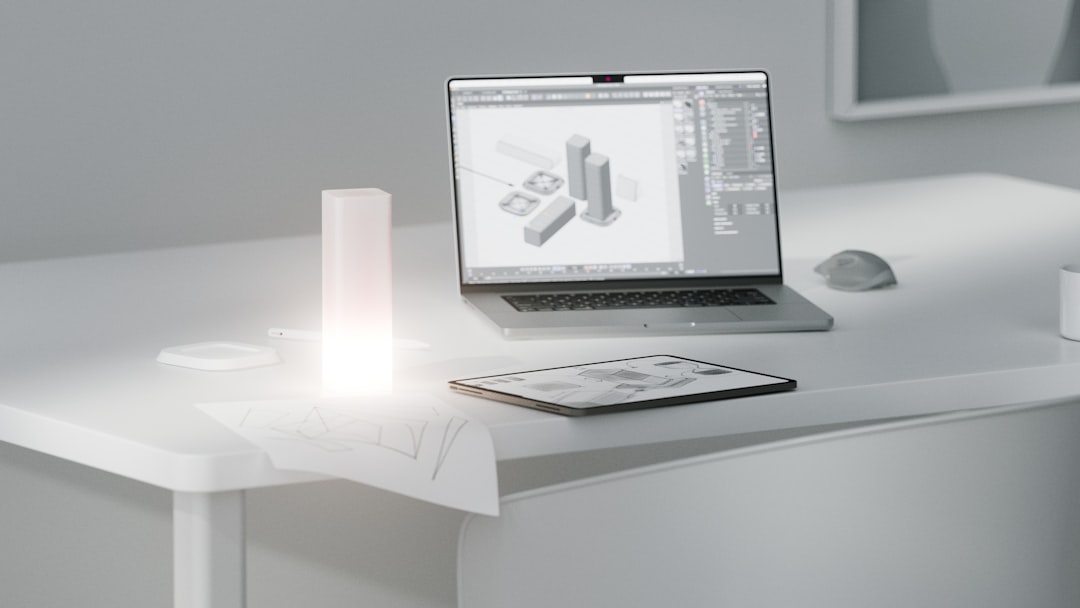
Choosing the best 3D printing software depends on how a project moves from idea to physical object. A typical workflow includes CAD software for designing accurate parts, modeling tools for sculpting or artistic shapes, and slicer software for preparing print instructions. Each category serves a different purpose, and the strongest setup often combines more than one program.
TLDR: The best 3D printing software usually includes a CAD tool such as Fusion 360 or FreeCAD, a modeling tool such as Blender, and a slicer such as PrusaSlicer, Cura, or Bambu Studio. For example, a small product designer might model a phone stand in CAD, export it as an STL file, and slice it with 0.2 mm layer height to produce a prototype in under 3 hours. In many hobby and prototyping workflows, slicer settings can affect print quality by 30% or more, especially when adjusting supports, infill, and temperature. The most practical choice is not always the most advanced tool, but the one that fits the printer, material, and skill level.
Understanding the 3D Printing Software Workflow
3D printing software is best understood as a pipeline. First, an object is created or modified in a design program. Then, the model is checked for errors such as non-manifold edges, thin walls, or missing faces. Finally, slicer software converts the 3D model into machine instructions, usually as G-code, that tell the printer how to move, heat, extrude, and build the part layer by layer.
For mechanical objects, CAD software is usually the starting point. For figures, characters, organic shapes, and decorative objects, modeling or sculpting software is often more suitable. For every print, however, slicer software is essential because it determines the actual print path, support structures, layer height, wall thickness, infill pattern, and many other production details.
Best CAD Software for 3D Printing
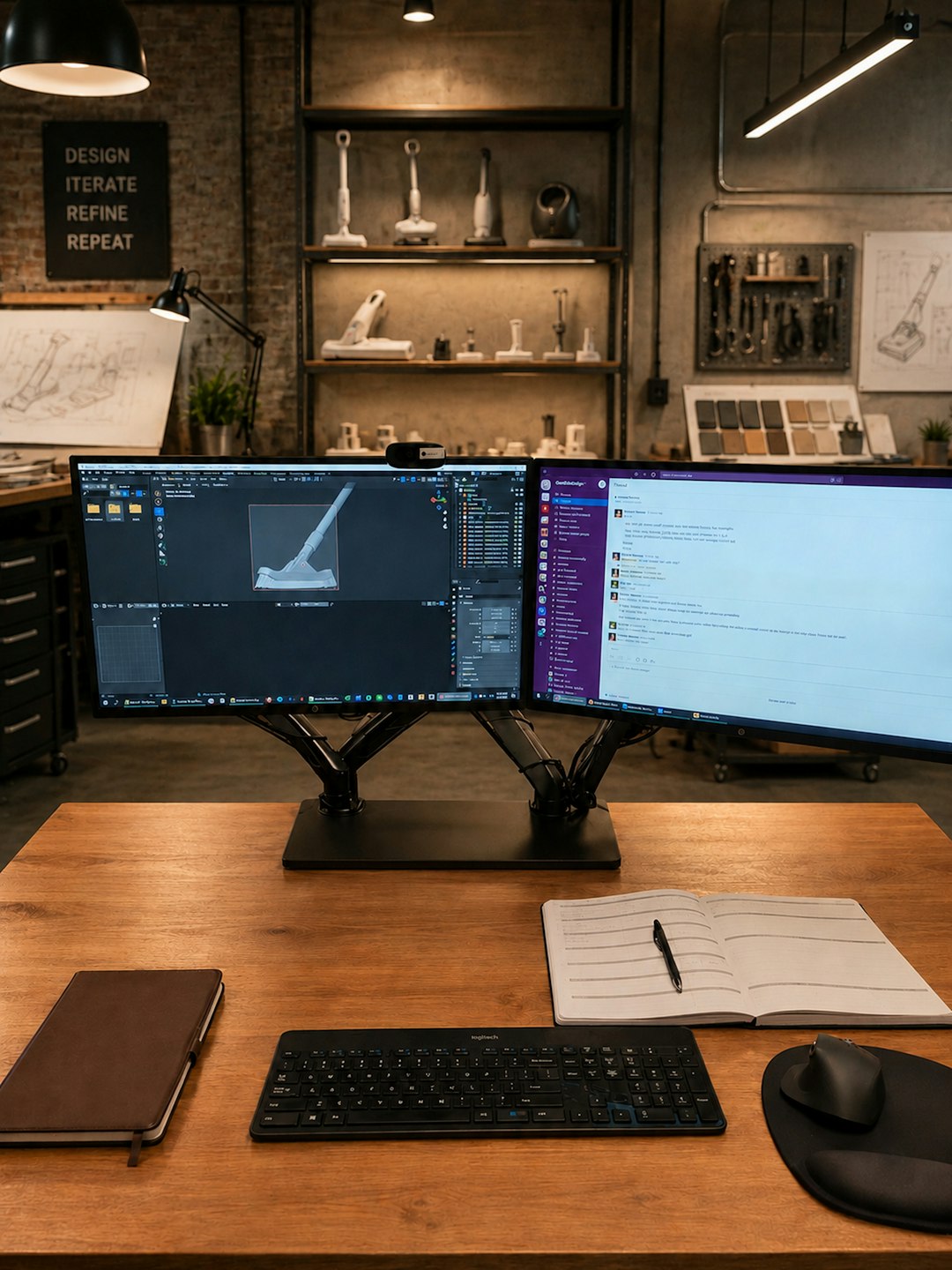
CAD software is ideal for precise designs. It is commonly used for brackets, gears, enclosures, replacement parts, tools, fixtures, and engineering prototypes. CAD programs allow designers to define exact dimensions, constraints, holes, curves, and assemblies.
- Fusion 360: Often considered one of the most versatile CAD tools for 3D printing. It supports parametric design, assemblies, simulation, and manufacturing features. It is especially helpful for product designers, engineers, and advanced hobbyists who need accurate models.
- FreeCAD: A strong open-source option for users who want parametric modeling without subscription costs. It has a steeper learning curve than beginner-focused tools, but it works well for mechanical parts and technical designs.
- Onshape: A browser-based CAD platform suitable for collaboration. Since files are stored in the cloud, teams can work together more easily, making it useful for education, startups, and distributed design groups.
- Tinkercad: A beginner-friendly CAD tool that runs in a browser. It is not as powerful as professional CAD software, but it is excellent for classrooms, simple prototypes, and fast concept models.
CAD software is best when measurements matter. A maker designing a 120 mm fan adapter, for instance, needs accurate hole spacing and proper wall thickness. In that kind of project, a sculpting tool would be less efficient than a parametric CAD program.
Best Slicer Software for 3D Printing
Slicer software is the bridge between a digital model and the printer. Even a well-designed model can fail if sliced poorly. The slicer controls print speed, nozzle temperature, bed temperature, retraction, cooling, support density, seam placement, and many other factors that influence the final result.
- Ultimaker Cura: One of the most popular slicers for FDM 3D printing. It supports a wide range of printers and provides both simple and advanced settings. Beginners can start with profiles, while experienced users can fine-tune hundreds of parameters.
- PrusaSlicer: Known for reliable profiles, clean interfaces, and excellent support generation. It works especially well with Prusa printers but also supports many other machines. Advanced features such as variable layer height and modifier meshes make it powerful for detailed control.
- Bambu Studio: Designed for Bambu Lab printers but also useful for users who want modern workflow features. It supports multi-color printing, calibration tools, and network-based printer management.
- OrcaSlicer: A community-driven slicer based on Bambu Studio and PrusaSlicer concepts. It is popular among users who want calibration tools, detailed tuning options, and broader printer flexibility.
- Lychee Slicer: A strong choice for resin printing. It provides efficient support tools, hollowing features, island detection, and resin profile management.
For FDM printers, slicer settings such as layer height and infill can dramatically change print time. A decorative model printed at 0.28 mm layer height may finish 40% faster than the same model at 0.12 mm, though with more visible layer lines. For resin printers, support placement and exposure settings are often the difference between a clean miniature and a failed print stuck to the vat film.
Best Modeling and Sculpting Tools
Modeling tools are used when a design does not need strict engineering dimensions or when the object has organic forms. They are common in character design, miniatures, statues, jewelry concepts, terrain, props, and artistic objects.
- Blender: A powerful open-source 3D modeling suite. It supports polygon modeling, sculpting, modifiers, texture tools, and rendering. For 3D printing, Blender is excellent for artistic models, though users must check scale and mesh integrity carefully.
- ZBrush: A professional sculpting tool widely used for characters, collectibles, and highly detailed organic designs. It is especially strong for miniatures and figurines, but it requires experience to prepare watertight, printable models.
- Meshmixer: Though no longer as actively developed as some newer tools, it remains useful for mesh repair, support experiments, hollowing, cutting, and combining models.
- Nomad Sculpt: A popular sculpting app for tablets. It is useful for artists who prefer drawing and sculpting directly with a stylus before exporting models for printing.
Modeling tools are especially useful when visual form matters more than dimensional precision. A fantasy creature, for example, is easier to create in Blender or ZBrush than in a mechanical CAD program. However, the model still needs correct wall thickness, a stable base, and clean geometry before slicing.
Free vs Paid 3D Printing Software
Free software is often enough for hobbyists, students, and many small workshops. Tools such as Blender, FreeCAD, Cura, and PrusaSlicer can support a complete workflow without license fees. Paid software usually becomes more attractive when a business needs advanced collaboration, technical support, professional simulation, version control, or specialized sculpting features.
The decision should be based on output, not just price. If a free tool produces accurate models and reliable prints, it may be the best option. If paid software saves several hours per week or reduces failed prints by even 10% to 15%, it may quickly justify its cost in a professional environment.
How to Choose the Right Software
The best software combination depends on the printer type, project category, and user skill level. A beginner with an FDM printer might start with Tinkercad and Cura. A mechanical designer may prefer Fusion 360 and PrusaSlicer. An artist creating resin miniatures may use ZBrush or Blender with Lychee Slicer.
- Define the project type: Mechanical parts need CAD; artistic objects need modeling or sculpting tools.
- Check printer compatibility: The slicer should include a reliable profile for the printer or allow easy custom setup.
- Consider file formats: Common formats include STL, OBJ, 3MF, and STEP. CAD workflows often benefit from STEP, while slicers commonly use STL or 3MF.
- Evaluate learning curve: Beginner tools are faster to learn, while professional tools offer more control.
- Test with small prints: Calibration cubes, benchy models, and small brackets help verify software settings before large projects.
Common Mistakes to Avoid
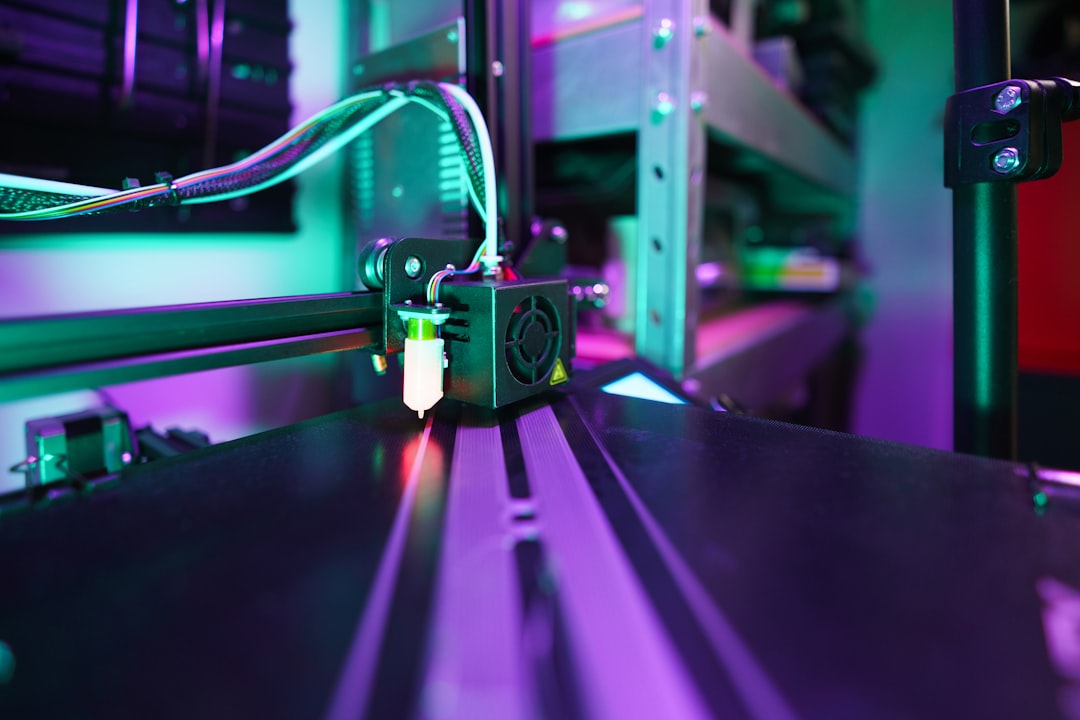
Many failed prints begin in software, not hardware. A model may look correct on screen but still contain holes, inverted normals, overlapping geometry, or walls too thin for the nozzle. Another common problem is using excessive supports, which increases material waste and can damage the surface during removal.
Slicer profiles should also be treated as starting points rather than final answers. Different filament brands, resin types, nozzle sizes, and room temperatures can require different settings. Careful calibration usually improves print quality more than switching software repeatedly.
Conclusion
The best 3D printing software is not a single program but a balanced workflow. CAD tools provide accuracy, modeling tools provide creative freedom, and slicers turn designs into printable instructions. For many users, a combination such as FreeCAD or Fusion 360, Blender, and PrusaSlicer or Cura covers most needs. As skills improve, software choice can become more specialized, but the main goal remains the same: producing clean, reliable, and useful prints.
FAQ
- What is the best 3D printing software for beginners?
- Tinkercad for design and Cura or PrusaSlicer for slicing are often the easiest starting points. They provide simple interfaces and enough features for basic projects.
- Is Blender good for 3D printing?
- Yes. Blender is excellent for artistic and organic models, but designs should be checked for scale, wall thickness, and mesh errors before printing.
- What is the difference between CAD software and slicer software?
- CAD software creates the model, while slicer software converts that model into printer instructions. Both are important parts of the workflow.
- Which file format is best for 3D printing?
- STL is widely supported, but 3MF can store more information, including units, colors, and slicer settings. STEP is useful for sharing editable CAD geometry.
- Does expensive software guarantee better prints?
- No. Print quality depends on model preparation, slicer settings, printer calibration, and material behavior. Free tools can produce professional-quality results when used correctly.
