 logo
logo
Digital marketing teams should shortlist Synthesia, Runway, Descript, Canva, Pictory, and Adobe Express first. These tools cover the work that matters most: social ads, product explainers, short clips, training videos, repurposed webinars, and quick campaign edits. Video is not optional either. Wyzowl reports that 91% of businesses use video as a marketing tool [source: Wyzowl], which explains why teams keep hunting for faster ways to produce more content without burning out designers and editors.
TLDR: The best AI video tool depends on the team’s main bottleneck. Synthesia works well for presenter-led explainers, Runway is stronger for generative visuals, and Descript is ideal for editing podcasts, webinars, and talking-head clips. For example, a six-person marketing team could turn one 45-minute webinar into 12 short clips, 3 quote videos, and 1 recap video in a single afternoon instead of waiting a week for a full editing queue.
What makes a good AI video tool for marketing?
A strong AI video platform should save time in three places: planning, production, and editing. It should help teams create videos for paid ads, landing pages, email campaigns, YouTube Shorts, TikTok, Instagram Reels, LinkedIn, and sales enablement.
The best tools also keep brand assets easy to reuse. Fonts, colors, logos, intros, captions, and music should not need to be rebuilt every time. It drives teams crazy when a simple caption change takes four extra clicks per clip. That adds up fast when a campaign has 30 versions.

1. Synthesia: Best for AI avatar videos
Synthesia is a smart pick for teams that create explainers, product updates, onboarding videos, and internal training. It uses AI avatars and voiceovers, so a company can create a polished presenter video without booking a studio or hiring talent.
Its biggest strength is consistency. A brand can create the same style of video across regions and departments. It also supports many languages, which helps global marketing teams localize campaigns faster.
Best for: SaaS explainers, training, sales enablement, localization, product education.
Annoyance: Some avatar videos still feel a bit stiff. Teams should use short scripts and natural phrasing to avoid that “corporate training room” feel.
2. Runway: Best for generative video and creative ads
Runway is built for teams that want bold visuals. It can generate video from text, edit backgrounds, remove objects, extend shots, and create stylized scenes. It is useful for campaign concepts, mood videos, ad tests, and social content that needs to look fresh.
Runway is not always predictable. Honestly, it feels like the tool can produce magic one minute and odd hand movements the next. Still, for creative teams testing ideas quickly, it can speed up early production by a lot.
Best for: concept ads, social visuals, product teasers, creative testing, campaign mockups.
3. Descript: Best for editing webinars, podcasts, and interviews
Descript is a favorite for content teams that work with recorded calls, interviews, podcasts, and webinars. It turns video into editable text. If a marketer deletes a sentence from the transcript, the video changes too.
This is a huge win for teams repurposing long-form content. Descript also offers screen recording, filler word removal, captions, overdub features, and quick exports for social clips.
Best for: thought leadership clips, webinar highlights, podcast videos, founder videos, customer interviews.
4. Canva: Best for fast social video creation
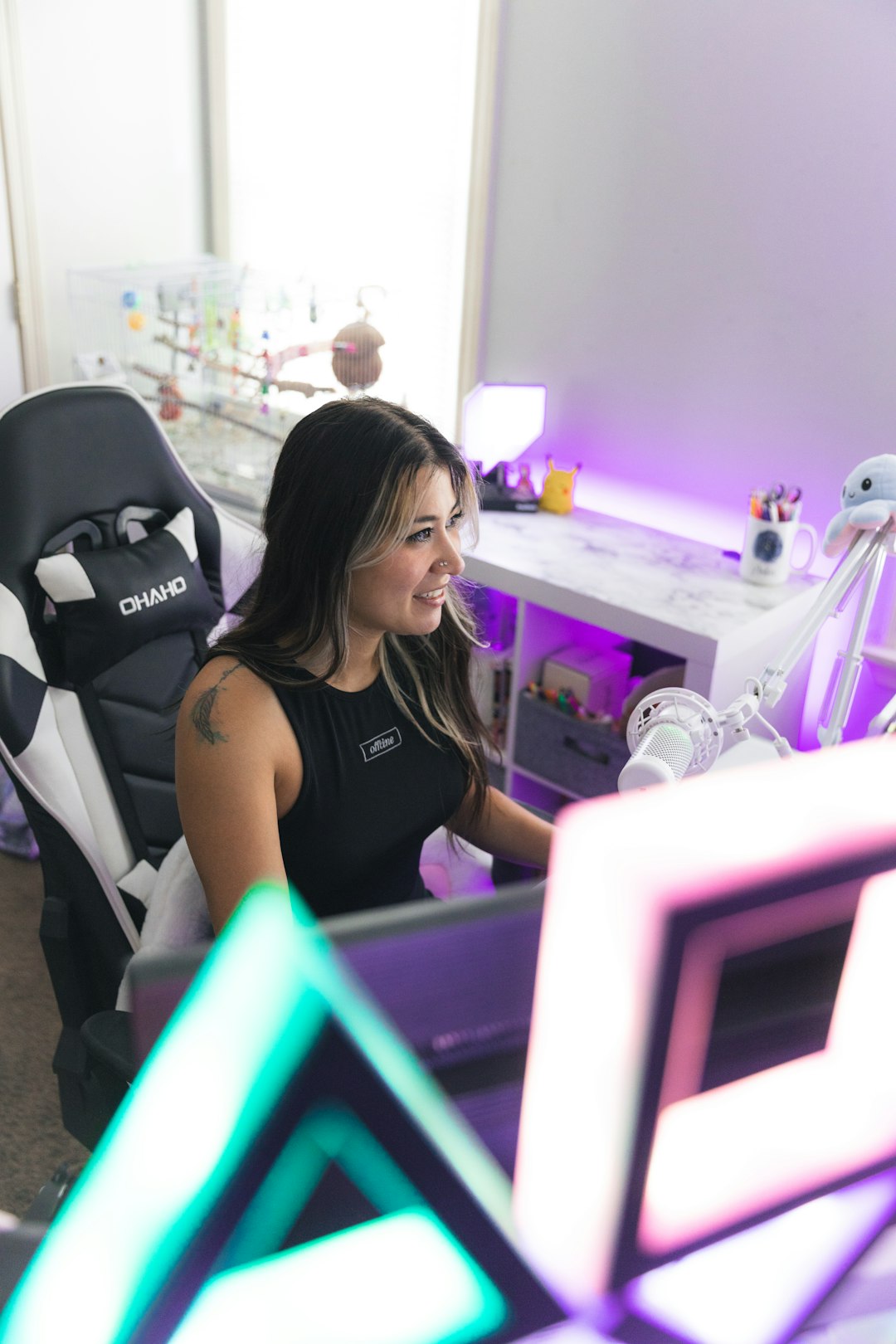
Canva is not only for static graphics. Its video editor is simple, quick, and friendly for non-designers. Marketing teams can build Reels, Stories, YouTube intros, product promos, animated posts, and simple ads using templates.
Canva’s AI features help with copy, layouts, background removal, and quick design edits. It is not the deepest video editor, but that is part of the appeal. A social media manager can make a decent branded clip without asking the design team for every small change.
Best for: social media teams, small businesses, simple ads, event promos, template-based video.
5. Pictory: Best for turning text into videos
Pictory works well for teams that publish blogs, reports, and educational content. It can turn written content into short videos with stock footage, captions, music, and voiceover options.
This helps content teams get more value from older articles. A blog post can become a LinkedIn video, a YouTube Short, or a quick explainer for email. It is especially useful when the team has many written assets but limited video support.
Best for: blog repurposing, educational clips, listicle videos, SEO content support.
6. Adobe Express: Best for brand-safe quick videos
Adobe Express suits teams already using Adobe tools. It offers templates, animations, social formats, AI design features, and easy brand kit controls. It is less complex than Premiere Pro, which makes it more approachable for marketers.
It works well when a brand needs quick, clean content. Designers can set the visual rules, and marketers can produce assets without breaking the brand style every other week.
Best for: branded social content, promo videos, lightweight campaign assets, teams using Adobe Creative Cloud.
How teams should choose
- For avatar explainers: choose Synthesia.
- For creative AI visuals: choose Runway.
- For editing spoken content: choose Descript.
- For social templates: choose Canva.
- For blog-to-video workflows: choose Pictory.
- For Adobe-friendly brand control: choose Adobe Express.
The best setup may include two tools, not one. A team might use Descript to cut webinar clips, Canva to package them for social, and Runway for campaign visuals. That mix often beats forcing one platform to do everything.
FAQ
What is the best AI video creation tool for digital marketing teams?
Descript is often best for content repurposing, while Synthesia is best for avatar-led explainers. Runway is stronger for creative ad visuals.
Which AI video tool is easiest for beginners?
Canva is usually the easiest. Its templates, drag-and-drop editor, and brand kits make it simple for non-editors.
Can AI video tools replace human editors?
Not fully. They speed up drafts, captions, cuts, and versions. Human review is still needed for story, pacing, brand tone, and final quality.
Are AI video tools good for paid ads?
Yes, especially for testing. Teams can create many short variations for hooks, captions, formats, and calls to action before scaling the winners.
What should a team check before buying?
They should check export quality, brand controls, team permissions, caption tools, usage rights, pricing limits, and how fast the tool fits into the current workflow.
