



Macs have ruled the creative world for years. Designers, video editors, and illustrators often reach for that glowing Apple logo without a second thought. But let’s be real—Macs aren’t the only option. Windows laptops have come a long way, and some are just as good (or better) for creative work.
TLDR: Too Long, Didn’t Read
Looking for a creative laptop that isn’t a Mac? You’ve got amazing Windows laptops to choose from! Brands like Dell, ASUS, Microsoft, and Razer make powerful, sleek machines. Whether you’re into video editing, photography, or digital art, there’s something for you on Windows.
Why Look Beyond Macs?
Don’t get us wrong—Macs are great. But they can be pricey. They’re not as customizable. And if you’re a gamer after work or need special Windows software, a Mac might not be ideal.
Windows laptops offer:
- More hardware options
- Better compatibility with some creative tools
- Touchscreens and stylus support
- More ports (hello, HDMI and USB-A!)
- Lower entry-level prices
Best Windows Laptops for Creatives
1. Dell XPS 15 – The All-Rounder
This beauty is a favorite for a reason. The Dell XPS 15 is sleek, powerful, and has a stunning 4K display. Perfect for video editing, photo retouching, or binge-watching your favorite series in high-res.
Why creatives love it:
- 4K OLED display with rich color
- Up to Intel Core i9 and NVIDIA GeForce RTX graphics
- Excellent battery life for a performance machine
Best for: Photographers, video editors, and design students who want MacBook quality—on Windows.
2. Microsoft Surface Laptop Studio – Best for Artists
This one’s a gem for digital artists and illustrators. The Surface Laptop Studio has a unique hinge that lets you pull the screen forward and use it like a drawing tablet.
Why it’s awesome:
- PixelSense touchscreen with pen support
- Smooth 120Hz refresh rate for fluid pen strokes
- Works flawlessly with Adobe apps and Clip Studio Paint
Pair it with the Surface Slim Pen and you’ve got a killer combo for digital art.
Best for: Illustrators, animators, and creative folks who love sketching by hand.
3. ASUS ProArt StudioBook 16 – Power + Precision
This one’s made specifically with creatives in mind. The ASUS ProArt StudioBook 16 is a beast packed with performance and even has a built-in dial to tweak Adobe settings on the fly.
What makes it special:
- Factory-calibrated 4K display with 100% AdobeRGB
- Pro-grade AMD or Intel CPUs and NVIDIA RTX GPUs
- ASUS Dial for real-time control in creative apps
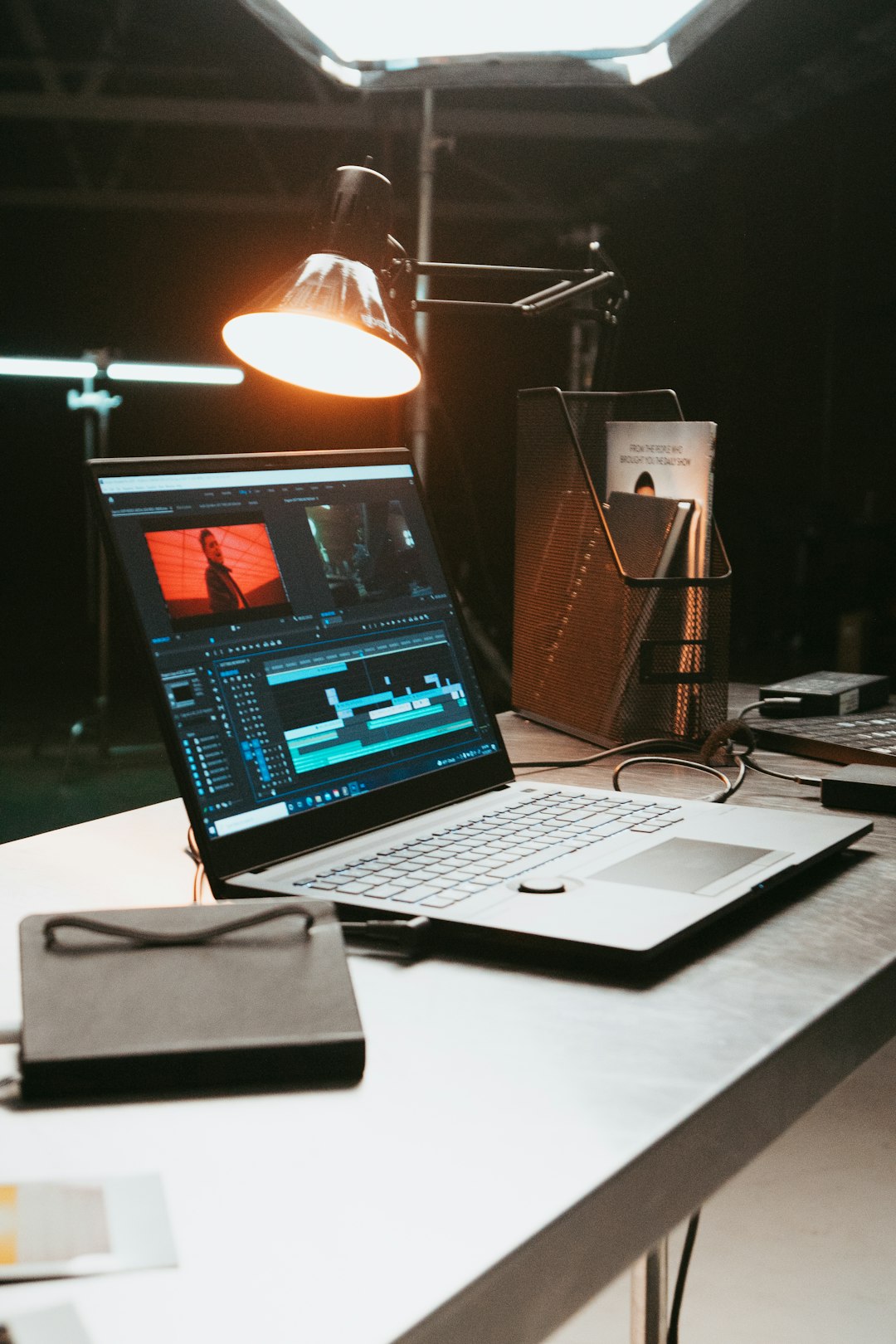
Best for: Professionals doing heavy video editing, 3D rendering, and high-resolution photo work.
4. Razer Blade 15/17 Studio Edition – Sleek and Supercharged
Gaming power meets creative muscle. The Razer Blade Studio Edition features top-tier hardware and a color-accurate display—all in a minimalist aluminum chassis.
Why creative pros are impressed:
- Stunning 4K OLED or 144Hz display options
- Super powerful graphics (up to RTX 3080)
- Quiet, cool, and classy design
It’s not just for games. It excels in rendering, VFX, and big After Effects projects.
Best for: Creatives who like elegance, performance, and gaming breaks.
5. HP Spectre x360 16 – The Convertible Cutie
This one combines power and style in a convertible chassis. Flip the screen, draw, edit, or just chill. It’s got everything a casual creative could want.
Cool features include:
- Beautiful 3K+ OLED display
- 360° hinge and touchscreen with pen support
- Great battery life and build quality
Best for: Creatives on the go—writers, casual designers, or those who love 2-in-1 coolness.
What Should You Look for in a Creative Laptop?
Unlike the average user, creatives need more from their laptops. Here’s what to focus on when shopping:
- Display: A high-resolution screen with great color accuracy (look for 100% sRGB or AdobeRGB)
- CPU: Fast processors (Intel i7/i9, AMD Ryzen 7/9) make editing smoother
- GPU: A solid graphics card helps with rendering, effects, and previews
- RAM: Aim for at least 16GB—32GB if you work with large files
- Storage: SSDs are a must for speedy loading and saving (512GB or more is ideal)
- Ports: USB-C, HDMI, SD card slots… the more the merrier
- Stylus support: Important if you draw or annotate often
How Do They Compare to Macs?
Let’s break it down plain and simple:
- Price: Windows laptops give you more bang for your buck
- Customization: Windows machines often let you upgrade RAM, SSD, and even GPU
- Touchscreens: Macs still don’t have them—Windows wins here
- Software: Most creative apps are cross-platform now, so you’re not missing out either way
- Style: Macs are known for their looks, but Windows laptops have really upped their game
Final Thoughts
If you’re team Windows (or ready to switch), you’re in luck. There are so many awesome laptops that can handle whatever creative projects you throw at them. Whether you’re editing 4K videos, illustrating in Procreate alternatives, or building the next big 3D world—there’s a Windows laptop for you.
So forget that Apple tax and try something new. You might be surprised at how much you love it.
