


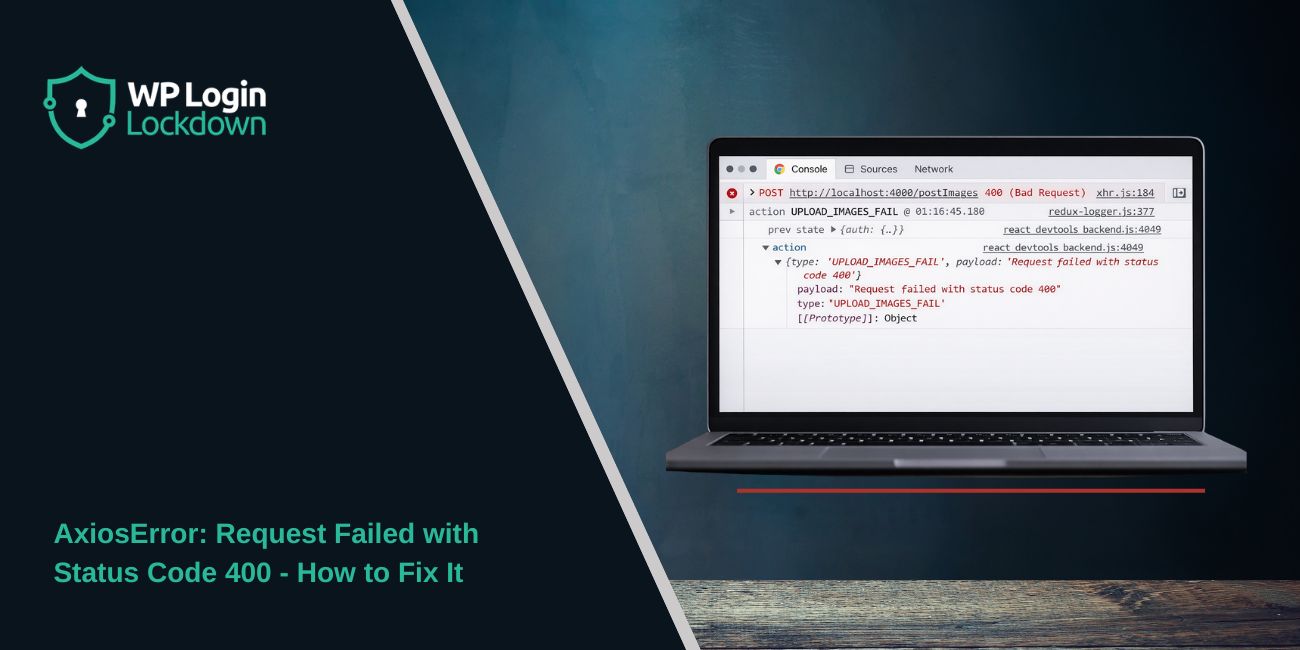
Seeing AxiosError: Request failed with status code 400 usually means Axios sent the request, the server replied, and the server rejected that request as invalid. Axios rejects non-2xx responses by default, while HTTP 400 Bad Request means the request itself is malformed or unacceptable to the API, so retrying without changing the request usually fails again.
This guide shows how to find the real cause fast. In most cases, the fix is in the request body, query parameters, headers, URL, or backend validation rules, not in Axios itself. Axios’s own error model makes error.response and error.config the two best places to start.
Quick Answer
If Axios returns status code 400, inspect error.response.data first, then check error.config.url, method, params, data, and headers. After that, compare the failing Axios request with a working Postman or curl request, confirm the Content-Type, and simplify the payload until the API accepts it.
What Does AxiosError: Request failed with status code 400 Mean?
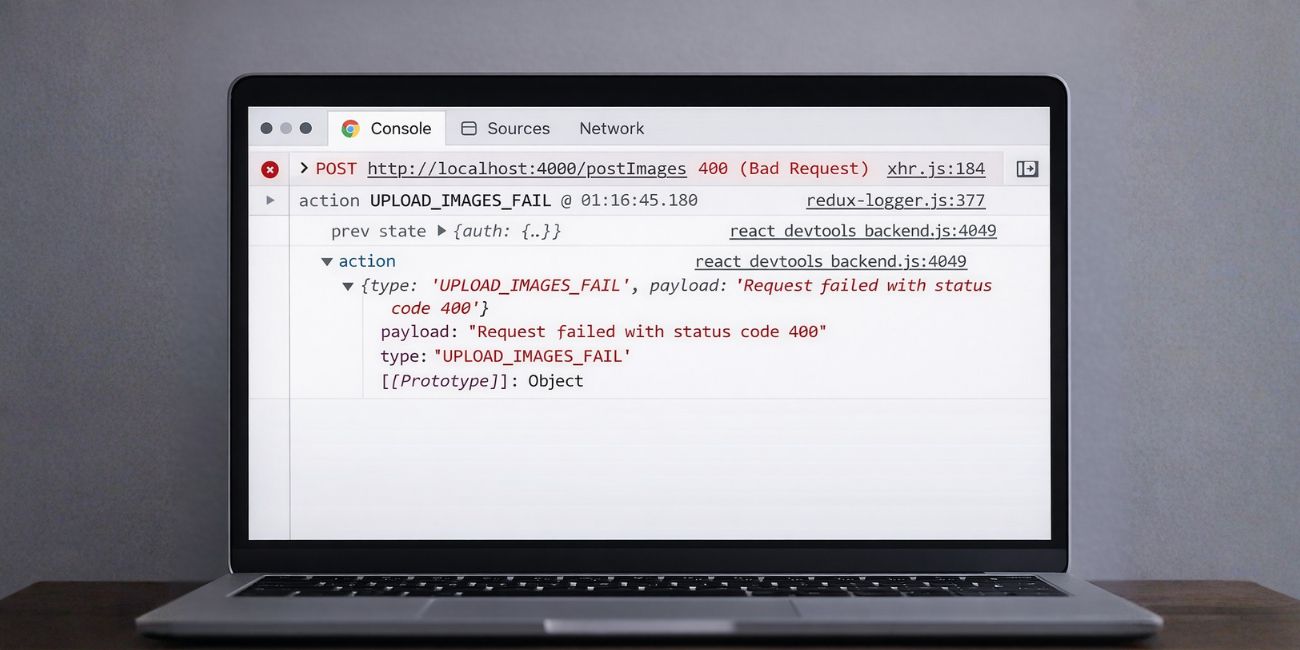 This error means the server answered the request, but it did not accept it. Axios documents that when error.response exists, the request was made and the server responded with a status code outside the 2xx range. MDN defines 400 Bad Request as a client-side request problem, often caused by malformed syntax, invalid request framing, or deceptive routing.
So the key idea is simple. Axios is usually reporting the failure, not creating it. The API is telling you that something about the request is wrong.
Why Does Axios Return Status Code 400?
A 400 error usually appears when the API cannot parse, validate, or accept what you sent. Axios request config supports URL, method, headers, params, and data, so a mistake in any of those areas can trigger the response.
Main causes include:
- Invalid JSON Body
- Wrong Field Names
- Missing Required Fields
- Bad Query Parameter Format
- Wrong Content-Type
- Wrong Endpoint or HTTP Method
- Invalid Authorization Header
- Backend Validation Rejecting the Payload
How to Fix Axios Status Code 400
Go through the fixes below in order. Start with the response details first, then move to request config and payload structure.
1. Check error.response.data First
This is the most useful first step. Axios documents that when the server responds with an error status, error.response.data, error.response.status, and error.response.headers are available. In many APIs, the response body already tells you exactly what failed, such as a missing field, invalid email, or wrong JSON shape.
Check for messages like:
- Validation Failed
- Missing Required Field
- Invalid JSON
- Invalid Query Parameter
- Unsupported Media Type
- Bad Authentication Data
If you skip this step, you may waste time guessing.
2. Review error.config to See What Axios Really Sent
Axios includes the request config in the error object. That matters because many developers debug what they think they sent, not what Axios actually used at runtime. Axios docs list url, method, baseURL, headers, params, and data as core request settings.
Check these parts carefully:
- URL
- Method
- Base URL
- Query Params
- Request Body
- Headers
A small mistake in one of those fields can be enough to trigger a 400 response.
3. Validate the Request Body
If you send POST, PUT, PATCH, or DELETE, the body is one of the most common causes of a 400. Axios supports several body types, including plain objects, strings, URLSearchParams, FormData, and Node streams depending on environment. If the backend expects JSON and receives another format, the request can fail.
Look for body problems such as:
- Wrong Property Names
- Missing Nested Objects
- Unexpected Null Values
- Wrong Data Types
- Extra Fields the API Rejects
- Invalid JSON Syntax
If needed, log the payload right before the request is sent.
4. Check Query Parameters and Serialization
 Axios sends query params through the params option, and its docs note that params must be a plain object or URLSearchParams. Axios also supports paramsSerializer, which matters when arrays or custom query formats are involved. The docs also state that null or undefined params are not rendered in the URL.
This can cause subtle bugs. For example:
- A required query field may disappear if it is undefined
- Arrays may be serialized in a format the backend does not expect
- A backend may expect ids=1,2,3 while Axios sends bracket style arrays
If the API uses unusual query formats, this is a high-value place to check.
5. Verify Headers, Especially Content-Type and Auth
Headers can break a request even when the body looks correct. Axios request config lets you set custom headers directly, and its docs note that auth for basic auth can override a custom Authorization header unless you handle it carefully.
Pay close attention to:
- Content-Type
- Authorization
- Custom API Headers
- Basic Auth vs Bearer Token Setup
A backend that expects JSON may reject a request if the content type is wrong. An API may also return 400 if auth or header formatting is invalid.
6. Compare Axios with a Working Postman or curl Request
If the same endpoint works in Postman but fails in Axios, compare the two requests line by line. This usually reveals one missing header, one wrong body shape, or one query formatting difference.
Compare:
- Full URL
- HTTP Method
- Headers
- Query String
- Body Format
- Authentication Method
This step is especially useful when the backend team says the API works, but your frontend still gets 400.
7. Check the Endpoint and HTTP Method
Axios request config defaults to GET if method is not specified, and only url is required. That means a missing method can silently send the wrong request type. Axios also prepends baseURL to relative URLs unless the URL is absolute.
That creates two common mistakes:
- Sending GET instead of POST
- Building the wrong final URL because baseURL and url combine badly
Always confirm the final route and method before digging deeper.
8. Understand What validateStatus Really Does
Axios lets you change validateStatus to decide which status codes should reject the promise. The docs show that if validateStatus returns true, Axios resolves instead of rejecting. That can help you handle validation responses in normal code flow.
But this is important: validateStatus does not fix the request. It only changes how Axios treats the response. A server-side 400 is still a 400 until you fix the request itself.
9. Debug Differently in Browser and Node.js
Axios behaves across both environments, but the debugging tools differ. Axios docs say error.request is an XMLHttpRequest in the browser and an http.ClientRequest in Node.js.
In the browser, use:
- DevTools Network Tab
- Request Payload View
- Response Preview
- Request Headers Panel
In Node.js, use:
- Server Logs
- Console Logging for Payload and Headers
- Backend Validation Logs
- Raw Request Inspection
That difference matters because browser developers often overlook the network tab, while Node developers often overlook raw request logging.
10. Watch for Advanced Request Config Problems
Some 400 errors come from request config details that are easy to miss. Axios docs highlight several of them directly.
Common advanced causes include:
- baseURL Joining the Wrong Path
- Absolute URL Overriding the Base URL
- null and undefined Params Not Appearing
- Sending FormData to a JSON Endpoint
- Using auth in a Way That Overrides Custom Authorization Headers
These issues often survive basic debugging because the request looks “almost right.”
11. When to Stop Blaming Axios and Check the Backend
At some point, the client request may be correct and the backend may be enforcing rules you do not know about. Since Axios exposes the server response and config clearly, a persistent 400 after request cleanup often points to backend validation, route binding, or API contract mismatch.
If you need to escalate, send the backend team:
- Full Endpoint
- HTTP Method
- Request Headers
- Request Body
- Query Params
- error.response.data
- Expected Result
That gives them enough context to confirm whether the API contract changed or validation is stricter than expected.
How to Prevent Axios 400 Errors in the Future
These habits can reduce 400 errors before they happen:
- Validate Data Before Sending
- Log Payloads in Development
- Keep API Contracts Updated
- Match Content-Type to the Real Body Format
- Use Shared Types or Schemas Across Frontend and Backend
- Compare Requests with API Docs Before Testing
Final Thoughts
AxiosError: Request failed with status code 400 usually means the API rejected the request, not that Axios broke. The fastest path is simple: inspect error.response.data, review error.config, validate the body, verify params and headers, then compare the request to a known working example. Axios gives you the fields you need, and HTTP 400 tells you the request itself needs to change.
