


If you’ve ever dabbled in video editing, you’ve probably heard of DaVinci Resolve and Final Cut Pro. These two programs are powerhouses in the world of video creation. Whether you’re making a YouTube video, a short film, or even working on a big studio project, you’ll likely end up choosing between these two giants.
TL;DR:
DaVinci Resolve shines in color grading, flexibility, and its free version is surprisingly full-featured. It’s perfect for those who want advanced control without spending a lot. Final Cut Pro, on the other hand, is super fast, user-friendly, and optimized for Mac users. If you love drag-and-drop simplicity and blazing performance, it’s your go-to editor.
1. Quick Facts
Let’s start with the basics.
- DaVinci Resolve: Available on Windows, Mac, and Linux.
- Final Cut Pro: Only on Mac.
- Price:
- DaVinci Resolve: Free version + Studio version (~$295 one-time)
- Final Cut Pro: ~$299 one-time
2. Ease of Use
Let’s face it — editing video can be hard. But one of these tools makes it a lot easier for beginners.
Final Cut Pro is beautifully simple. It uses something called a magnetic timeline. That means clips snap together like puzzle pieces. Mistakes are easy to fix. It’s super intuitive. No wonder YouTubers and solo creators love it!
DaVinci Resolve can be more complex. It has multiple “pages” — Media, Cut, Edit, Fusion, Color, Fairlight, Deliver. That’s powerful, but also intimidating. Once you learn it, you’ve got a full post-production studio. But there’s definitely a learning curve.
3. Performance
Speed is everything, especially when deadlines are tight.
Final Cut Pro is insanely fast on Macs. Why? It’s made by Apple for Apple. It takes full advantage of your system’s hardware — especially those shiny M1 or M2 chips. Rendering is smooth. Playback is buttery. It barely breaks a sweat.
DaVinci Resolve works well across platforms, but it’s a bit heavier. It loves strong GPUs. On a powerful Windows or Mac machine, it flies. But on older or weaker systems, it might lag during complex projects.
4. Color Grading
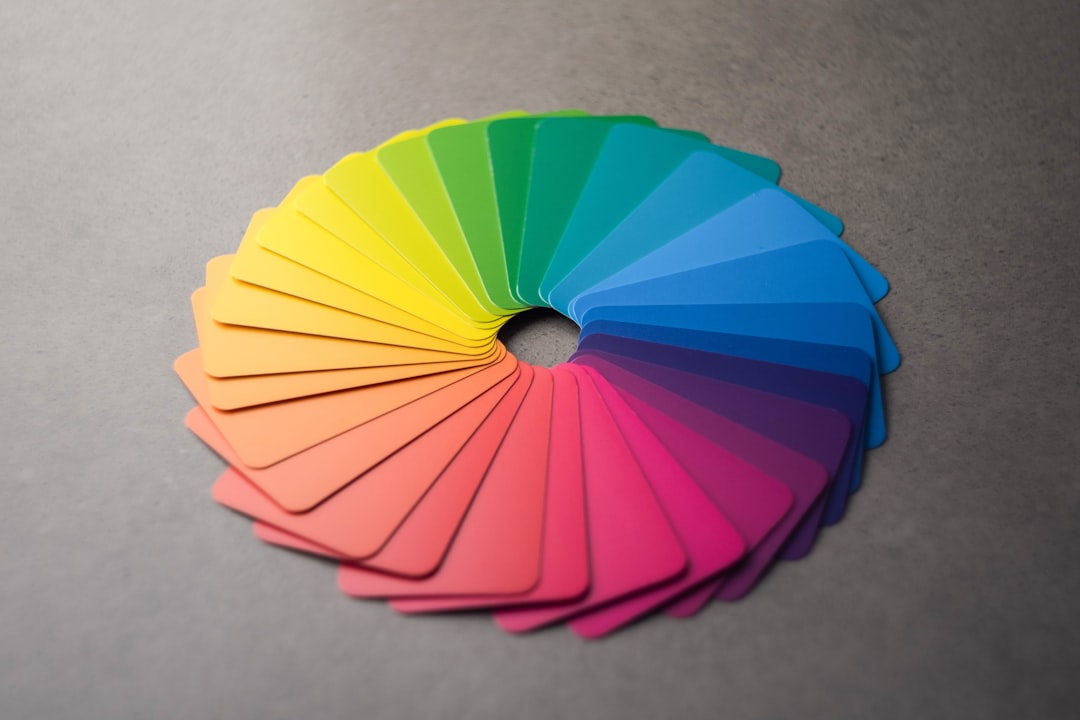
Here’s where DaVinci shines like a rainbow-covered diamond.
DaVinci Resolve is the king of color. It’s used in Hollywood for good reason. The Color Page offers pro-level features like node-based adjustments, scopes, and advanced color wheels. If you’re obsessed with the look of your footage, this tool is pure magic.
Final Cut Pro has respectable color grading tools too. For many users, it’s more than enough. But it just doesn’t go as deep as DaVinci’s system. If color is your jam, Resolve wins.
5. Visual Effects and Fusion
Want to add explosions? Title animations? Or space bugs?
DaVinci Resolve features a built-in visual effects tool called Fusion. It’s like Adobe After Effects but baked right into the app. It’s node-based, which gives you crazy control. It’s not for the faint of heart, but it’s powerful.
Final Cut Pro doesn’t go as deep, but you can still add cool stuff. Motion graphics? Check. Transitions? Check. And Apple’s Motion app expands its power a lot — but it’s a separate download.
6. Audio Editing
Don’t sleep on sound — it’s half the video!
DaVinci Resolve has a full built-in DAW (digital audio workstation) called Fairlight. It lets you mix, master, and clean up your audio down to tiny details. From podcasts to full film mixes, you get solid control.
Final Cut Pro has great tools for most creators. Basic audio editing, EQs, and sound effects are easy to apply. But for complex projects, you might need to bring in Logic Pro or a third-party tool.
7. Collaboration
Teamwork makes the dream work, right?
DaVinci Resolve is built for teams. With the Studio version, multiple users can work on the same project at once. Editor. Colorist. Audio engineer. All working together, saving time.
Final Cut Pro is more of a solo act. You can share libraries and files, but real-time team editing isn’t really a thing. It’s built with the independent creator in mind.
8. File Management
Organization matters — especially in longer projects.
Final Cut Pro uses something called Libraries, Events, and Projects. It’s clean and structured. If you like your workspace tidy, you’ll appreciate this system.
DaVinci Resolve uses a more traditional approach — bins and timelines. You can organize as much or as little as you want. It works, but you make your own structure.
9. Exporting and Deliverables
After the edit comes… the render!
Final Cut Pro exports fast — especially with Apple hardware. You can upload directly to YouTube, Facebook, or Vimeo right from the software. It makes delivery a breeze.
DaVinci Resolve offers massive customization. You can export in just about every format imaginable. You can even queue multiple versions for different platforms in the Deliver Page. It’s editor heaven.
10. Stability and Support
Crashes are the mortal enemy of editors.
Final Cut Pro is famously stable. It runs smooth on Mac and rarely crashes. Plus, there’s great support from Apple and a huge community of users online.
DaVinci Resolve has improved majorly over the years. But it still depends heavily on your system setup. Complex Fusion effects or huge media files can slow things down if your computer isn’t up for it.
So Which Should You Choose?
- Pick Final Cut Pro if:
- You use a Mac.
- You want speed and ease of use.
- You’re an independent creator or YouTuber.
- Pick DaVinci Resolve if:
- You need top-tier color grading.
- You’re working on collaborative or big projects.
- You want a free version with lots of features.
Final Thoughts
At the end of the day, both DaVinci Resolve and Final Cut Pro are excellent tools. Your choice depends on what you value more — speed and simplicity, or depth and control.
The good news? You can’t go wrong. Play around with both (Resolve is free, after all), and see what fits your style best.
Your story deserves the best editor. Now go tell it!
