


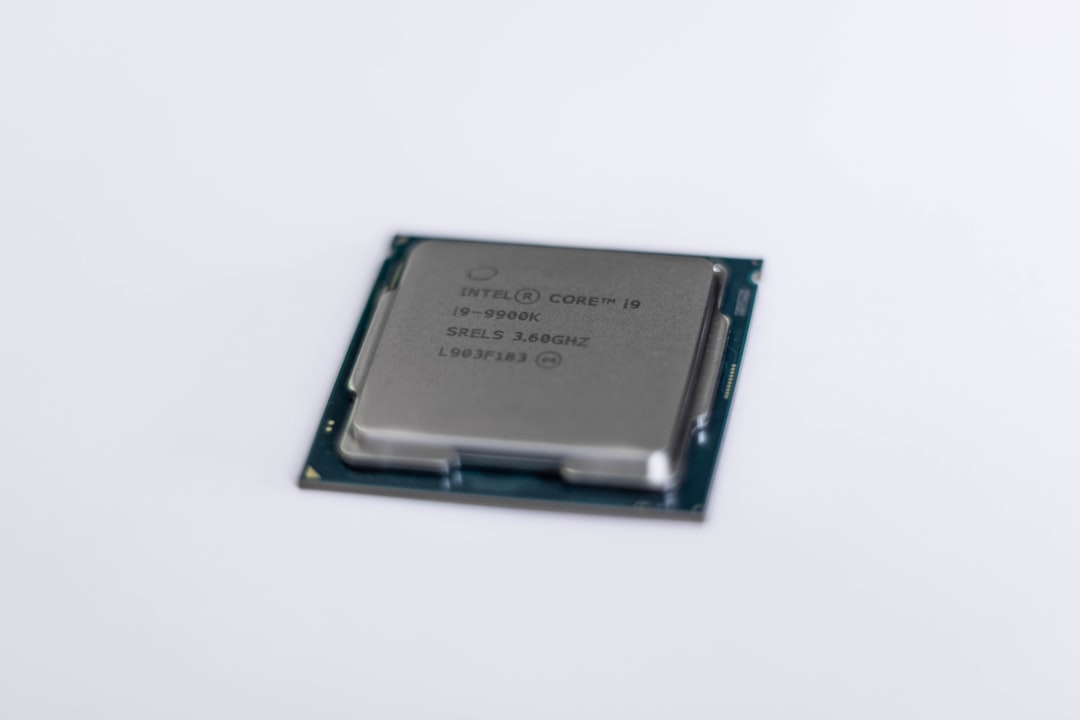
The Gigabyte B250M-D2V motherboard, part of Gigabyte’s mainstream B250 chipset range, has been a reliable platform for building budget- to mid-range PCs. Released with 7th generation Intel processor support, it continues to draw attention for users who want to make the most out of legacy hardware. However, as newer processors and technologies emerge, users are often left wondering what their upgrade options are within the limitations of this older platform.
TL;DR (Too Long; Didn’t Read)
The Gigabyte B250M-D2V supports Intel’s 6th and 7th generation CPUs, including Core i3, i5, i7, Pentium, and Celeron processors using the LGA1151 socket. While it doesn’t support 8th Gen and newer CPUs, users can upgrade within the 7th Gen Intel core lineup for better performance. The most powerful CPU officially supported is the Intel Core i7-7700K. For optimal performance improvements, pairing the motherboard with faster RAM (up to DDR4-2400) and an SSD can extend the platform’s usability.
Overview of the Gigabyte B250M-D2V Motherboard
The Gigabyte B250M-D2V uses the Intel B250 chipset and follows the micro-ATX form factor. It was designed to provide essential features at an affordable price while still offering key modern functionalities such as:
- Support for 6th and 7th Gen Intel Core processors
- Dual-channel DDR4 memory up to 2400 MHz
- PCIe Gen3 x16 slot for discrete graphics
- USB 3.0 and SATA 6Gb/s connectivity
- High-quality onboard audio and LAN chipset
Due to its affordability and solid build, the B250M-D2V remains popular for entry-level gaming or productivity systems. But to understand what kind of CPU upgrades users can consider, let’s take a look at its compatibility limits.
CPU Compatibility and Supported Generations
This motherboard is built around the LGA1151 socket and supports CPUs running on the Intel 100 and 200 series chipsets. These include:
- Intel 6th Gen (Skylake) – Core i3/i5/i7, Pentium, and Celeron
- Intel 7th Gen (Kaby Lake) – Core i3/i5/i7, Pentium, and Celeron
Official support is limited to these two generations. That means it does not support 8th Gen (Coffee Lake) or newer CPUs, even though they share the same socket layout. The reason for this is chipset and BIOS incompatibility, not physical socket differences. Attempting to use an 8th Gen CPU will result in no POST or system failure.
For the widest range of upgrade compatibility, ensure the motherboard’s BIOS is updated to the latest version provided by Gigabyte. This ensures full support for the highest-end 7th Gen CPUs.
Top CPU Options for Upgrading
If you’re looking to extract the most performance from the B250M-D2V, your best bet is one of the high-performance CPUs officially supported for the chipset.
Here are some recommended upgrade paths:
Best Performance CPU
- Intel Core i7-7700K: 4-core, 8-thread processor with a base clock of 4.2 GHz and turbo up to 4.5 GHz. It’s the most powerful CPU this board supports. While it’s an unlocked processor, overclocking is not possible with the B250 chipset.
Value Performance CPU
- Intel Core i5-7600: 4-core, 4-thread CPU that’s a solid pick for users upgrading from an i3 or older Pentium. It offers a good balance of performance and price.
Budget Option
- Intel Pentium G4560: A budget wonder with 2 cores and 4 threads, perfect for light workloads and retro gaming scenarios.
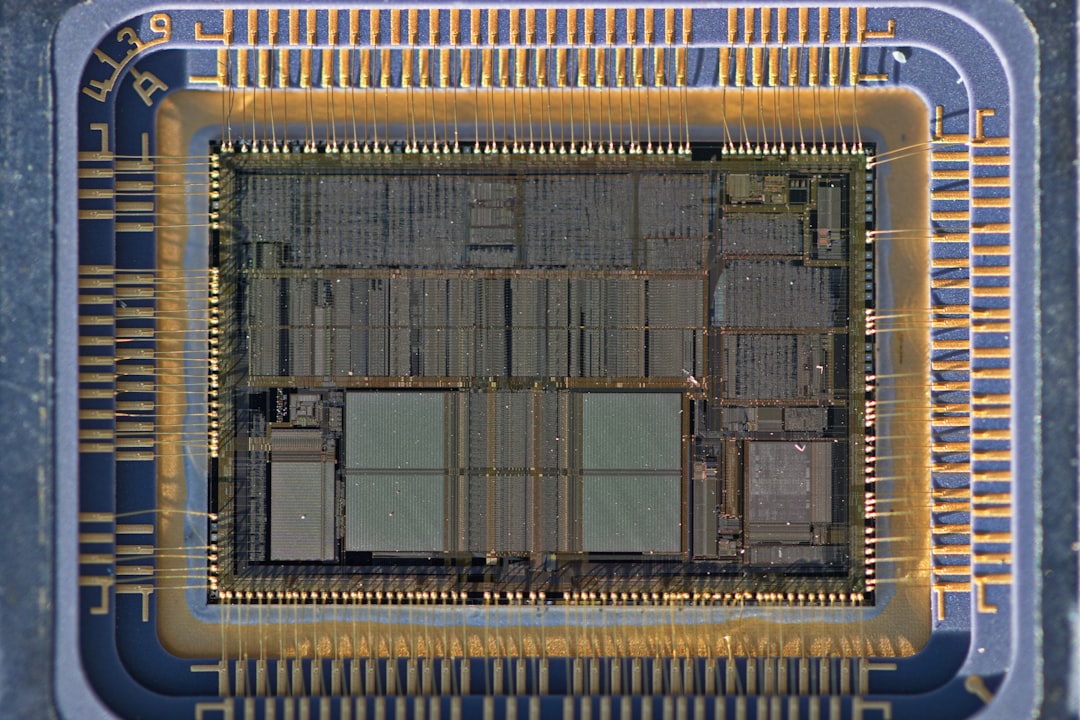
What About 8th and 9th Gen CPUs?
Many users mistakenly believe that because the LGA1151 socket is shared between 6th to 9th generations of Intel CPUs, they can simply upgrade their CPU without changing their motherboard. However, this is incorrect. Intel introduced new electrical pin requirements and power delivery features in 8th Gen and beyond, which are not compatible with the B250 chipset.
To use 8th or 9th Gen CPUs, you must upgrade to a motherboard that uses the Intel 300-series chipset (such as B360, H370, or Z390).
Memory and Storage Considerations for Upgrading
While upgrading your CPU plays a strong role in performance gains, don’t forget the importance of memory and storage:
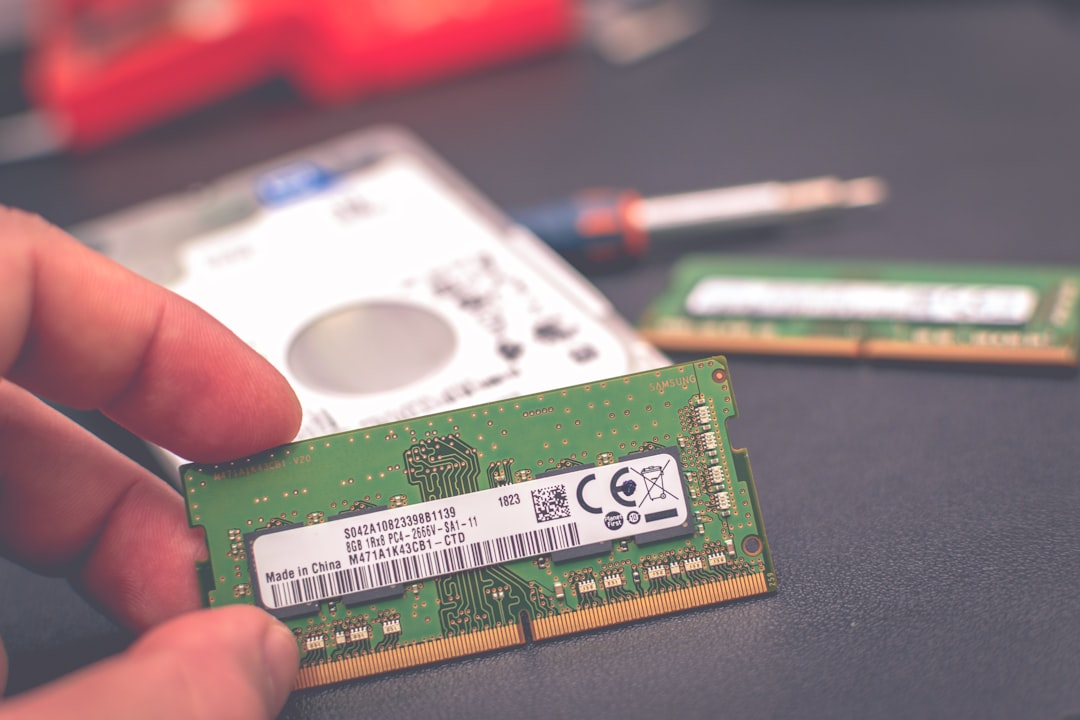
- RAM: The B250M-D2V supports DDR4 RAM up to 2400 MHz. If you’re currently on 2133 MHz or lower, moving to 2400 MHz can give a slight edge in performance.
- Storage: SSDs offer tremendous speed advantages over traditional HDDs. The board includes support for M.2 SATA drives (not NVMe), an improvement over just 2.5″ SSDs.
Pairing a decent mid-tier CPU upgrade with faster memory and SSD enable the system to handle moderate gaming and productivity needs even in 2024.
BIOS Updates for CPU Compatibility
To ensure full compatibility and stability, users should update the BIOS before installing a new CPU. Gigabyte’s official website provides the latest BIOS files for the board, and updating is a relatively simple process using Q-Flash or the BIOS Setup Utility.
Important: Always double-check your current BIOS version and read the update instructions carefully. A failed BIOS update can render the motherboard unusable.
When to Consider a Platform Upgrade
If you’ve already upgraded to the best CPU your B250M-D2V board supports and are still finding performance lacking, it may be time to invest in a new platform. This is especially true for users seeking:
- Support for NVMe storage with PCIe 3.0 or 4.0 speeds
- Higher memory bandwidth or DDR5 support
- More than 4 cores and multi-threaded performance scaling for creative workloads
- Support for PCIe 4.0 to maximize GPU performance
In such cases, upgrading to a modern motherboard and processor combination (e.g., Intel 12th Gen or AMD Ryzen 5000 series) is worth the investment.
Conclusion
The Gigabyte B250M-D2V remains a solid entry-level board you can still build a useful machine around. With support for every 6th and 7th Gen Intel CPU, it gives users enough upgrade headroom within its ecosystem. However, for significant future-proofing beyond 2024, a full platform swap may become necessary. Until then, a CPU upgrade to the Core i7-7700K, paired with faster RAM and an SSD, can breathe new life into aging systems.
FAQ: Gigabyte B250M-D2V CPU Support and Upgrades
-
Q: What is the best CPU I can install on the B250M-D2V?
A: The highest-performing CPU officially supported is the Intel Core i7-7700K. -
Q: Can I install an 8th or 9th Gen Intel CPU on this motherboard?
A: No, 8th and 9th Gen Intel CPUs require a newer chipset such as the Intel 300 series. -
Q: Do I need to update the BIOS to support newer 7th Gen CPUs?
A: Yes, always ensure your BIOS is up to date before upgrading to later 7th Gen Intel CPUs. -
Q: Does the motherboard support overclocking?
A: No, the Intel B250 chipset does not support CPU overclocking, even for unlocked CPUs like the i7-7700K. - Q: Can I use NVMe SSDs with this
