


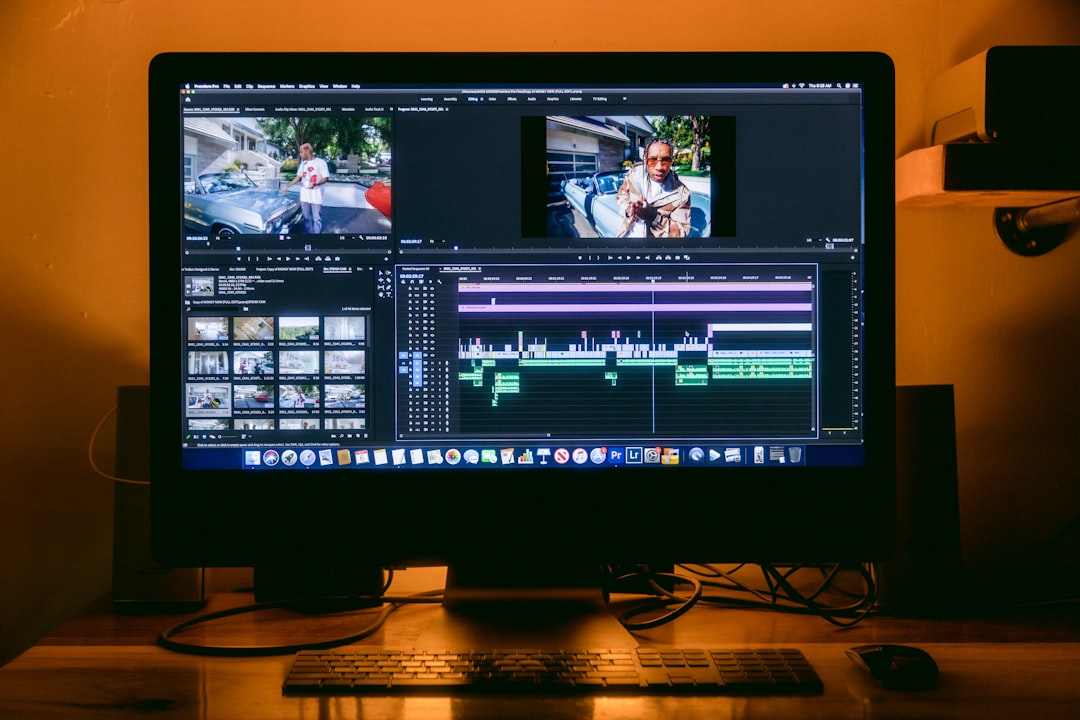
Final Cut Pro is widely regarded as one of the most powerful professional video editing software tools available today. Created by Apple Inc., it has gained a strong following among both independent filmmakers and major studios for its high performance, intuitive interface, and seamless integration with other Apple products. But one of the most common questions asked by potential users is:
How Much Does Final Cut Pro Cost?
TL;DR: Final Cut Pro is available for a one-time purchase of $299.99 through the Mac App Store. This price includes lifetime updates, making it a cost-effective option for professionals and enthusiasts alike. There’s no subscription required, and Apple occasionally offers special promotions or educational discounts. While there is no free version, Apple does offer a generous 90-day free trial.
What Is Final Cut Pro?
Final Cut Pro is a non-linear video editing application designed for macOS. It offers a range of high-end features such as magnetic timeline editing, advanced color grading tools, multi-cam editing, 360° video handling, and more. It’s geared toward serious video editors and professionals who need both efficiency and power in their post-production workflow.
Since Final Cut Pro is developed exclusively for Apple systems, it takes full advantage of the Mac’s hardware, including optimized performance on Apple Silicon chips. This results in faster rendering, smoother editing experience, and overall better performance compared to many other cross-platform editing tools.
Pricing Breakdown
Unlike some video editing platforms that follow a monthly or annual subscription model, Final Cut Pro is available for a one-time fee. Here’s a clear breakdown of the pricing:
- Standard One-Time Purchase: $299.99 USD
- Available on: The Mac App Store
- Includes: Lifetime updates through the latest compatible version
- Platform: macOS only (not available for Windows or Linux)
This purchasing model is ideal for users who prefer owning software outright without worrying about recurring payments. Once purchased, users can install the software on multiple Macs via their Apple ID, as long as the installations are for personal use.

Free Trial Option
For those who want to “try before they buy,” Apple offers a 90-day free trial of Final Cut Pro. This is a fully functional version of the software, with no limitations or watermarking, giving users the chance to test out its features thoroughly before committing to the full price.
To download the trial, simply visit Apple’s official Final Cut Pro page and click on the “Free Trial” button. If users choose to purchase after the trial ends, they can continue using the software without losing any work or reinstallation. The transition is seamless.
Educational Pricing and Bundles
Apple offers an excellent discount for students, teachers, and institutions through the Pro Apps Bundle for Education. This bundle includes:
- Final Cut Pro
- Logic Pro
- Motion
- Compressor
- MainStage
The cost of the entire bundle is only $199.99 — a significant saving compared to buying each app individually. Note that this pricing is only available to verified educators, students attending qualifying institutions, and select educational institutions themselves. Verification is usually handled through a third-party system using your academic email address.
Is Final Cut Pro Worth the Price?
At $299.99, Final Cut Pro may seem like a high upfront investment, especially for those contemplating its use for hobby projects. However, it offers outstanding value when compared to subscription-based alternatives such as Adobe Premiere Pro, which currently charges a monthly subscription fee — leading to much higher total cost over time.
Here’s a quick comparison:
- Final Cut Pro: $299.99 one-time cost, updates included
- Adobe Premiere Pro (Annual Plan): ~$239.88 per year
- Adobe Premiere Pro (Monthly Plan): ~$31.49 per month
In just over a year of using Adobe Premiere Pro, you could have already spent more than the one-time cost of Final Cut Pro.

Long-Term Value and Updates
Another major benefit of Final Cut Pro is Apple’s consistent release of updates — and they’re completely free for licensed users. These updates not only fix bugs and enhance stability but also add substantial new features over time. Historically, Apple has supported Final Cut Pro customers with updates for several years without requiring a new purchase.
Some notable improvements added in free updates include:
- Native Apple Silicon support
- Object Tracking and Cinematic Mode support
- Expanded color grading controls
- Improved proxy workflows
This level of ongoing support improves the software’s return on investment considerably.
Business and Professional Use
If you’re a professional video editor or running a production studio, investing in Final Cut Pro may offer a powerful and cost-effective editing solution. With its advanced features and performance-oriented design, Final Cut Pro can easily keep pace with top-tier demands in commercial, cinematic, and broadcast settings.
Furthermore, Apple offers volume purchase options for business customers through the Apple Business Manager program. Companies can request licenses in bulk and manage deployment across multiple devices centrally — a great option for production houses and media teams.
Are There Additional Costs?
When you purchase Final Cut Pro, you get everything needed for professional editing. However, there are a few additional tools and plugins that users might want to invest in depending on their specific needs:
- Motion ($49.99): Ideal for stylish title animations, visual effects, and motion graphics.
- Compressor ($49.99): Adds custom export settings, batch exports, and advanced codec support.
- Third-party plugins: There are numerous third-party plugin bundles that offer transitions, LUTs, FX, and more, ranging from $20–$300 depending on the suite.
While these are optional, serious editors often find that investing in select add-ons significantly enhances the software’s capabilities.
System Requirements
Before purchasing, it’s crucial to ensure your Mac meets the minimum requirements to run Final Cut Pro efficiently:
- macOS 12.6 or later
- 4GB of RAM (8GB recommended for 4K editing and 3D titles)
- Metal-capable graphics card
- 3.8GB of available disk space for installation
For optimal performance, especially when dealing with high-resolution footage or complex effects, a Mac powered by an M1 or M2 chip is highly recommended.
Final Thoughts
Final Cut Pro is a one-time purchase of $299.99, representing excellent long-term value over subscription-based alternatives. With professional-grade tools, a streamlined interface, and consistent free updates, it’s a powerful editing solution whether you’re an indie creator or part of a large production team. Paired with the 90-day free trial and occasional educational discounts, Apple has made this elite editing software more accessible than ever.
Whether you’re starting your video editing journey or looking to upgrade your toolset, Final Cut Pro is a strong contender that’s worth serious consideration.
