



Creating high-quality content takes time. Lots of time. You need ideas, research, drafts, edits, images, and SEO tweaks. It can feel overwhelming. But here’s the good news. Artificial Intelligence (AI) can help you do it all faster inside WordPress. And no, it’s not scary or complicated. It’s actually fun.
TLDR: AI tools inside WordPress help you write faster, improve quality, and boost SEO without extra stress. You can generate ideas, outlines, full blog posts, and even images in minutes. The key is using AI as a helper, not a replacement. When used smartly, AI saves time and makes your content better.
What Does AI Actually Do in WordPress?
Think of AI as your digital assistant. It doesn’t sleep. It doesn’t get stuck. And it doesn’t complain about deadlines.
Inside WordPress, AI can:
- Generate blog post ideas
- Create outlines
- Write first drafts
- Improve grammar and clarity
- Optimize for SEO
- Create meta descriptions
- Suggest headlines
- Generate images
It’s like adding a turbo engine to your content machine.
Why Use AI for Content Creation?
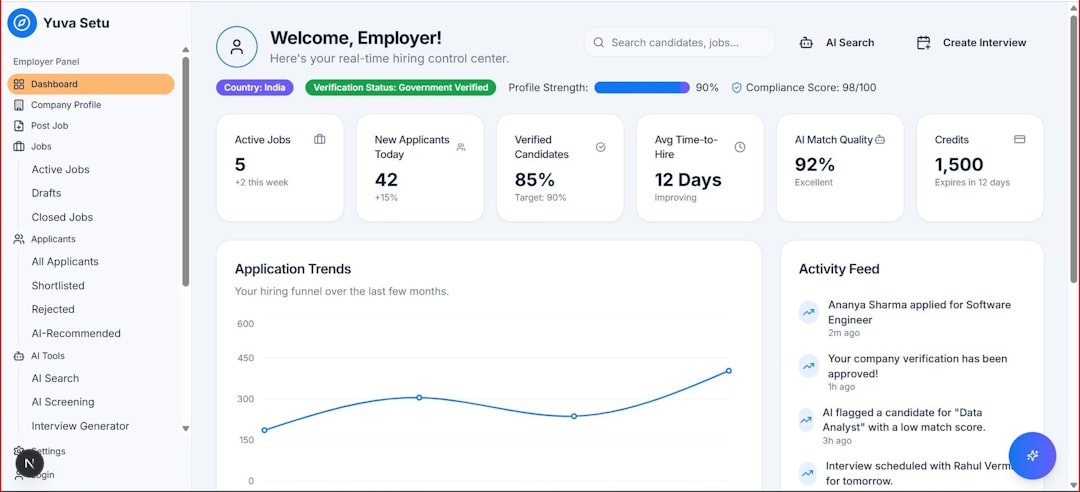
Let’s be honest, staring at a blank page is painful. Tools like AI Bud WP solve that problem instantly by automatically generating diverse and engaging content for any type of post or page on your WordPress site.
Here’s why people love using AI in WordPress:
- Speed: Drafts in minutes, not hours.
- Consistency: Keeps tone and structure clean.
- Productivity: Publish more content regularly.
- Cost-effective: Reduces the need for large writing teams.
- Creative boost: Fresh ideas when you feel stuck.
But remember. AI is a helper. You are still the editor. Always review and add your human touch.
How AI Speeds Up the Writing Process
1. Idea Generation
No more “What should I write about?” moments. Just enter a keyword. AI gives you topic suggestions instantly.
2. Outline Creation
Structure is everything. AI can build a clean outline with headings and subheadings in seconds.
3. First Draft Writing
This is the biggest time saver. AI creates a full draft based on your topic and tone requests.
4. Editing and Polishing
AI tools fix grammar, improve readability, and shorten long sentences. They make your content sharper.
5. SEO Optimization
Many AI tools integrate with SEO plugins. They suggest keywords, internal links, and better meta descriptions.
Instead of juggling five tools, you can handle everything inside WordPress.
Popular AI Tools for WordPress
There are many AI tools available. Some are plugins. Some connect through APIs. Here are a few popular options.
- Jetpack AI Assistant
- Rank Math Content AI
- Elementor AI
- AI Engine
- Bertha AI
Quick Comparison Chart
| Tool | Best For | SEO Features | Ease of Use | Pricing |
|---|---|---|---|---|
| Jetpack AI Assistant | Blog writing inside editor | Basic | Very Easy | Paid plans |
| Rank Math Content AI | SEO focused content | Advanced | Easy | Credits system |
| Elementor AI | Website copy design | Moderate | Very Easy | Paid |
| AI Engine | Custom AI integrations | Depends on setup | Moderate | Free + Paid |
| Bertha AI | Marketing copy | Basic | Easy | Paid |
Each tool has strengths. Choose based on your needs. Bloggers may prefer simple writing tools. SEO professionals might want deeper optimization features.
Using AI to Create Better SEO Content
AI and SEO are best friends.
Here’s how AI improves your rankings:
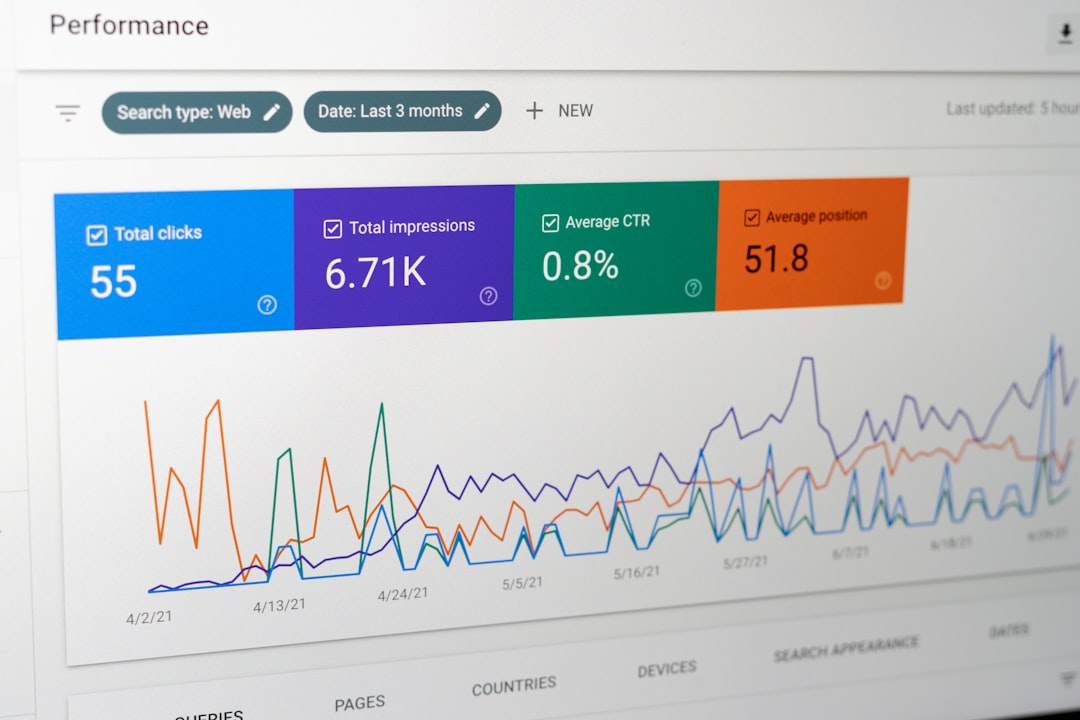
- Finds related keywords
- Suggests proper heading structures
- Optimizes keyword density
- Creates compelling meta descriptions
- Improves readability scores
Search engines love helpful content. AI helps you structure content clearly and logically.
But don’t keyword stuff. Keep it natural. Google is smart. And your readers are smarter.
AI for Images and Media
High-quality blog posts need visuals. AI can generate them too.
You can create:
- Featured images
- Infographics
- Custom illustrations
- Social media thumbnails
This saves time searching stock libraries. It also makes your content unique.
Just provide a clear description. AI does the rest.
A Simple Workflow Using AI in WordPress
Let’s make this practical.
- Start with a keyword.
- Ask AI for 10 blog topic ideas.
- Pick one and generate an outline.
- Create a first draft.
- Edit and add personal insights.
- Optimize with SEO suggestions.
- Generate images.
- Proofread one last time.
- Hit publish.
Done. Faster. Easier. Smarter.
Common Mistakes to Avoid
AI is powerful. But misuse can hurt your content.
- Publishing without editing – Always review.
- Overusing keywords – Keep it natural.
- Ignoring brand voice – Add personality.
- Using generic prompts – Be specific.
The better your instructions, the better your output.
How to Write Better Prompts
Your results depend on your input. Strong prompts create strong content.
Instead of saying:
“Write a blog post about fitness.”
Try:
“Write a 1000 word beginner friendly blog post about home workouts for busy professionals. Use short sentences and a motivating tone.”
See the difference? Details matter.
Keeping the Human Touch
This is important.
AI can write. But it doesn’t have your experiences. Your stories. Your failures. Your humor.
Add:
- Personal examples
- Real case studies
- Opinions
- Unique insights
This makes your content stand out.

Is AI Replacing Writers?
Short answer. No.
AI changes how writers work. It removes boring tasks. It speeds up research. But strategy, emotion, and creativity still need humans.
Think of AI as a calculator for writers. It makes you faster. Not useless.
The Future of AI in WordPress
AI tools are getting smarter every month.
In the near future, expect:
- Real-time content scoring
- Automatic internal linking
- Voice-to-blog publishing
- Smarter personalization
- Predictive content suggestions
Websites will become more dynamic. More tailored. More engaging.
Final Thoughts
Using AI in WordPress is not cheating. It’s evolving.
It helps you create high-quality content faster. It reduces stress. It improves structure. And it boosts productivity.
But always remember. You are the creator. AI is your assistant.
Use it wisely. Experiment often. Stay creative.
And most importantly, have fun building amazing content.
