 logo
logo

In today’s digital landscape, keeping track of every change made on a website is more than just a good habit—it’s a necessity. For WordPress users, managing a site efficiently involves knowing when updates occur, who made them, and what was changed. These insights are only possible through the diligent use of a WordPress change log.
TLDR: A WordPress change log helps you track every modification made on your website—plugins, themes, user activity, and system updates included. It enhances security, makes troubleshooting easier, and supports collaborative workflows. By using a change log, site owners can detect suspicious behavior faster and ensure content consistency. Tracking site updates is essential, whether you’re managing a blog or a multi-author e-commerce platform.
What Is a WordPress Change Log?
A WordPress change log is essentially a recorded timeline of all activity that happens within the WordPress environment. It includes entries such as plugin updates, theme modifications, core system changes, and user actions like post edits or login attempts.
Depending on the tools being used, a change log can capture:
- Plugin additions, deletions, or updates
- Theme changes or customizations
- User login/logout activity
- Publishing or editing of posts and pages
- Site setting configurations or database changes
Why You Should Track Site Updates
Tracking site changes offers tangible benefits, especially for site administrators and developers. Below are some compelling reasons to implement a change log in your WordPress environment:
1. Enhanced Security Monitoring
WordPress is one of the most popular content management systems in the world, but its vast ecosystem also makes it a target for hackers. When something goes wrong—whether it’s a malicious attack or unintentional code change—a change log becomes the first line of defense.
For instance, if a malicious plugin is installed without authorization, a change log can reveal who installed it and when. This helps IT teams respond faster and minimize damage.

2. Simplified Troubleshooting
Have you ever updated a plugin only to find your site suddenly broken? With a change log, rollback becomes easier. It allows you to trace back the system to its previous working state by identifying the exact change that caused the error.
This kind of logging is invaluable when working with multiple contributors or external developers who might change something without fully understanding the implications.
3. Accountability Among Team Members
Multi-author blogs, e-commerce sites, and content platforms often rely on contributions from different users. A change log helps keep every contributor accountable for their actions on the backend.
If a page gets deleted, the change log will list who performed the deletion and when. This not only helps in restoring content but also prevents recurrence by training or restricting certain user roles.
4. Maintains Operational Continuity
Say a developer on your team leaves or becomes unavailable. How do you know what they worked on? A detailed changelog lets another developer step in without missing a beat, reducing downtime and eliminating guesswork.
5. Compliance and Reporting
Many businesses must adhere to industry regulations or internal IT standards. A WordPress change log serves as an audit trail that documents every critical action taken on a website. This is crucial for enterprises operating under fair-use policies or client service agreements.
Types of Activity That Can Be Logged
A standard WordPress logging tool should account for a variety of changes, including:
- Core Updates: New versions of WordPress applied to the system.
- Plugin Installations/Updates: Includes version numbers and changelog notes from developers.
- Theme File Modifications: Any changes to child or parent themes can be recorded.
- User Activities: Logins, logouts, failed attempts, and profile edits.
- Content Changes: New posts/pages, updates to existing articles, or deletions.
Best Tools for WordPress Change Logs
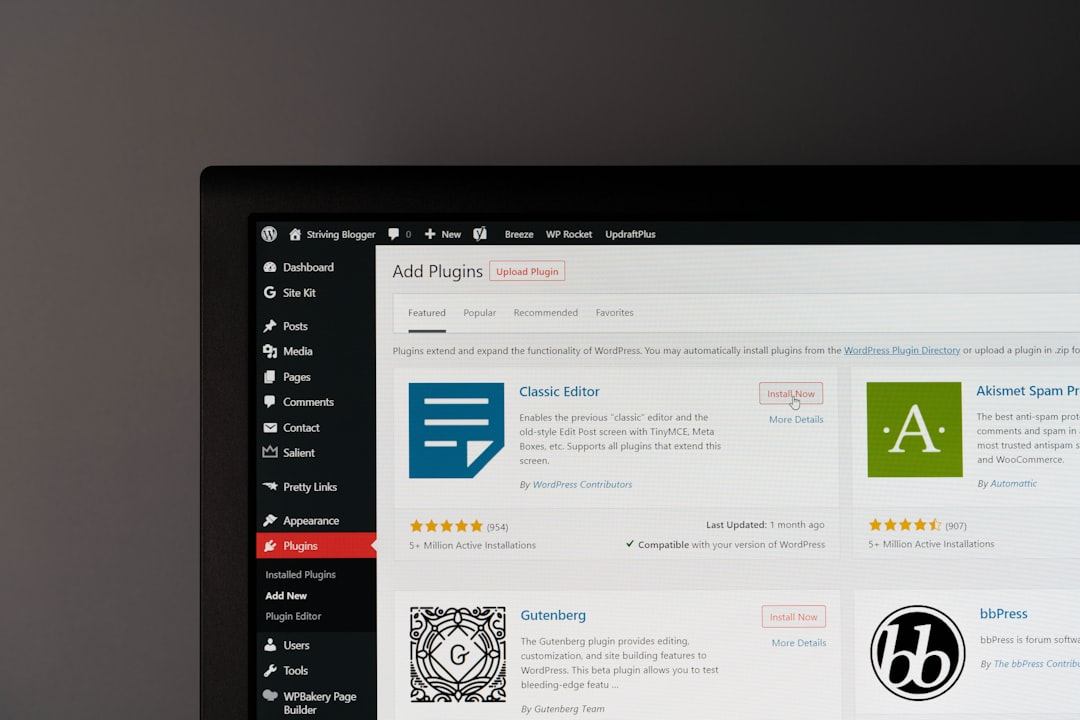
Several plugins are available to help automate the process of maintaining change logs:
- WP Activity Log: Offers comprehensive logging, including user sessions and file modification tracking.
- Simple History: Displays recent changes right on your dashboard for easy review.
- Stream: Ideal for developers, offering an advanced API and logging capabilities.
- MainWP Activity Logs: Designed for WordPress multisite or multiple site management from a single dashboard.
How to Implement a Logging Strategy
Here are a few steps to set up and make the most of your WordPress change log:
- Define Key Areas of Monitoring: Start by deciding what you need to monitor—plugin updates, login activity, post changes, etc.
- Choose the Right Logging Plugin: Select a tool that fits your technical expertise and site complexity.
- Set User Roles and Permissions: Limit who can make changes to key parts of your site and watch their activity closely.
- Back Up Logs Regularly: Just like your database, log files should be backed up to avoid data loss.
- Review Logs Frequently: Establish a routine to read and analyze the activities logged. This can be part of your weekly site maintenance.
Challenges and Considerations
While logging is powerful, it’s not without challenges. For instance, constant tracking can create large log files, which in turn might slow down your site if not managed properly. Also, retaining user logs raises data privacy issues, especially in regulated markets like the EU. Be sure to clearly inform users if activity tracking is in place.
Another issue is over-dependence. Relying solely on change logs without other security measures—like firewalls or malware scanners—can provide a false sense of security. Use change logs as part of a larger security and operational strategy.
Conclusion
Whether you’re running a personal blog or a high-traffic e-commerce site, overlooking what goes on in the backend is a mistake you can’t afford. By integrating a change log system into your WordPress workflow, you’ll gain transparency, enhance security, and build a more stable foundation for future growth.
The benefits far outweigh the minimal setup time. With the right tools and discipline, WordPress change logs can empower teams, improve customer trust, and even save money in support hours and site repairs.
FAQ: WordPress Change Logs
-
What is the purpose of a change log in WordPress?
A change log helps you keep track of everything happening on your WordPress site—from plugin updates to user edits—bringing transparency, security, and accountability. -
Are change logs only useful for developers?
No. While developers can benefit greatly, change logs are also valuable for site owners, content managers, and even marketers who want to maintain content consistency. -
Can I view logs directly in my WordPress dashboard?
Yes, many plugins like Simple History and WP Activity Log provide a dashboard widget or separate admin menu for easy access. -
Will logging slow down my website?
If managed poorly, excessive logging can cause some performance issues. However, most high-quality logging plugins are optimized to minimize server load. -
Is it necessary to inform users that their activity is being logged?
If you’re logging user activity, it’s best to include it in your privacy policy, especially if you serve visitors from regions with strict data regulations like the GDPR.
