 logo
logo
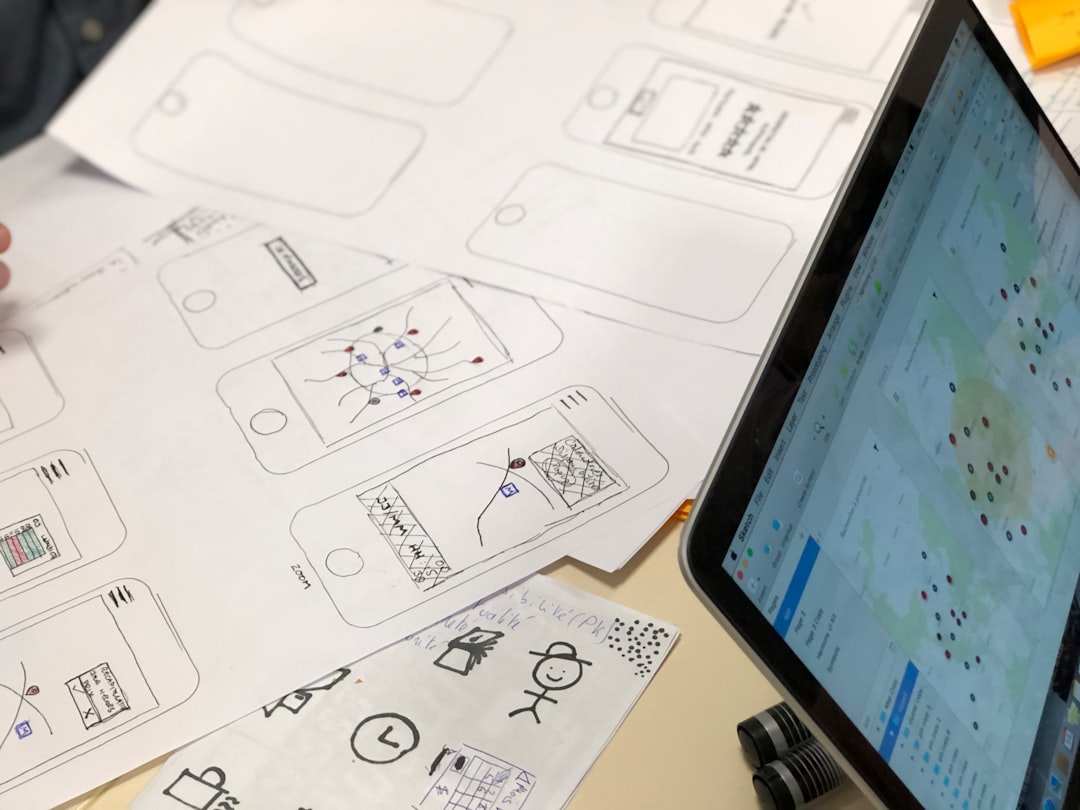
Logos are like fingerprints for brands. They show the world what your brand stands for—its vibe, its story, and its personality. And now, designing logos is easier than ever, right from your smartphone. You don’t even need a laptop or Photoshop degree anymore!
TLDR: Want to make awesome, unique logos on the go? These 5 mobile apps give you creative freedom and full control. Whether you’re a pro designer or just starting, these apps are easy to use and super customizable. Let’s look at which ones made the list!
1. Canva – The Swiss Army Knife of Logo Design
Best for: Beginners and seasoned designers who want a smooth, drag-and-drop experience.
Canva is like that cool best friend who’s always got your back. It’s simple but powerful. With thousands of logo templates, fonts, and icons to choose from, you can build something truly unique in minutes.
What makes Canva stand out is how everything is customizable. You can change colors, layers, shapes, spacing—you name it. It’s also great for working with transparency, exporting logos in different sizes, and collaborating with others.
Top features:
- Huge library of templates and icons
- Custom fonts and brand kits
- User-friendly drag-and-drop editor
- Download in multiple formats (PNG, SVG, PDF)
 Bonus: There’s a free version that offers most of the good stuff, but Canva Pro unlocks even more design tools.
2. Logo Maker – by Shopify – Fast & Simple Branding
Best for: Entrepreneurs and small business owners who want a logo, fast.
This free app by Shopify is quick, efficient, and actually fun to use. It asks a few simple questions—your business name, style preference, and the industry. In seconds, you get several logo options you can customize further.
It’s perfect if you’re short on time but still want to look pro. You can modify fonts, colors, and icons easily.
Top features:
- Fast walkthrough to generate logo ideas
- Basic customization tools for fonts and colors
- Clean, modern templates
- Export in high-res formats
What’s missing? It’s not ideal for full creative control. The base template is always there—but that’s great for folks who like a head start.
3. Adobe Express – Creative Powerhouse in Your Pocket
Best for: Designers who love Adobe tools and crave deep customization.
Adobe Express comes packed with pro features and beautiful design options. Its logo maker is more flexible than most apps out there, letting you adjust text effects, add layers, and take advantage of Adobe’s hefty collection of assets.
If you’ve used Photoshop or Illustrator before, this app will feel familiar but much easier. Even newbies can create polished logos in no time.
Top features:
- Advanced text and graphic editing tools
- Access to Adobe Fonts and creative libraries
- Social media-ready formats
- Works with other Adobe apps
Image not found in postmeta
Heads up: Adobe Express works best with a Creative Cloud subscription. But there’s a free version with plenty to love.
4. LogoScopic – Designer-Focused Logo Crafting
Best for: Designers who want more control, less fluff.
LogoScopic goes deeper into logo customization than many others. It’s packed with icon packs and high-detail editing options. You get pixel-level control and design tools that feel more professional.
Although its interface might not be the flashiest, its speed and precision make up for it. It’s ideal if you love creating logos from scratch but still want mobile convenience.
Top features:
- Extensive collection of professionally-designed symbols
- High-detail cropping and layering
- Custom gradient tools and typography control
- Fast export to transparent PNG files
Design tip: Try combining multiple icons or applying unique filters for a fresh look.
5. Hatchful by Shopify – Quick, Polished Logos on the Go
Best for: Quick branding solutions for social media and online shops.
Yes, this is the second Shopify app on our list—but it earned its spot! Hatchful is different from their regular logo maker. It focuses more on ready-to-publish branding, fast. Choose your vibe (“Modern,” “Feminine,” “Bold”), enter your brand name, and voila—dozens of matching designs are ready.
Customization is a bit limited, but for quick, polished logos? It’s gold. And the package includes branded images sized for platforms like Instagram and Facebook.
Top features:
- Instant logo packages with matching themes
- Dozens of style categories
- Automatic formatting for social media
- No design experience needed
 Need more flexibility? You can always export the logo and tweak it using another app like Canva or Adobe Express.
Final Thoughts
Designing logos on mobile isn’t just possible—it can be a total game-changer. Each of these apps gives you different levels of creative freedom. Whether you want something fast or highly detailed, there’s an app for every designer and every project.
Here’s a super quick recap:
- Canva: Versatile and beginner-friendly
- Logo Maker by Shopify: Quick and simple
- Adobe Express: Deep tools for serious creatives
- LogoScopic: High-level customization on mobile
- Hatchful: Fast results with branding included
So go ahead, pick one (or two!) and watch your logo ideas come to life—even when you’re on the subway, at a café, or chilling on the couch. Creating killer designs is now just a tap away.
