 logo
logo
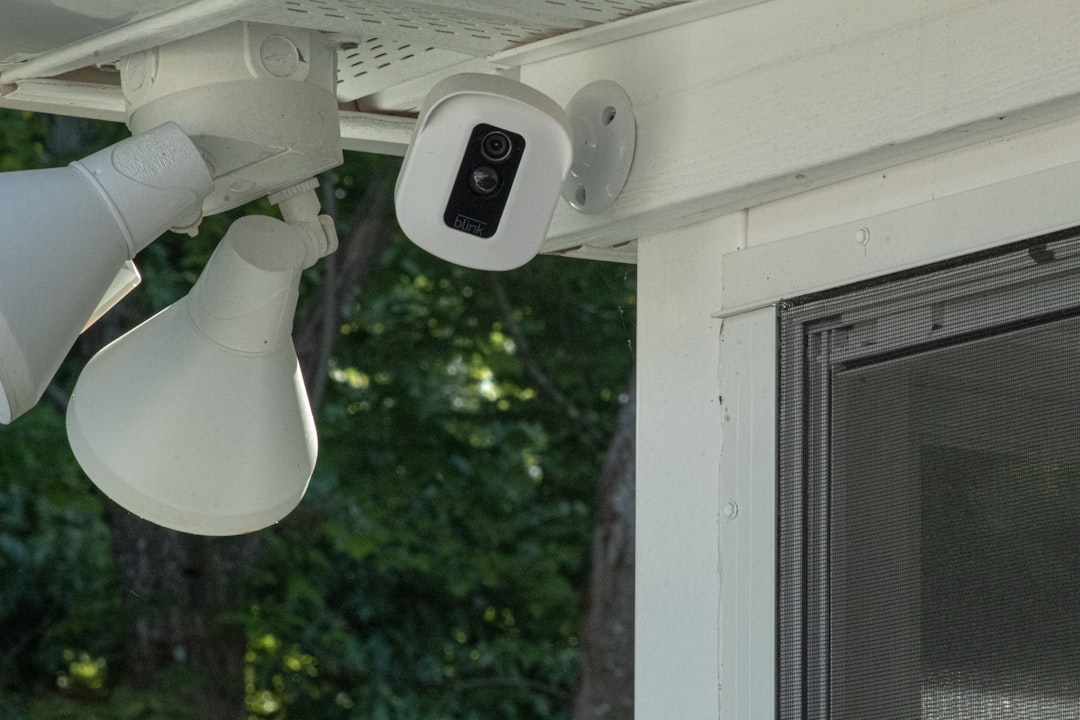
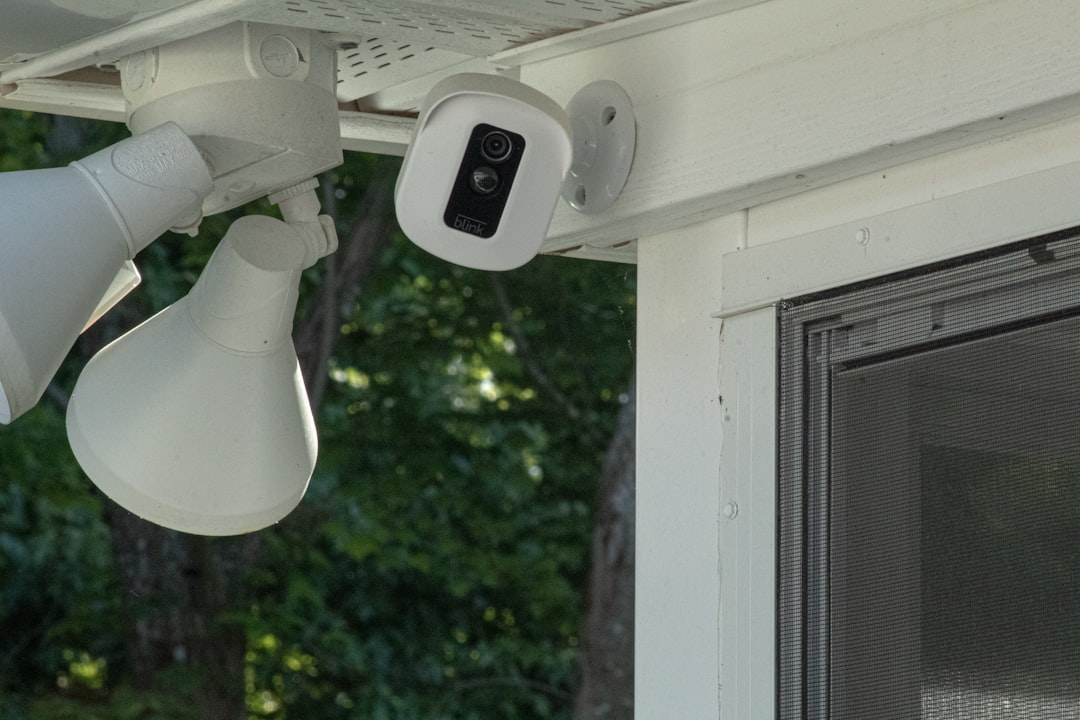
When building or upgrading a home security system, compatibility is often the first question that comes to mind. If you already own a Sync Module 2 and are considering adding the latest Blink Outdoor 4 camera to your setup, you’re probably wondering whether the two devices will work seamlessly together. Understanding how Blink’s ecosystem functions can help you make a smarter purchasing decision and get the most out of your security investment.
TLDR: Yes, Blink Outdoor 4 works with Sync Module 2, and they are fully compatible. The Sync Module 2 allows the Outdoor 4 camera to store footage locally using a USB drive while also enabling app connectivity and system management. This combination provides both cloud and local storage options, enhanced system control, and a streamlined setup experience. For most users, pairing Blink Outdoor 4 with Sync Module 2 is not only possible but highly recommended.
Understanding Blink Outdoor 4
The Blink Outdoor 4 is the newest generation of Blink’s popular wire-free outdoor security cameras. Designed for durability and ease of use, it runs on AA batteries and connects to your home Wi-Fi network. The camera is built to withstand harsh weather conditions and offers updated features compared to earlier models.
Some of its key features include:
- 1080p HD live view and recording
- Enhanced motion detection with improved sensitivity
- Two-way audio for real-time communication
- Infrared night vision
- Long battery life, often lasting up to two years
Blink Outdoor 4 integrates seamlessly with the Blink app, allowing users to view live feeds, receive motion alerts, and adjust camera settings directly from their smartphones.
What Is the Sync Module 2?
The Sync Module 2 acts as the central hub for many Blink camera systems. While Blink cameras can technically connect to Wi-Fi, the Sync Module enhances functionality by managing communications between the cameras and the Blink cloud.
More importantly, the Sync Module 2 introduces local storage capability. By inserting a compatible USB flash drive (up to 256 GB), users can save motion clips directly to local storage without relying exclusively on cloud subscriptions.
Here’s what the Sync Module 2 provides:
- Central connection hub for up to 10 Blink devices
- Local video storage via USB drive
- Improved system performance and battery efficiency
- Simplified account management within the Blink app
Are Blink Outdoor 4 and Sync Module 2 Compatible?
Yes, Blink Outdoor 4 is fully compatible with Sync Module 2. In fact, the Outdoor 4 is designed to integrate directly into Blink’s existing ecosystem, which includes the Sync Module 2 as a key component.
Once connected, the Sync Module 2:
- Links the Outdoor 4 to your Wi-Fi network
- Enables clip storage (local and cloud)
- Coordinates motion alerts and system settings
- Ensures stable and efficient communication
The pairing process is straightforward. Using the Blink app, you simply add a new device, scan the QR code on your Blink Outdoor 4 camera, and select your existing Sync Module 2 during setup.
Image not found in postmetaBenefits of Using Blink Outdoor 4 with Sync Module 2
While it’s technically possible to use certain Blink cameras without advanced features, the Sync Module 2 unlocks key advantages that enhance overall performance.
1. Local Storage Without Monthly Fees
One of the main reasons users choose Sync Module 2 is to avoid continuous subscription fees. By inserting a USB drive:
- Motion clips are stored locally.
- You can access footage through the Blink app.
- You reduce reliance on paid cloud plans.
For homeowners seeking a budget-conscious solution, this is a major advantage.
2. Improved Battery Efficiency
Because the Sync Module 2 handles much of the communication workload, cameras can conserve battery power. The Blink Outdoor 4 already boasts impressive battery longevity, but pairing it with the Sync Module helps optimize energy usage even further.
3. Simplified Multi-Camera Management
If you plan to install multiple cameras around your home, the Sync Module 2 becomes essential. It supports up to 10 Blink devices, allowing centralized management in the Blink app.
This setup is ideal for:
- Covering front and back yards
- Monitoring driveway and garage areas
- Watching over side entrances and patios
4. Enhanced System Stability
The Sync Module acts as a dedicated communication bridge, reducing network strain. This can improve:
- Live view connection times
- Clip upload speed
- Overall system reliability
How Setup Works
Setting up Blink Outdoor 4 with Sync Module 2 is typically quick and user-friendly.
Here’s a simplified overview:
- Plug the Sync Module 2 into power and connect it to your Wi-Fi network using the Blink app.
- Insert a USB drive if you want local storage.
- Open the app and select “Add Device.”
- Scan the QR code on the Outdoor 4 camera.
- Follow on-screen instructions to complete pairing.
Within minutes, your camera should be live and ready to monitor.
Image not found in postmetaCloud Storage vs. Local Storage
When using Blink Outdoor 4 with Sync Module 2, you typically have two storage options:
Cloud Storage
- Requires a Blink Subscription Plan
- Stores clips securely online
- Offers extended clip access and additional features
Local Storage
- Requires Sync Module 2 and USB drive
- No ongoing subscription required
- Clips stored directly to local media
Many users choose a hybrid approach—starting with a free trial of Blink’s subscription service and later switching to local storage depending on their needs.
Potential Limitations to Keep in Mind
While Blink Outdoor 4 and Sync Module 2 are compatible, it’s important to understand a few limitations:
- Local storage access is app-based. You cannot simply plug the USB into your computer without going through certain formatting and access steps.
- Wi-Fi strength matters. Weak signals can affect camera responsiveness.
- USB drives must meet compatibility standards. Not all flash drives perform equally well.
These aren’t deal-breakers, but they are worth noting to avoid frustration during setup.
Is Sync Module 2 Required for Blink Outdoor 4?
Technically, some Blink cameras can operate in limited capacity without full Sync Module integration, but for Blink Outdoor 4, using the Sync Module 2 is strongly recommended. It ensures proper connectivity, enables local storage, and delivers the smooth experience most users expect.
If you purchase a Blink Outdoor 4 camera kit, it often includes the Sync Module 2. However, if you’re buying the camera as an add-on to an existing system, you can simply connect it to the Sync Module already installed.
Who Should Use This Combination?
The pairing of Blink Outdoor 4 and Sync Module 2 is ideal for:
- Homeowners wanting flexible storage options
- Renters seeking wire-free security
- Users expanding an existing Blink system
- Anyone aiming to reduce subscription costs
If you already own a Sync Module 2, upgrading to Blink Outdoor 4 is straightforward and cost-effective. There’s no need to replace your hub unless you’re adopting future system updates that require newer hardware.
Final Thoughts
So, can Blink Outdoor 4 work with Sync Module 2? Absolutely. The devices are designed to function together as part of Blink’s cohesive security ecosystem. In fact, the Sync Module 2 significantly enhances the Outdoor 4’s capabilities by enabling local storage, improving efficiency, and simplifying device management.
For users seeking a flexible, easy-to-install, and budget-friendly home security solution, combining Blink Outdoor 4 with Sync Module 2 offers excellent value. Whether you’re protecting a small apartment or a sprawling backyard, this pairing delivers dependable performance without unnecessary complexity.
By understanding how these components interact, you can confidently build a system that fits both your security needs and your budget—while keeping your home safer and smarter.
