 logo
logo
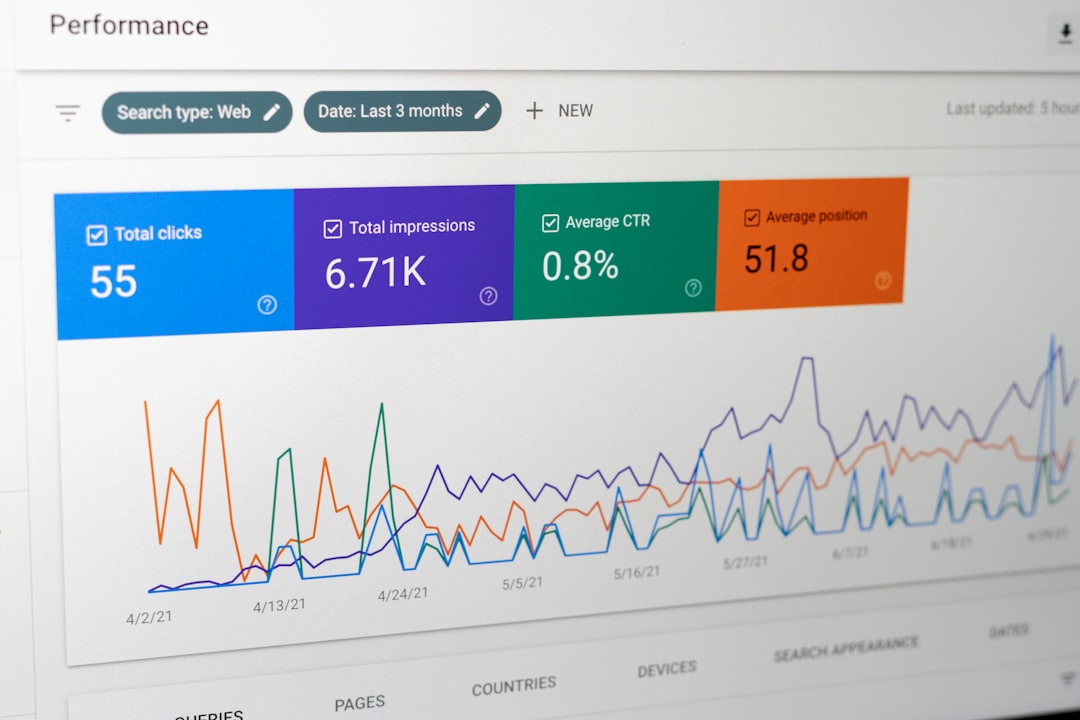
Understanding how users interact with a mobile application is essential for growth, retention, and profitability. Mobile app analytics tools such as Firebase Analytics provide developers and marketers with deep insights into user behavior, engagement patterns, and conversion paths. By collecting and analyzing actionable data, businesses can refine their app experience, improve decision-making, and maximize return on investment.
TLDR: Mobile app analytics tools like Firebase Analytics help businesses track user behavior, measure engagement, and optimize performance. They provide real-time insights into user journeys, retention rates, and conversion funnels. Popular tools include Firebase Analytics, Mixpanel, Amplitude, AppsFlyer, and Flurry, each offering unique strengths. Choosing the right platform depends on goals, budget, scalability, and technical requirements.
In today’s competitive app ecosystem, launching an application is only the beginning. What truly determines success is how well a team understands what users do inside the app. From button taps and screen views to purchases and churn rates, analytics tools transform raw behavioral data into strategic insights.
Why Mobile App Analytics Matter
Mobile app analytics serves as the backbone of app optimization strategies. Rather than relying on assumptions, businesses can make data-driven decisions grounded in actual user interactions.
- Track user journeys: Understand how users move from onboarding to conversion.
- Improve retention: Identify churn points and optimize re-engagement strategies.
- Measure marketing ROI: Attribute installs and purchases to specific campaigns.
- Enhance user experience: Detect friction areas within the app interface.
- Support product development: Prioritize features based on real usage data.
Without analytics, product teams operate in the dark. With the right tools, they gain precise visibility into user needs and preferences.
How Firebase Analytics Works
Firebase Analytics, part of Google’s Firebase platform, is one of the most widely used analytics solutions for mobile applications. It provides automatically collected events and allows custom event tracking to gain deeper insights.
Key features include:
- Event-based tracking model
- Integration with other Firebase services (Crashlytics, Remote Config, Cloud Messaging)
- Detailed audience segmentation
- Conversion tracking
- Real-time reporting
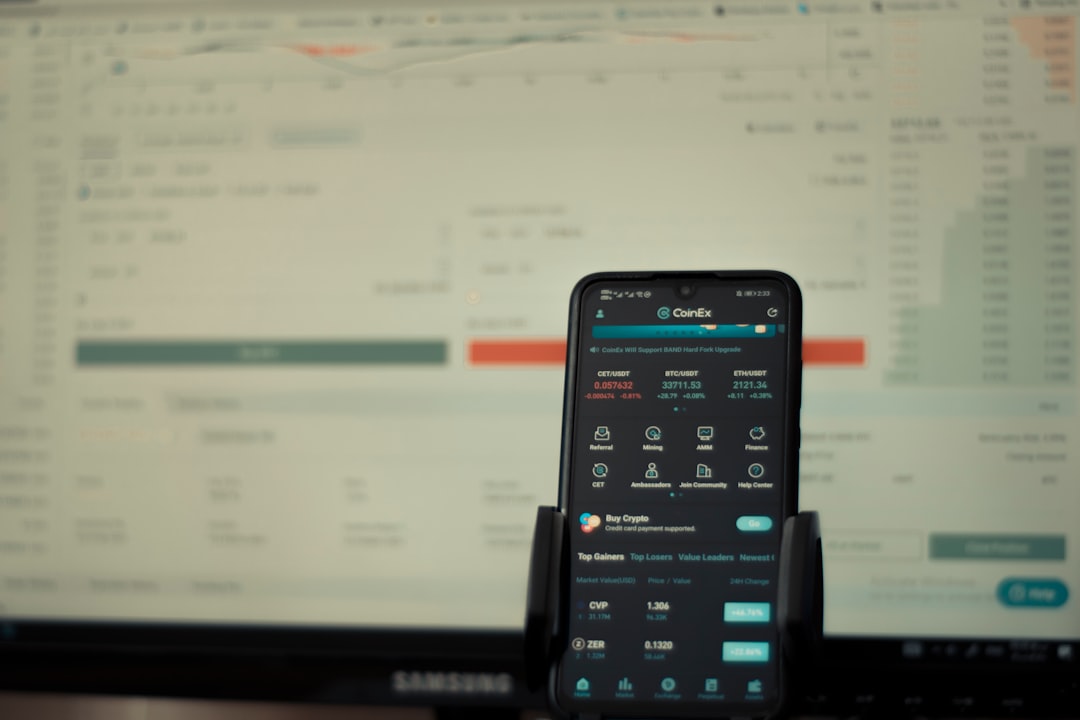
Firebase automatically tracks baseline metrics such as app installs, screen views, and in-app purchases. Developers can define custom events like “Add to Cart,” “Level Complete,” or “Subscription Started,” enabling highly tailored behavioral analysis.
One of its greatest advantages is the seamless integration with Android and iOS ecosystems. Additionally, its connection with Google’s advertising tools makes it especially valuable for performance marketing campaigns.
Other Popular Mobile App Analytics Tools
While Firebase Analytics is powerful, it is not the only option. Several alternative platforms offer specialized capabilities depending on business size and goals.
1. Mixpanel
Mixpanel focuses heavily on event-based tracking and advanced user segmentation. It enables detailed funnel analysis and retention tracking, making it popular among product teams aiming to optimize user flows.
2. Amplitude
Amplitude emphasizes product intelligence. Its behavioral cohorts and predictive analytics help teams understand not only what users are doing but why they are doing it.
3. AppsFlyer
AppsFlyer specializes in mobile attribution. It is widely used for measuring marketing campaign effectiveness and tracking installs, re-engagement, and fraud prevention.
4. Flurry Analytics
Flurry, owned by Yahoo, provides free analytics with robust demographic insights. It is often chosen by startups seeking cost-effective yet powerful tracking tools.

Comparison of Leading Mobile App Analytics Tools
| Tool | Best For | Key Strength | Free Plan | Attribution Capabilities |
|---|---|---|---|---|
| Firebase Analytics | General mobile analytics | Deep Google integration | Yes | Basic attribution |
| Mixpanel | Product optimization | Advanced funnel analysis | Limited | Moderate |
| Amplitude | Behavioral insights | Predictive analytics | Limited | Moderate |
| AppsFlyer | Marketing attribution | Campaign measurement | No | Advanced |
| Flurry | Budget analytics | Free demographic data | Yes | Basic |
Key Metrics These Tools Help Track
Mobile analytics platforms collect a wide variety of performance indicators. The most impactful include:
- Daily Active Users (DAU) and Monthly Active Users (MAU)
- Retention Rate
- Churn Rate
- Session Duration
- Screen Flow Analysis
- Conversion Rate
- Customer Lifetime Value (CLV)
For example, a sudden drop in retention after Day 3 may signal onboarding friction. By analyzing event data, product teams can identify confusing steps and implement improvements.
Event-Based Tracking: The Modern Standard
Modern analytics platforms rely on an event-based model. Instead of only tracking page views or sessions, they log specific user actions. This structure offers greater flexibility and accuracy.
For instance:
- Button clicks
- Video plays
- Subscription upgrades
- Social shares
- Cart abandonment
By combining events with user properties such as location, device type, or acquisition source, businesses gain highly granular insights.

Using Analytics to Improve User Retention
User acquisition can be costly, making retention a critical metric. Analytics tools help identify:
- Where users drop off
- Which features drive repeat engagement
- How push notifications impact return visits
With behavior data, teams can implement targeted campaigns. For example, users who abandon a shopping cart may receive personalized offers. Users who stop using a feature might be guided with contextual tips.
This level of personalization is only possible when behavior tracking is precise and continuous.
Privacy and Compliance Considerations
As data collection increases, so do privacy concerns. Analytics tools must comply with regulations such as:
- GDPR (General Data Protection Regulation)
- CCPA (California Consumer Privacy Act)
- Apple’s App Tracking Transparency (ATT)
Developers must ensure user consent, anonymize sensitive data, and provide transparent privacy policies. Most modern analytics platforms include features that help manage data retention and consent preferences.
Choosing the Right Analytics Tool
Selecting the ideal analytics solution depends on several factors:
- App size and scale
- Marketing complexity
- Budget
- Technical resources
- Integration needs
A startup may prioritize cost-effectiveness and ease of implementation, making Firebase or Flurry appealing. A growth-oriented SaaS app might prefer Amplitude for its predictive behavioral insights. Marketing-driven companies often adopt AppsFlyer for precise attribution modeling.
Ultimately, the goal is alignment between business objectives and analytics capabilities.
The Future of Mobile App Analytics
Analytics is evolving beyond simple tracking into predictive and AI-driven intelligence. Machine learning models can anticipate churn, forecast revenue, and recommend product improvements automatically.
As user expectations rise, real-time personalization will become the norm. Analytics tools will increasingly serve as decision engines rather than passive reporting dashboards.
Companies that leverage behavioral data strategically will gain a significant competitive advantage in crowded marketplaces.
Frequently Asked Questions (FAQ)
1. What is Firebase Analytics primarily used for?
Firebase Analytics is used to track user behavior within mobile apps, including events, conversions, user engagement, and retention. It helps teams optimize performance and marketing strategies.
2. Is Firebase Analytics free?
Yes, Firebase Analytics offers a free tier with robust functionality. However, additional Firebase services or very large-scale usage may incur costs.
3. What is the difference between attribution tools and analytics tools?
Analytics tools focus on in-app behavior and engagement, while attribution tools concentrate on identifying which marketing channels drive installs and conversions. Some platforms offer both capabilities.
4. Can small businesses benefit from mobile app analytics?
Absolutely. Even small apps benefit from understanding user behavior, improving retention, and optimizing conversions through data-driven decisions.
5. How do analytics tools handle user privacy?
Most platforms provide consent management options, data anonymization, and controls to help developers comply with privacy regulations such as GDPR and CCPA.
6. How long does it take to implement mobile app analytics?
Basic setup can take a few hours to a few days, depending on complexity. Advanced event tracking and integration with marketing tools may require additional development resources.
By leveraging mobile app analytics tools like Firebase Analytics and its competitors, businesses gain clarity, confidence, and competitive strength. Data-driven insights transform user behavior into measurable growth opportunities, making analytics an indispensable component of modern mobile app strategy.
