 logo
logo
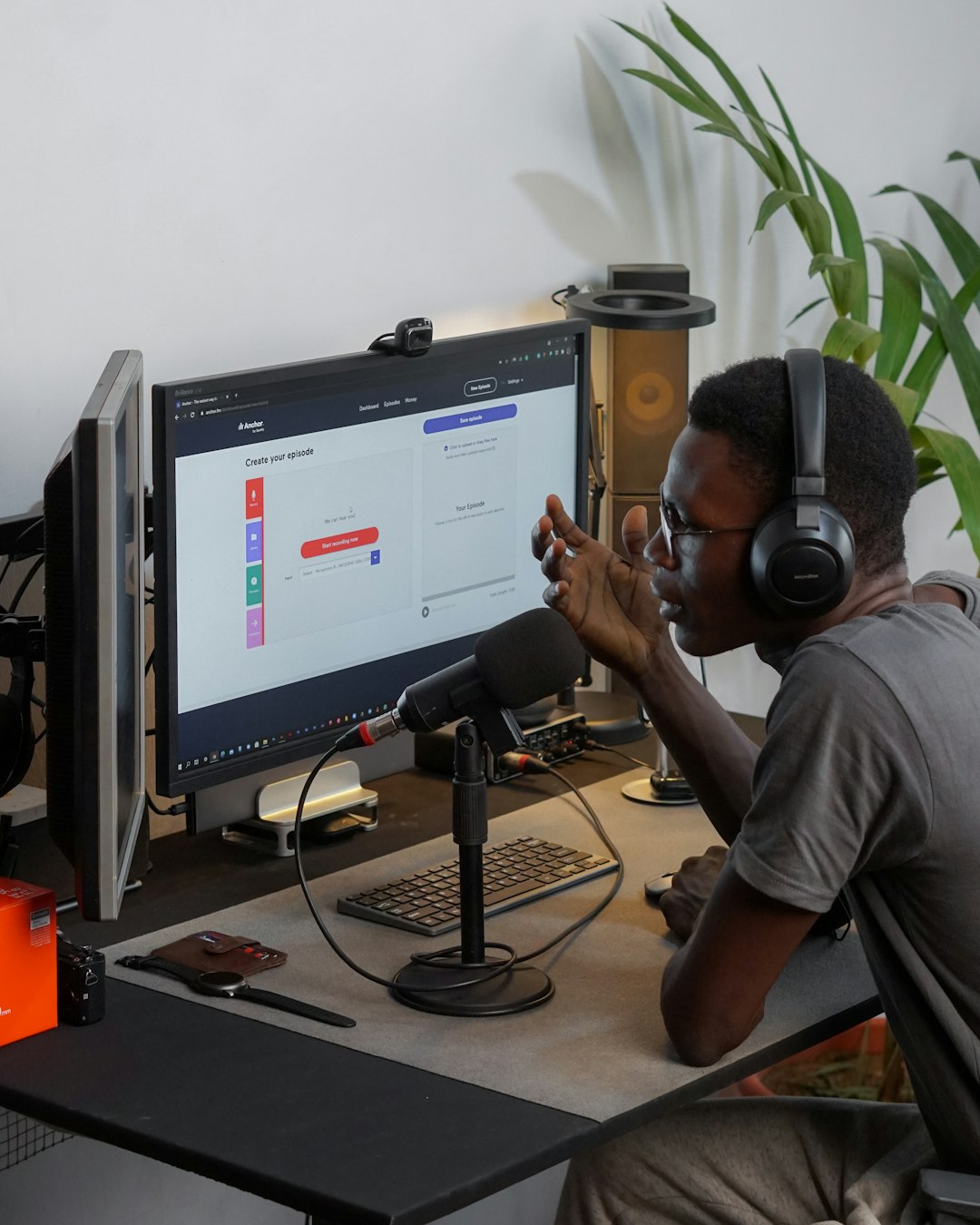
Few online habits are as common as finding a song, lecture, podcast clip, or remix on YouTube and wishing it could be saved as an MP3. A YouTube to MP3 converter promises exactly that: paste a video link, click a button, and download an audio file. It sounds simple, but the legal and safety questions behind that click are more complicated than many users realize.
TLDR: Using a YouTube to MP3 converter is not automatically illegal, but it often can be if you download copyrighted audio without permission. It may also violate YouTube’s Terms of Service, even in situations where copyright law is less clear. Safety is another concern: many converter sites are packed with misleading ads, malware risks, pop ups, and privacy issues. The safest approach is to use licensed downloads, streaming app offline modes, royalty free libraries, or content you have explicit permission to save.
What Is a YouTube to MP3 Converter?
A YouTube to MP3 converter is a website, browser extension, desktop app, or mobile tool that extracts the audio track from a YouTube video and converts it into an MP3 file. Users often turn to these tools to save music, interviews, study materials, background sounds, language lessons, or podcast style videos for offline listening.
On the surface, it feels similar to recording a song from the radio or saving a file from the web. However, YouTube is not just a file library. It is a platform governed by copyright law, licensing agreements, creator permissions, advertising rules, and its own platform terms. That means the simple act of converting a video may raise several different issues at once.
The Legal Question: It Depends on the Content
The biggest legal issue is copyright. Most music videos, official audio tracks, movie clips, TV segments, audiobooks, and professionally produced content on YouTube are protected by copyright. The copyright owner generally controls the right to reproduce, distribute, and adapt that work. Downloading and converting the audio can create a copy, and that copy may be unauthorized.
In practical terms, using a converter to download the latest hit song, an album track, a comedy special, or a copyrighted audiobook is usually not legal unless you have permission. The fact that the content is freely viewable on YouTube does not automatically mean it is free to download, convert, or keep as a personal MP3 collection.
However, there are situations where conversion may be more legally acceptable. For example:
- Your own uploads: If you created and uploaded the video yourself, you generally have the right to extract your own audio.
- Public domain content: Some recordings are old enough or released in a way that places them in the public domain, though this varies by country.
- Creative Commons content: Some creators license their work for reuse, but you must check the exact license terms.
- Explicit permission: If the creator clearly says downloads and conversions are allowed, that reduces legal risk.
- Educational or research contexts: Some limited uses may be covered by exceptions such as fair use or fair dealing, but these are highly fact specific.
The key point is that legality is not determined by the converter itself. It is determined by what you download, how you use it, where you live, and whether you had permission.
What About Fair Use?
Many people assume that “personal use” automatically equals fair use. That is a common misconception. In the United States, fair use considers factors such as the purpose of use, the nature of the copyrighted work, the amount used, and the effect on the market for the original. Other countries have different rules, often called fair dealing or copyright exceptions.
Downloading a song as an MP3 because you do not want to pay for it is unlikely to be considered fair use. On the other hand, a journalist saving a short audio segment for commentary, a researcher analyzing a speech, or a teacher using a brief clip in a specific educational setting may have a stronger argument. Even then, fair use is not a guarantee; it is a legal defense evaluated case by case.
YouTube’s Terms of Service Matter Too
Even if a particular download seems unlikely to trigger a copyright lawsuit, it may still violate YouTube’s Terms of Service. YouTube generally does not allow users to download content unless a download button or link is provided by YouTube, or unless the user has clear permission. This is one reason YouTube Premium includes an official offline viewing feature inside the app, but not necessarily a permanent MP3 file you can move anywhere.
Breaking a platform’s terms is not always the same as committing copyright infringement, but it can still have consequences. Your account could be restricted, tools may be blocked, and services that enable mass downloading can face legal pressure. For ordinary users, the practical risk may be lower than for operators of converter websites, but it is still worth understanding the distinction.
Why Converter Sites Can Be Risky
Legal questions are only half the story. Many YouTube to MP3 converter sites are also risky from a cybersecurity perspective. Because these services often operate in a gray area, some rely on aggressive advertising networks, suspicious redirects, fake download buttons, and deceptive prompts.
Common safety risks include:
- Malware downloads: A fake “Download MP3” button may install unwanted software instead of giving you an audio file.
- Browser hijackers: Some sites push extensions that change your search engine, homepage, or browser settings.
- Pop up scams: You may see fake virus warnings, prize notifications, or “your device is infected” alerts.
- Phishing attempts: Some pages ask for logins, email addresses, or payment details for no legitimate reason.
- Privacy tracking: Converter sites may collect data about your browsing behavior, device, or IP address.
- Poor file quality: The resulting MP3 may be compressed, mislabeled, or bundled with unwanted metadata.
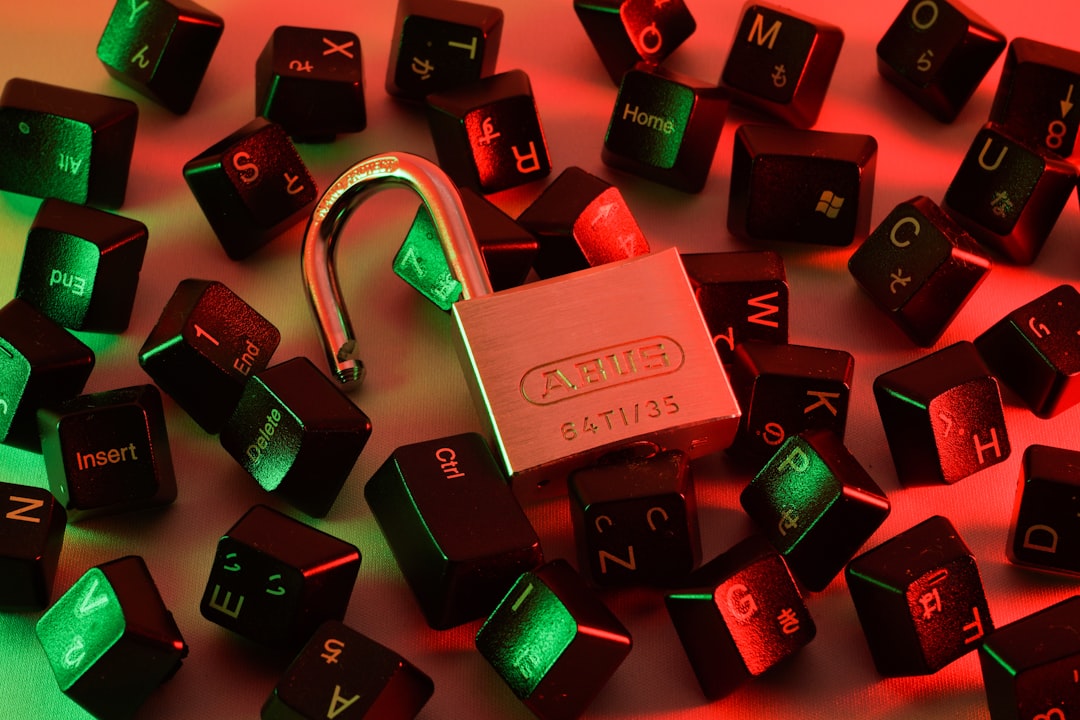
A particularly common trick is the misleading button problem. A page may show several large buttons saying “download,” while only one is the actual file link. The others may lead to ads, subscriptions, or software installers. Users in a hurry are especially vulnerable to clicking the wrong thing.
Are Browser Extensions Safer?
Not necessarily. Browser extensions can be convenient, but they can also be more invasive than ordinary websites. An extension may request permission to read and change data on websites you visit, monitor browsing activity, or manage downloads. If the extension is poorly maintained or sold to a shady operator, it can become a serious privacy and security problem.
Before installing any extension, check the developer, user reviews, requested permissions, update history, and whether it is available from a reputable extension store. Even then, remember that an extension designed to download YouTube audio may still conflict with platform rules.
Is It Safer to Use Desktop Software?
Desktop converters can be safer than random websites if they come from a reputable developer, but they also carry risks. Software downloads can include adware, bundled installers, or hidden background processes. Some apps may pressure you into paying for “premium” features, while others may collect usage data.
If you install any media conversion software, use basic safety practices:
- Download only from the official website or a trusted software marketplace.
- Scan the installer with reputable security software.
- Choose custom installation and decline bundled extras.
- Read permission prompts instead of clicking through automatically.
- Keep your operating system and browser updated to reduce exploit risks.
Legal and Safe Alternatives
If your goal is simply offline listening, there are safer and more legitimate options than using a random converter. These alternatives may not always give you a permanent MP3 file, but they reduce legal and security problems.
- YouTube Premium: Allows offline playback within the YouTube app in many regions.
- YouTube Music Premium: Designed for music streaming and offline listening, subject to app rules.
- Spotify, Apple Music, Amazon Music, and similar services: Offer licensed offline listening through subscriptions.
- Bandcamp: Many artists sell direct downloads, often in MP3, FLAC, or other formats.
- Creator websites: Podcasters, musicians, and educators sometimes provide official downloads.
- Royalty free libraries: Useful for creators who need music or sound effects for projects.
- Public domain archives: Good sources for older recordings, speeches, and historical audio.
These options respect creators and help ensure that artists, educators, and publishers are compensated or credited according to their chosen terms. They also spare you from gambling with sketchy converter pages.
What If the Video Is Not Music?
Many users convert non music content, such as lectures, sermons, interviews, guided meditations, language lessons, or conference talks. The law still applies. A university lecture, for example, may be copyrighted by the speaker or institution. A podcast uploaded to YouTube may be available on official podcast platforms where downloads are already permitted. A guided meditation may be protected audio content offered for sale elsewhere.
When in doubt, look for signs of permission. Does the description include a download link? Is the content released under Creative Commons? Does the creator invite listeners to save and share it? If not, it is safer to assume that conversion is not automatically allowed.
How to Think About Ethical Use
Beyond the strict legal analysis, there is also an ethical question. YouTube creators often earn revenue through ads, sponsorships, memberships, merchandise, or licensed distribution. If many users convert videos to MP3 and listen outside the platform, creators may lose views, watch time, and income. For small creators, that can matter.
Of course, not every case is the same. Saving your own original music from an old upload is very different from building a free MP3 library from copyrighted music videos. Downloading a creator’s free lesson after they explicitly invite it is different from taking paid course material reposted by someone else. Ethics depend on consent, impact, and context.
Practical Rules of Thumb
If you are unsure whether using a YouTube to MP3 converter is legal or safe, these rules can help:
- If you do not own it and do not have permission, do not download it.
- If YouTube provides an official download option, use that instead.
- If a site looks suspicious, full of pop ups, or too good to be true, leave.
- If a converter asks for your password, payment card, or unnecessary personal data, avoid it.
- If you need audio for a project, choose properly licensed or royalty free sources.
- If you want to support an artist, buy or stream through official channels.
So, Is It Legal and Safe?
The honest answer is: sometimes, but often not. Using a YouTube to MP3 converter can be legal when you are converting your own content, public domain material, or content that the rights holder has clearly allowed you to download. It becomes legally risky when used to copy copyrighted music, audiobooks, shows, or other protected works without permission. It may also violate YouTube’s rules even when the copyright situation is less obvious.
On the safety side, converter tools vary widely. Some may be relatively clean, while others are loaded with deceptive ads, malware traps, or privacy invasive scripts. The user experience can feel like walking through a digital minefield: one correct click gets you a file, while one wrong click installs something you never wanted.
The best approach is to treat YouTube to MP3 converters with caution. Ask whether you have the right to download the audio, whether the source is trustworthy, and whether there is an official alternative. In many cases, paying for a legitimate service, using creator approved downloads, or choosing licensed audio is easier, safer, and more respectful. The convenience of a converter may be tempting, but convenience does not erase copyright, platform rules, or cybersecurity risks.
