 logo
logo

Understanding where app installs come from is essential for any Shopify app business that wants to make disciplined marketing, product, and partnership decisions. The Shopify Partner Dashboard gives app developers and agencies visibility into install activity, including information that can help identify the sources driving merchants to install an app. Used correctly, this data can clarify which channels create qualified demand and which ones merely generate noise.
TLDR: Shopify Partner Dashboard app install source tracking helps partners understand how merchants discover and install their apps. It can show whether installs are coming from sources such as the Shopify App Store, direct links, campaigns, referrals, or other discovery paths, depending on the available reporting. The data is useful for evaluating marketing performance, but it should be interpreted carefully because attribution is rarely perfect. The best approach is to combine dashboard data with UTM tracking, analytics tools, and internal customer records.
What App Install Source Tracking Means
App install source tracking refers to the process of identifying the path a merchant followed before installing your Shopify app. In practical terms, it answers questions such as: Did the merchant find the app through Shopify App Store search? Did they click a link from your website? Did they arrive through an ad campaign, an email, a partner referral, or another marketplace page?
For Shopify app developers, this information matters because an install is not just a technical event. It is the result of a discovery journey. A merchant may compare several apps, read reviews, visit your website, return to the App Store listing, and only then install. Source tracking attempts to capture the most useful part of that journey so you can understand what is influencing acquisition.
It is important to treat install source data as directional intelligence rather than absolute truth. Attribution systems can be affected by browser privacy settings, redirects, missing campaign tags, cookie limitations, merchant behavior across devices, and platform-level reporting rules.
Where the Partner Dashboard Fits In
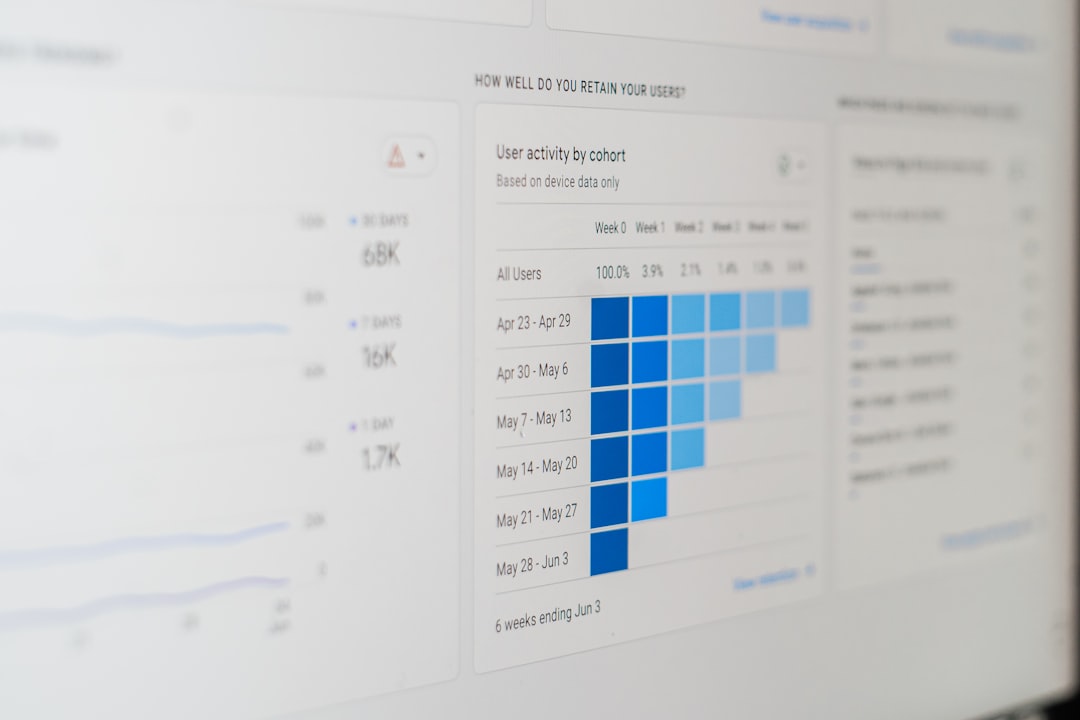
The Shopify Partner Dashboard is the central workspace for managing Shopify apps, development stores, payouts, listings, and related performance information. For app businesses, it can provide reporting that helps monitor app performance and merchant acquisition trends.
Install source information, when available, is typically used to understand how merchants are reaching and installing your app. Depending on Shopify’s current reporting interface and the app’s distribution setup, sources may be grouped into broad categories rather than showing every individual click path.
Common source categories may include:
- Shopify App Store discovery: Merchants find the app through search, category browsing, recommendations, or listing pages.
- Direct traffic: Merchants arrive through a direct link to the app listing or install flow, often from a website, email, or saved bookmark.
- Campaign traffic: Installs associated with marketing links, UTM parameters, ads, newsletters, or launch campaigns.
- Referral traffic: Merchants arrive from third-party websites, agencies, blogs, communities, or affiliate style partnerships.
- Other or unknown sources: Installs where Shopify cannot confidently assign a detailed source.
The exact names and availability of source categories may change as Shopify updates its analytics tools. Partners should always verify current labels and definitions directly inside the dashboard and Shopify documentation.
Why Install Source Data Is Valuable
Install source reporting helps app businesses move beyond simple install counts. A high number of installs may look impressive, but it does not necessarily mean a channel is profitable or sustainable. The source of those installs often determines their quality.
For example, merchants who install after searching the Shopify App Store for a specific feature may have strong purchase intent. Merchants who install after clicking a broad social media ad may be less qualified, depending on the targeting and message. A referral from a trusted agency may produce fewer installs but higher retention and better lifetime value.
Reliable source tracking can support decisions in several areas:
- Marketing budget allocation: Identify which campaigns and channels deserve more investment.
- App Store optimization: Measure whether changes to your listing improve organic discovery and conversion.
- Partner programs: Evaluate which agencies, consultants, or content partners are sending valuable merchants.
- Product positioning: Understand which messages and use cases attract the right customers.
- Retention analysis: Compare uninstall rates, trial conversion, and revenue by acquisition source.
Using UTM Parameters and Campaign Links
To improve source clarity, app teams should use UTM parameters wherever appropriate. UTM parameters are tags added to URLs to identify the campaign, source, medium, and content associated with a visit.
A typical campaign link may include values such as:
- utm_source: The platform or referrer, such as newsletter, agency, google, or linkedin.
- utm_medium: The marketing medium, such as email, paid, referral, or social.
- utm_campaign: The campaign name, such as spring launch or pricing update.
- utm_content: The specific creative, link, placement, or message variation.
When used consistently, UTM parameters help connect install activity to specific campaigns. Even if the Partner Dashboard does not expose every detail in the way your team expects, the same UTM structure can be captured in other analytics systems, landing pages, CRM records, and onboarding forms.
The key is consistency. If one team member uses “paid social,” another uses “paidsocial,” and another uses “facebook ads,” reporting quickly becomes fragmented. Establish a naming convention and document it.
Reading the Data Responsibly
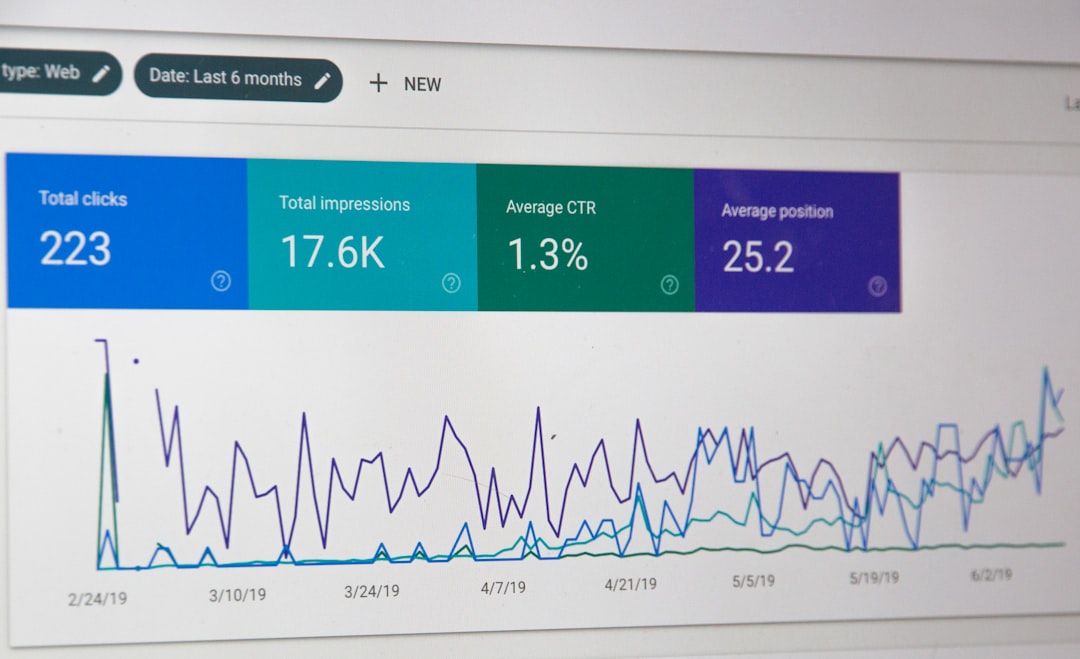
Source tracking is useful, but it should not be read in isolation. An install is only the first step in the merchant relationship. The more serious question is whether that merchant activates, uses the app successfully, remains subscribed, and generates revenue.
A trustworthy analysis should connect install source to later business outcomes, including:
- Activation rate: Did the merchant complete onboarding or take a meaningful first action?
- Trial to paid conversion: Did the install become a paying customer?
- Retention: Did the merchant keep the app installed after 30, 60, or 90 days?
- Revenue: What is the average revenue per merchant from each source?
- Support burden: Do some channels bring merchants who require disproportionate support?
This broader view prevents misleading conclusions. A channel that produces many installs but poor retention may be less valuable than a smaller channel with higher-quality merchants. Similarly, an App Store search source may look strong because it captures demand created earlier by ads, content, or word of mouth.
Common Attribution Limitations
No install source report is perfect. Shopify app teams should understand the most common limitations before making major decisions.
- Last-click bias: The final touch before installation may receive credit, even if earlier interactions created the demand.
- Cross-device behavior: A merchant may research on one device and install on another, breaking the tracking chain.
- Privacy controls: Browsers, extensions, and privacy regulations can limit tracking data.
- Redirects and shortened links: Improperly configured redirects may strip parameters or obscure referrers.
- Unclassified traffic: Some installs may appear as direct, unknown, or other because the original source cannot be determined.
These limitations do not make the data useless. They simply mean that source tracking should be interpreted as part of a larger measurement system. Serious app teams compare multiple signals rather than relying on a single dashboard number.
Best Practices for Shopify App Teams
To make install source tracking more useful, apply a disciplined measurement process:
- Use structured campaign links for ads, emails, partner pages, blog posts, and social campaigns.
- Maintain a single naming convention for sources, mediums, and campaigns.
- Review Partner Dashboard data regularly, ideally weekly or monthly, depending on install volume.
- Compare installs with activation and revenue so decisions are based on business impact, not vanity metrics.
- Document major marketing activities so changes in install source trends can be explained later.
- Validate unusual spikes before assuming a campaign is successful or a listing change caused growth.

Conclusion
Shopify Partner Dashboard app install source tracking helps app developers understand how merchants discover and install their apps. It is a practical tool for evaluating acquisition channels, improving campaigns, and making better business decisions. However, it should be used with professional caution: attribution data is rarely complete, and install volume alone does not prove channel quality.
The most reliable approach is to combine Partner Dashboard insights with UTM discipline, external analytics, product usage data, and revenue reporting. When these sources are aligned, app teams can see not only where installs come from, but which sources bring merchants who stay, succeed, and generate long-term value.
