 logo
logo
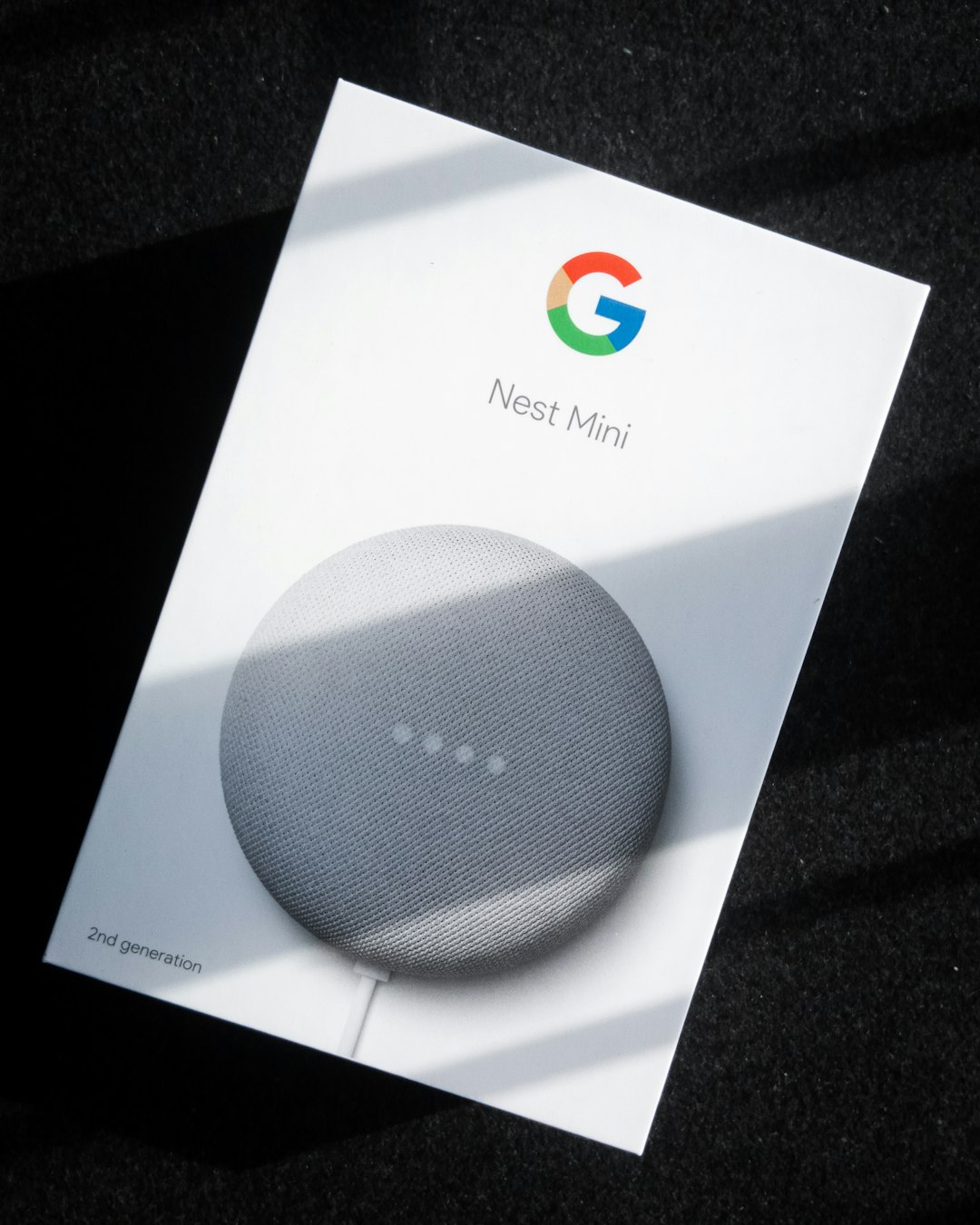
Set your Google Home alarm with a clear plan, not just a loud noise. A better morning starts the night before. Use simple voice commands, smart routines, soft sounds, and a backup plan so you wake up with less drama.
TLDR: Use Google Home alarms with a morning routine that turns on lights, shares the weather, and starts music or news. For example, say, “Hey Google, set an alarm for 6:45 AM called gym time.” If you usually hit snooze three times, try moving your speaker across the room and using a 10-minute light fade. One small change can save 15 to 20 minutes each morning.
Start with the right alarm command
Google Home makes alarms easy. That is good. It can also make you lazy. That is less good.
Use specific commands. Do not just say, “Set an alarm.” Give the time and the reason.
- “Hey Google, set an alarm for 7 AM.”
- “Hey Google, set a weekday alarm for 6:30 AM.”
- “Hey Google, set an alarm for 8 AM called school run.”
- “Hey Google, wake me up at 6:45 AM with relaxing music.”
Named alarms are great. They give your brain a tiny push. “Gym time” feels different from “random annoying beep.”
Image not found in postmetaUse music instead of panic sounds
Harsh alarm sounds can ruin the first five minutes of your day. Nobody wants to feel attacked by a tiny speaker.
Try music. Pick something calm but not sleepy. Acoustic songs work well. So does light pop. Nature sounds are nice, but they may be too relaxing if you are a champion snoozer.
Say:
- “Hey Google, wake me up at 7 AM to jazz.”
- “Hey Google, set a music alarm for 6:30 AM.”
- “Hey Google, wake me up to my workout playlist.”
The catch is that music alarms may depend on your music service. If your account is not linked, Google may act confused. It drives me crazy that one missed setting can turn a simple alarm into a 45-second troubleshooting trip.
Create a morning routine
An alarm wakes you up. A routine gets you moving.
In the Google Home app, you can set an automation for mornings. You can trigger it by voice or with an alarm dismissal on some devices and setups.
A strong morning routine can include:
- Turning on smart lights
- Reading the weather
- Sharing your calendar
- Starting coffee with a smart plug
- Playing news or a podcast
- Setting the thermostat
Keep it short. A routine that talks for six minutes gets old fast. Aim for 60 to 90 seconds. You want useful info, not a robot lecture.
Let lights do part of the work
Light is a powerful wake-up tool. It tells your body, “Hey, it is daytime. Please stop pretending the blanket is a cave.”
If you have smart bulbs, set them to turn on slowly before your alarm. Start 10 to 20 minutes early. Use warm light at first. Then make it brighter.
Try this simple setup:
- 6:40 AM: Bedroom lights turn on at 20%.
- 6:50 AM: Lights rise to 60%.
- 7:00 AM: Google Home alarm plays music.
- 7:02 AM: Weather and calendar begin.
This feels much better than waking in total darkness. It also helps in winter, when mornings feel fake.

Put the speaker in the right place
If your Google Home is next to your pillow, snooze is too easy. Your hand will find it before your brain turns on.
Move the speaker across the room. Not too far. Just far enough that you must sit up or stand. That one small movement matters.
Good spots include:
- A dresser
- A shelf near the door
- A desk across the room
- A bathroom shelf, if the sound is still clear
Do not hide it under books or behind thick decor. Google needs to hear you. You also need to hear it. Weird, I know.
Use labels for different days
Not every morning is the same. Treat alarms like little plans.
You can set alarms for workdays, weekends, school days, gym days, or travel days. This helps you avoid the classic Saturday disaster. You know the one. The alarm screams at 6 AM, and your soul leaves your body.
Try these:
- “Hey Google, set a weekday alarm for 6:45 AM called work.”
- “Hey Google, set a Saturday alarm for 8:30 AM called slow morning.”
- “Hey Google, set an alarm for 5:50 AM tomorrow called airport.”
Labels also help when you ask, “Hey Google, what alarms are set?” You get a clearer answer.
Check your alarm before bed
This takes five seconds. It can save your whole morning.
Before you sleep, ask:
“Hey Google, what alarms are set?”
Google will read them back. If something sounds wrong, fix it right away. Do not trust half-awake you. Half-awake you is not a reliable project manager.
You can also cancel alarms by name:
- “Hey Google, cancel my 7 AM alarm.”
- “Hey Google, cancel my gym time alarm.”
- “Hey Google, cancel all alarms.”
Be careful with the last one. It is a powerful little chaos button.
Build a no-phone morning
One big benefit of Google Home alarms is that your phone can stay away from your bed. This is huge.
If your phone is beside you, you may check one message. Then weather. Then sports. Then a video of a raccoon washing grapes. Suddenly, 22 minutes are gone.
Use Google Home for the basics instead:
- Time
- Weather
- Calendar
- Commute info
- Reminders
Keep your phone charging across the room or outside the bedroom. Your morning will feel cleaner. Your brain gets a softer start.
Make snooze harder
Snooze feels good for nine minutes. Then it steals your day in tiny chunks.
If you snooze twice each morning, that can be 18 minutes. Across five workdays, that is 90 minutes a week. That is a whole movie, minus the popcorn.
Try these snooze blockers:
- Use a brighter light routine.
- Place water near the speaker. Drink it after standing.
- Use a playlist that gets faster after two songs.
- Set a second alarm in another room.
- Tell Google to start a reminder: “Leave by 7:40 AM.”
The goal is not suffering. The goal is motion. Once your feet hit the floor, you are halfway there.

Set a backup alarm
Smart speakers are great. Wi-Fi is not always great. Power can fail. Settings can sync slowly. Apps can be weird at the worst time.
Use a backup for anything serious. Job interview. Flight. Exam. Big meeting. First day at a new job. Do not leave your life hanging on one device.
A good setup is simple:
- Google Home alarm: main wake-up
- Phone alarm: backup, 5 minutes later
- Smart lights: silent helper
This is not overkill. This is peace.
Fix common Google Home alarm problems
If alarms do not work right, check the basics first.
- Check the volume. Alarm volume may not match media volume on every device.
- Check Wi-Fi. A weak signal can cause delays.
- Check your linked music app. Music alarms need the right account.
- Check the time zone. This matters after travel or a move.
- Update the Google Home app. Old app versions can act strange.
Also, speak clearly when setting alarms. Google is smart, but it is not magic. If you mumble “six fifteen” into a pillow, do not be shocked when things get weird.
A sample Google Home morning routine
Here is a simple routine you can copy.
- 6:45 AM: Lights fade in.
- 7:00 AM: Music alarm starts.
- 7:05 AM: Google reads weather and calendar.
- 7:07 AM: Coffee plug turns on.
- 7:20 AM: Reminder says, “Shower now.”
- 7:45 AM: Reminder says, “Leave in 10 minutes.”
This routine is simple. It is not fancy. That is why it works.
Final morning rule
Use Google Home to remove choices. Morning you should not decide everything from scratch. Morning you should follow a friendly script.
Set the alarm. Add light. Add one useful update. Keep your phone away. Use a backup. Then let the routine carry you until your brain fully joins the team.
