 logo
logo
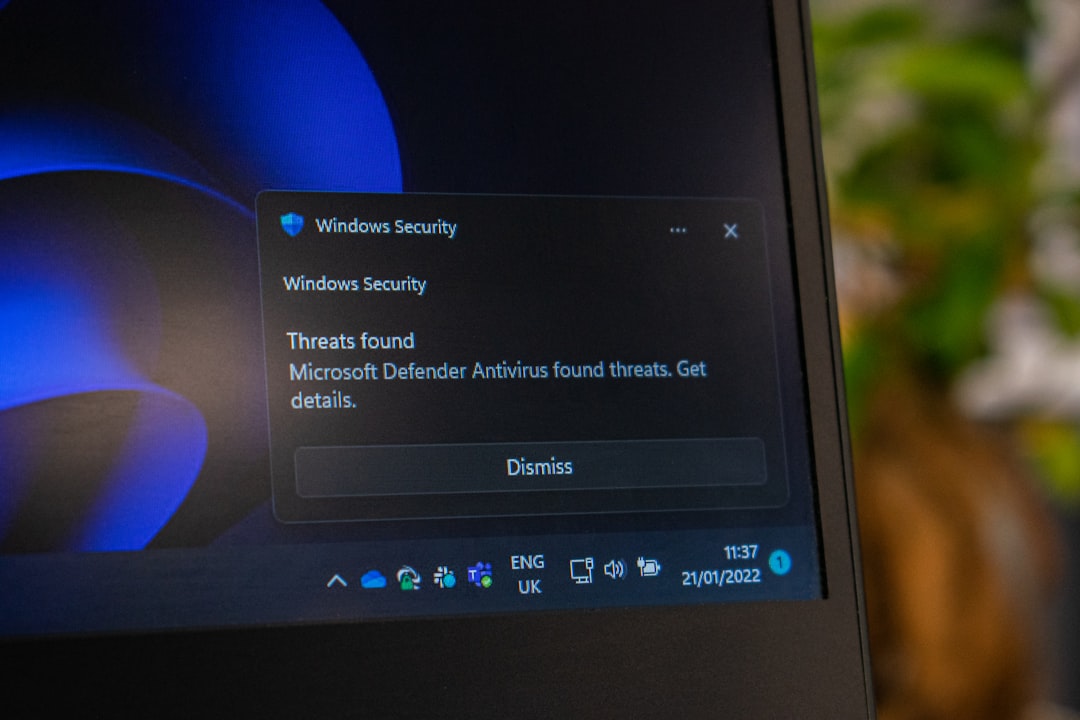
Pick an AI SecOps platform that cuts alert noise, explains risk, and helps your team act in minutes. In 2026, the best tools will feel less like a scary control room and more like a calm co-pilot that says, “This is bad. Here is why. Click here to fix it.”
TLDR: Look for an AI SecOps platform with strong alert triage, clear threat context, automated response, cloud coverage, identity protection, and simple reporting. A small security team of 5 people might cut 10,000 weekly alerts down by 85% if the AI groups duplicates and ranks real risk. For example, if one stolen password triggers logins in 3 countries, the platform should spot it, lock the account, open a ticket, and explain the whole mess in plain English.
1. Alert triage that does not make you cry
Security teams are tired. Alerts never sleep. Some are serious. Many are junk. Some are the same alert wearing a fake mustache.
A strong AI SecOps platform should sort alerts fast. It should group related events. It should score risk. It should tell analysts what matters first.
Look for these triage features:
- Noise reduction: It should remove duplicate and low value alerts.
- Risk scoring: It should rank alerts by real danger, not just volume.
- Event grouping: It should connect logs, users, devices, and cloud actions.
- Plain language summaries: It should explain what happened in simple terms.
Honestly, it feels like some tools still think “more alerts” means “more security.” No. More alerts often means more coffee, more stress, and slower response.
2. Human friendly AI explanations
AI can be clever. It can also be weird. In 2026, “the model said so” is not good enough.
Your platform should show why it made a decision. It should show the signals it used. It should explain suspicious behavior in a way a tired analyst can understand at 2:13 a.m.
Good explanation features include:
- Attack timeline: What happened first, next, and last.
- Evidence links: Logs, alerts, files, IPs, and user actions.
- Confidence levels: How sure the AI is.
- Suggested next steps: What to check or block.
For example, the platform should not just say, “Suspicious endpoint activity detected.” That is vague. It should say, “User Maria opened a file from email. The file launched PowerShell. PowerShell contacted a known bad domain. This matches ransomware prep.” Much better.
3. Automated response with a big red safety switch
Speed matters. Attackers move fast. Your response tool should move faster.
But full automation can be risky. Nobody wants AI to shut down payroll because Bob in finance worked from a hotel.
Look for response controls like:
- One click actions: Isolate a host. Disable a user. Block an IP.
- Approval steps: Let humans approve sensitive actions.
- Playbooks: Repeat known response steps without fuss.
- Rollback options: Undo actions if the AI gets it wrong.
The sweet spot is simple. Let AI handle boring, repeatable work. Let humans approve high impact moves. That keeps speed high and panic low.
4. Identity threat detection
In 2026, identity is the front door. Passwords get stolen. Tokens get copied. Admin rights get abused. Attackers love accounts because accounts look normal.
Your AI SecOps platform should watch user behavior. It should learn what normal looks like. Then it should flag odd patterns.
Key identity features include:
- Impossible travel checks: Logins from far apart places in odd timeframes.
- Privilege change alerts: New admin rights or risky role changes.
- Service account monitoring: Strange behavior from accounts no human uses.
- Session risk scoring: Login risk based on device, place, time, and action.
Here is a simple case. A sales user logs in from Chicago at 9:02 a.m. Five minutes later, the same user tries to access source code from Singapore. The platform should not shrug. It should raise the risk, block the session, and ask for proof.
5. Cloud and SaaS coverage
Your data is not in one neat castle anymore. It lives in cloud apps, storage buckets, code repos, chat tools, and random SaaS products someone bought with a credit card.
It drives me crazy that some tools still treat cloud logs like an optional snack. They are not optional. They are the main meal.
A good 2026 platform should cover:
- Major cloud providers: AWS, Azure, Google Cloud, and private cloud systems.
- SaaS apps: Email, file sharing, CRM, help desk, and chat tools.
- Cloud misconfigurations: Open storage, risky firewall rules, and exposed keys.
- Workload behavior: Odd compute, container, and serverless activity.

6. Good data quality and easy integrations
AI needs data. Bad data makes bad security. If logs are missing, delayed, or messy, the AI will guess. Guessing is not a strategy.
Before buying, ask about integrations. Check your current tools. SIEM. EDR. Firewall. Email security. Cloud logs. Ticketing. Chat. Asset inventory.
Signs of a solid platform:
- Fast log ingestion: Events should appear quickly.
- Clean data mapping: Fields should be normalized and searchable.
- API support: You should be able to connect tools without pain.
- Health checks: The platform should warn you when data feeds break.
Expect to waste time on tools that need six meetings just to connect email logs. If setup feels like building a spaceship from soup cans, keep shopping.
7. Built in threat hunting
Not every attack triggers a clean alert. Sometimes you need to hunt. The platform should help analysts ask questions and find odd behavior.
AI can help by turning plain English into useful searches. You might type, “Show endpoints that ran encoded PowerShell after opening an email attachment.” The system should build the query and show results.
Threat hunting features to seek:
- Natural language search: Ask questions in normal words.
- Saved hunts: Reuse common searches.
- Attack mapping: Match behavior to known attacker tactics.
- Visual links: See how users, devices, files, and domains connect.
8. Reporting that leaders can read
Security reports should not require a decoder ring. Leaders need clear answers. What happened? What changed? What risk is lower? What still needs cash?
The best platforms create reports for different readers. Analysts need details. Managers need trends. Executives need business risk.
Look for:
- Weekly risk summaries: Clear wins and open issues.
- Mean time metrics: Time to detect and time to respond.
- Compliance mapping: Evidence for audits.
- Simple charts: No rainbow spaghetti graphs.
9. Privacy, control, and model safety
AI SecOps tools handle sensitive data. That includes employee activity, customer records, secrets, and incident details. Treat this with care.
Ask vendors hard questions:
- Where is data stored?
- Is customer data used to train shared models?
- Can you turn features on or off?
- Are prompts and AI actions logged?
- Can admins set roles and permissions?
You want control. You want audit trails. You want clear model rules. Mystery AI in security is not cute.
Final buying checklist
Before you sign, run a short proof of value. Use your real alerts. Use your real logs. Test noisy days and quiet days.
- Can it cut alert noise by at least 50%?
- Can it explain incidents in plain language?
- Can it respond safely with approval steps?
- Can it protect identities, cloud, SaaS, and endpoints?
- Can your team use it without weeks of training?
The best AI SecOps platform in 2026 will not replace your security team. It will make them faster, calmer, and less buried. That is the real win.
