 logo
logo
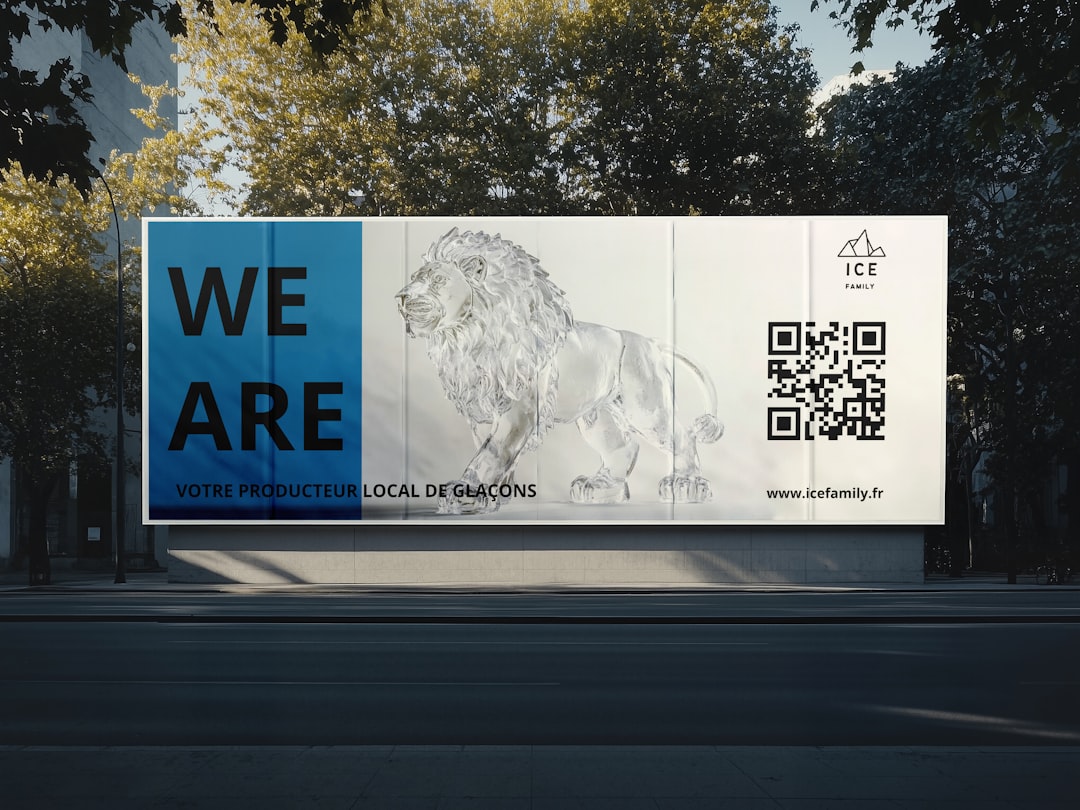
QR codes are tiny square portals. Scan one, and boom. A person can open a menu, join a Wi-Fi network, download an app, or visit a campaign page. But the best part is this: with dynamic QR codes, you can change the destination later. No reprinting. No panic. No sad stickers over old posters.
TLDR: The best QR code tools for dynamic links and analytics help you edit QR destinations, track scans, and understand your audience. Some are simple and cheap. Others are built for large teams, big campaigns, and deep reporting. If you want a quick pick, try Bitly, QR Code Generator Pro, Beaconstac, or Flowcode.
What Makes a QR Code Tool “Good”?
A good QR code tool should do more than make a square. It should help you manage that square like a real marketing asset.
Look for these features:
- Dynamic links: Change the QR destination after printing.
- Analytics: See scans, locations, devices, and times.
- Custom design: Add colors, frames, and logos.
- Bulk creation: Make many QR codes at once.
- Team tools: Share access with coworkers.
- Integrations: Connect with tools like Google Analytics, Zapier, or CRM software.
- Security: Use safe links, permissions, and reliable uptime.
Now let’s meet the 13 tools that can turn a boring black-and-white box into a smart little marketing machine.
1. Bitly
Best for: Short links, QR codes, and simple tracking.
Bitly is famous for short links. But it also offers QR codes. This makes it handy if you already use Bitly for campaigns. You can create a short link, turn it into a QR code, and track performance in one place.
Its analytics are clean and easy to read. You can see scan counts, referrers, devices, and locations. It is great for small teams that want simple data without a giant dashboard.
Why it is fun: It feels like putting your QR codes and links in one neat little drawer.
2. QR Code Generator Pro
Best for: Businesses that want polished QR codes fast.
QR Code Generator Pro is one of the most popular dedicated QR platforms. It supports dynamic QR codes, scan tracking, custom designs, and multiple QR types.
You can create codes for websites, PDFs, videos, apps, social media pages, and more. The platform is simple. The designs are nice. The analytics are useful.
It is a strong pick for restaurants, agencies, event teams, and local businesses.
Best bit: It gives you lots of QR types without making things confusing.
3. Beaconstac
Best for: Advanced analytics and bigger teams.
Beaconstac is built for serious QR code campaigns. It offers dynamic QR codes, deep analytics, bulk creation, white labeling, and enterprise controls.
You can track scans by location, time, device, and operating system. You can also connect data to tools like Google Analytics and CRM platforms.
Beaconstac is popular with brands that run many campaigns across stores, packaging, posters, and events.
Nice touch: It has strong safety features, which matters when many people are scanning your codes.
4. Flowcode
Best for: Beautiful QR codes and consumer campaigns.
Flowcode is stylish. Its QR codes look modern and friendly. It is great for creators, brands, events, and retail campaigns.
You can make dynamic codes, track scans, and build landing pages. Flowcode also focuses on privacy-friendly analytics. That is a nice bonus if your audience cares about data use.
It works well for posters, product packaging, TV ads, and in-person events.
Why people like it: The codes do not look boring. They look like they belong in a campaign.
5. Scanova
Best for: Custom QR campaigns with useful reports.
Scanova is a solid all-around QR code platform. It offers dynamic QR codes, design tools, analytics, and landing page options.
You can create QR codes for websites, documents, maps, coupons, business cards, and social pages. You can also schedule campaigns and organize codes into folders.
Its analytics show scans by date, city, country, browser, and device. That is plenty for most businesses.
Simple win: It balances features with ease of use.

6. Uniqode
Best for: Enterprise QR code management.
Uniqode offers dynamic QR codes, analytics, bulk generation, API access, and team management. It is made for companies that need control at scale.
You can manage many QR codes across departments and locations. You can also set permissions so the right people can edit the right campaigns.
Its analytics are strong. You can track scan activity and connect results with marketing tools.
Best fit: Larger teams that need order, rules, and reliable reporting.
7. QR Tiger
Best for: Many QR code types and flexible plans.
QR Tiger is a popular choice for marketers, teachers, restaurants, and small businesses. It supports lots of dynamic QR code types. These include URLs, files, videos, social media, menus, and multi-link pages.
It also has scan analytics, custom designs, bulk QR creation, and retargeting options on some plans.
The interface is simple enough for beginners. But it still has features that growing teams will like.
Fun use: Make one QR code that leads to several links, like a tiny choose-your-own-adventure page.
8. Rebrandly
Best for: Branded links and QR tracking.
Rebrandly is mainly a branded link platform. It lets you create short links with your own domain. But it also supports QR codes, which makes it useful for campaigns that move between print and digital.
You can create a branded short link, generate a QR code, and track clicks and scans. This helps your links look more trusted.
It is a smart choice if you care a lot about brand consistency.
Why it matters: A branded link feels safer than a random string of letters.
9. Hovercode
Best for: Simple dynamic QR codes with clean design.
Hovercode is a friendly QR code tool. It lets you create dynamic QR codes, add logos, change colors, and track scans.
It is not as heavy as some enterprise tools. That is a good thing for many users. If you want to launch fast, Hovercode keeps the process light.
You can use it for flyers, signs, packaging, and events.
Best part: It is simple enough that you do not need to watch five tutorials first.
10. Delivr
Best for: Professional campaigns and smart routing.
Delivering the right content to the right person is powerful. Delivr helps with that. It offers dynamic QR codes, analytics, and mobile campaign tools.
You can update destinations, track activity, and use rules to send people to different experiences. For example, you may send users to different pages based on location or device.
This is useful for brands that run complex print campaigns.
Cool factor: One QR code can behave differently for different people.
11. BL.INK
Best for: Link management with QR code support.
BL.INK is another strong link management platform. It supports branded short links, analytics, and QR code creation.
It is a good option for teams that want all campaign links tracked in one system. You can manage digital links and QR codes together. That makes reporting cleaner.
BL.INK is often used by companies that care about governance and link control.
Plain English: It helps keep your links from becoming a wild jungle.
12. Canva QR Code Apps
Best for: Designing QR codes inside visual projects.
Canva has QR code app options that let you place QR codes into designs. This is handy for flyers, menus, posters, cards, and social graphics.
Some options are static. Some connected apps may support more features. So check carefully if you need dynamic links and analytics.
Canva is not always the deepest analytics tool. But it is wonderful for design. If your team lives in Canva, this can save time.
Best use: Make the poster and place the QR code without jumping between too many tabs.

13. Google Analytics Campaign Links Plus Any Dynamic QR Tool
Best for: Marketers who want better tracking.
This is not one single QR platform. It is a smart setup. You create a campaign URL with UTM tags. Then you put that URL inside a dynamic QR code tool.
For example, your link can include source, medium, and campaign name. When people scan the QR code, Google Analytics can show where traffic came from.
This works with many tools on this list. It gives you much better reporting than scan count alone.
Marketing magic: You do not just know that someone scanned. You know what campaign brought them in.
Quick Comparison
| Tool | Best For | Analytics Level |
|---|---|---|
| Bitly | Short links and simple tracking | Easy |
| QR Code Generator Pro | Fast business QR codes | Good |
| Beaconstac | Enterprise campaigns | Advanced |
| Flowcode | Stylish consumer campaigns | Good |
| Scanova | Custom campaigns | Good |
| Uniqode | Large teams | Advanced |
| QR Tiger | Flexible QR types | Good |
How to Choose the Right Tool
Do not pick the fanciest tool just because it has shiny buttons. Pick the one that matches your real job.
- Need something simple? Try Bitly, Hovercode, or QR Tiger.
- Need pretty codes? Try Flowcode or QR Code Generator Pro.
- Need deep analytics? Try Beaconstac, Uniqode, or Delivr.
- Need branded links? Try Rebrandly or BL.INK.
- Need better design workflows? Try Canva QR code options.
Tips for Better QR Code Campaigns
A QR code is only useful if people scan it. So make the scan feel worth it.
- Add a clear call to action. Say “Scan for 20% off” instead of just “Scan me.”
- Test before printing. Test on different phones. Test from a distance.
- Use enough contrast. Cute colors are nice. Scannable colors are better.
- Track with UTM tags. This helps your analytics tell a better story.
- Send people to mobile pages. Most scans happen on phones.
- Keep the destination fresh. Dynamic QR codes are perfect for updates.
Final Thoughts
Dynamic QR codes are like magic doors. You can move the room behind the door whenever you want. That makes them perfect for menus, events, packaging, ads, business cards, and store displays.
If you only need basic tracking, keep it simple. Bitly, Hovercode, and QR Tiger are friendly places to start. If you need strong reporting and team controls, look at Beaconstac, Uniqode, Delivr, or BL.INK.
The best QR code tool is the one you will actually use. Choose one. Make a code. Test it. Track it. Then improve it. Your little square can do big things.
