 logo
logo
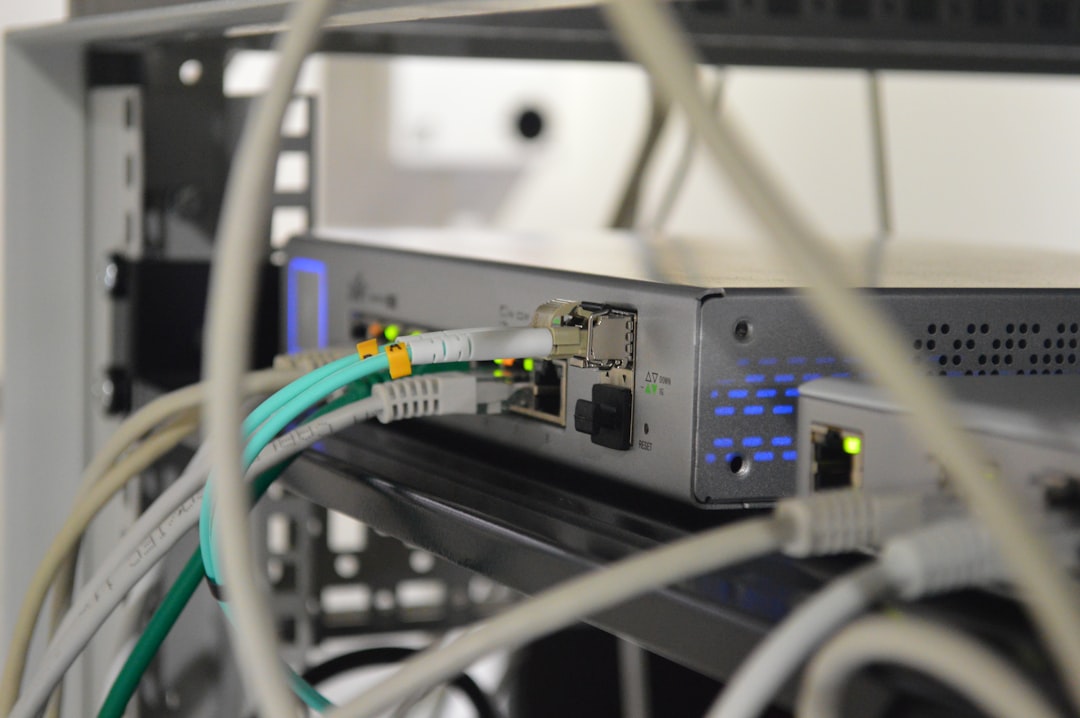
For many IT teams, SNMP monitoring remains the practical backbone of network visibility. Even in environments filled with cloud dashboards, SD-WAN controllers, and vendor-specific management portals, Simple Network Management Protocol still provides a consistent way to understand what is happening across routers, switches, firewalls, servers, wireless controllers, UPS systems, printers, and other infrastructure devices. WhatsUp Gold is one of the better-known network monitoring platforms built around this reality, offering discovery, performance tracking, alerting, mapping, and reporting capabilities that help administrators move from reactive troubleshooting to proactive network operations.
TLDR: WhatsUp Gold provides a strong SNMP monitoring experience, especially for teams that need fast device discovery, readable network maps, practical performance metrics, and configurable alerts. Its biggest strength is turning raw SNMP data into useful operational context, such as interface health, bandwidth usage, device status, and dependency-aware notifications. It is especially valuable for small to mid-sized IT teams and distributed networks that need visibility without building a highly customized monitoring stack from scratch.
Why SNMP Monitoring Still Matters
SNMP has been around for decades, but its longevity is not a weakness. It remains widely supported, lightweight, and extremely useful for collecting health and performance data from networked devices. Through SNMP polling and traps, monitoring tools can gather information such as interface utilization, CPU load, memory consumption, packet errors, device uptime, temperature, fan status, and power supply health.
WhatsUp Gold builds on this foundation by combining SNMP data with an accessible interface, automated discovery, topology visualization, threshold-based alerting, and reporting. Rather than forcing administrators to manually inspect Management Information Bases, or MIBs, for every device, the platform presents SNMP metrics in a way that is easier to interpret and act on.

Device Discovery: Fast Visibility Across the Network
One of the first areas where WhatsUp Gold proves useful is automated device discovery. In a typical network, assets are constantly changing. New switches are added, virtual machines appear, access points are relocated, and old devices may remain connected long after they should have been decommissioned. Manual inventory quickly becomes outdated.
WhatsUp Gold can scan IP ranges, subnets, and network segments to identify devices and determine what they are. Using SNMP, ICMP, WMI, SSH, and other protocols, it can detect device types, operating status, interfaces, and available monitors. For SNMP-enabled devices, this means the platform can often identify key components without extensive manual configuration.
During evaluation, the discovery process is especially important because it shows how quickly the tool can move from installation to meaningful insight. WhatsUp Gold is generally strong here. It can detect a broad range of infrastructure devices and automatically suggest monitors based on what it finds. For example, if it discovers a switch, it may identify active interfaces and begin tracking traffic statistics. If it discovers a server, it may recommend resource monitors for CPU, memory, disk, or service availability.
Useful discovery features include:
- IP range scanning to locate devices across known subnets.
- SNMP credential testing to validate community strings or SNMPv3 authentication.
- Device role identification, such as router, switch, server, printer, or wireless device.
- Automatic monitor assignment based on discovered services and interfaces.
- Layer 2 and Layer 3 mapping for understanding network relationships.
The quality of discovery depends heavily on accurate credentials and proper SNMP configuration. If SNMP is disabled, firewalled, or configured inconsistently across devices, WhatsUp Gold may still detect availability through ping but will not provide deep metrics. For organizations evaluating the product, it is worth preparing SNMP credentials and confirming access to critical devices before judging the completeness of discovery.
Performance Metrics: Turning SNMP Data into Operational Insight
SNMP monitoring is only valuable if it helps administrators understand performance conditions before users complain. WhatsUp Gold offers a wide range of device and interface metrics that can help identify congestion, hardware stress, failing components, or unusual patterns.
Common SNMP-based performance metrics in WhatsUp Gold include:
- Bandwidth utilization on physical and logical interfaces.
- Interface status, including up, down, administratively disabled, or error states.
- Packet errors and discards, which can point to cabling faults, duplex mismatches, congestion, or failing hardware.
- CPU and memory usage for routers, switches, firewalls, and supported servers.
- Device uptime to detect reboots or instability.
- Environmental statistics, such as temperature, fan condition, and power supply state.
- Storage and disk metrics where supported by device MIBs or system monitors.
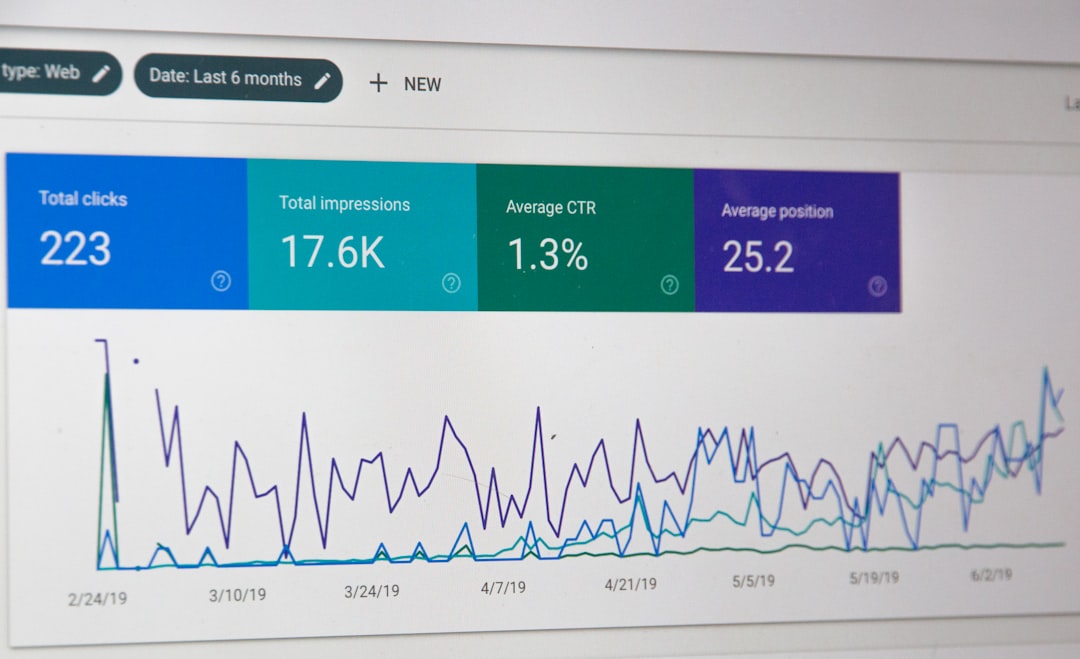
The interface-centric view is one of the most important aspects of SNMP monitoring. Network outages are not always caused by a device going completely down. More often, problems begin as degraded service: a WAN port becomes saturated, an uplink starts discarding packets, or a firewall CPU spikes during peak hours. WhatsUp Gold helps reveal these patterns through dashboards, charts, and threshold-based monitors.
The visual presentation is practical rather than overly complex. Administrators can see current status, historical trends, and device-specific details without needing to build every view manually. This is useful for smaller teams that need quick answers: Which link is saturated? Which device rebooted overnight? Which switch port is generating errors? Which location is experiencing degraded performance?
SNMP Credentials and Version Support
Any serious evaluation of SNMP monitoring should consider security. WhatsUp Gold can work with different SNMP versions, including the commonly used SNMPv2c and the more secure SNMPv3. While SNMPv2c is simple and still widely deployed, it relies on community strings that are transmitted without strong protection. SNMPv3 supports authentication and encryption, making it a better choice for sensitive environments.
For best results, organizations should standardize SNMP settings across infrastructure. This includes defining read-only access, limiting source IPs that can poll devices, using SNMPv3 where feasible, and documenting credentials. WhatsUp Gold can store and reuse credentials during discovery and monitoring, reducing repetitive configuration work.
In environments with legacy devices, SNMPv2c may be unavoidable. In that case, it is still important to use non-default community strings, restrict management access, and segment monitoring traffic where possible. A monitoring platform can only be as secure as the device management practices around it.
Alerting: From Raw Events to Actionable Notifications
Alerting is where many monitoring tools either become essential or become noisy. WhatsUp Gold provides a flexible alerting system that can notify administrators when devices go down, thresholds are exceeded, interfaces change state, or specific SNMP conditions occur. Alerts can be delivered through methods such as email, SMS integrations, web alarms, scripts, or third-party notification workflows depending on configuration and licensing.
The strength of WhatsUp Gold alerting lies in its combination of status monitoring, performance thresholds, and escalation policies. For example, a team might configure alerts when:
- A core switch becomes unreachable for more than two polling intervals.
- A WAN interface exceeds 85 percent utilization for 10 minutes.
- Packet discards rise above an acceptable baseline.
- A device temperature crosses a warning threshold.
- A UPS reports battery failure or input power loss.
- A firewall CPU remains high during business hours.
Good alerting is not just about knowing that something happened. It is about knowing whether the issue matters. WhatsUp Gold supports dependencies, which can reduce alert storms. For instance, if a remote site router goes offline, the tool can recognize that downstream switches, access points, or printers are unreachable because of that router. Instead of sending dozens of separate alerts, it can focus attention on the likely root cause.
This is particularly helpful in distributed organizations with many branches. Without dependency-aware alerting, one circuit failure can create a flood of notifications. With better relationship mapping, the operations team can respond faster and with less confusion.
Network Visibility and Mapping
Network visibility is one of WhatsUp Gold’s most recognizable strengths. The platform can generate maps that show devices, links, dependencies, and status indicators. These maps are not merely decorative; they help administrators understand topology and identify where failures are occurring.
A clear network map is especially valuable during incidents. When a service desk reports that users in a branch office cannot access applications, a map can show whether the branch router is reachable, whether the WAN circuit is congested, whether the local switch is down, or whether only a subset of devices is affected. This reduces guesswork and speeds triage.
WhatsUp Gold can present visibility through:
- Topology maps showing device relationships and connectivity.
- Status dashboards summarizing availability and health.
- Interface views displaying utilization, errors, and operational state.
- Custom dashboards for teams, sites, device groups, or services.
- Historical reports for capacity planning and SLA discussions.

For IT managers, this visibility can support more than troubleshooting. Historical reports can help justify circuit upgrades, hardware refreshes, or configuration changes. If a WAN link is consistently near capacity, performance charts provide evidence. If a device has frequent reboots or rising errors, reports can support replacement decisions before a major failure occurs.
Strengths of WhatsUp Gold for SNMP Monitoring
As an SNMP monitoring platform, WhatsUp Gold offers several clear advantages. It is approachable, visually oriented, and broad enough to cover many common infrastructure monitoring needs without requiring a large engineering effort.
- Quick time to value: Discovery and automatic monitor assignment help teams begin collecting useful data quickly.
- Strong network focus: The product is particularly effective for routers, switches, firewalls, and interfaces.
- Readable dashboards: Charts, maps, and status views are easy for administrators and managers to interpret.
- Flexible alerts: Thresholds, dependencies, and escalation options reduce noise when configured carefully.
- Useful reporting: Historical performance data supports troubleshooting, planning, and documentation.
- Multi vendor support: SNMP allows the platform to monitor many hardware brands from a central console.
Limitations and Evaluation Considerations
WhatsUp Gold is powerful, but it is not magic. Its SNMP monitoring quality depends on the quality of SNMP data exposed by devices. Some vendors provide rich MIBs; others expose limited or inconsistent metrics. In some cases, administrators may need to import MIB files, create custom monitors, or tune thresholds to avoid false positives.
Licensing and scalability should also be reviewed carefully. The number of devices, monitors, interfaces, and optional modules can affect cost and architecture. A small environment may be simple to deploy, while a larger enterprise may need more planning around polling intervals, database performance, distributed polling, retention periods, and role-based access.
Another point to consider is the difference between infrastructure monitoring and full observability. WhatsUp Gold is very capable for network and systems visibility, but organizations seeking deep application tracing, cloud-native telemetry, or advanced log analytics may need complementary tools. The best fit is often as a central network monitoring and alerting platform rather than as a complete replacement for every operational analytics tool.
Best Practices for Evaluating WhatsUp Gold
To evaluate WhatsUp Gold fairly, test it against real operational questions rather than only checking whether devices appear in a dashboard. A structured proof of concept should include core switches, WAN routers, firewalls, wireless controllers, servers, branch devices, and any critical environmental systems.
Recommended evaluation steps include:
- Prepare SNMP access with accurate credentials and device permissions.
- Run discovery across representative subnets and compare the results with your asset inventory.
- Review discovered monitors to verify that key interfaces and device health metrics are included.
- Create realistic thresholds for bandwidth, CPU, memory, errors, and environmental metrics.
- Test alert routing to confirm that the right people receive the right notifications.
- Simulate failures, such as disabling a test interface or blocking a monitored device.
- Assess maps and dashboards for clarity during troubleshooting scenarios.
- Check reports to see whether they answer capacity and availability questions.
Final Verdict
WhatsUp Gold is a strong choice for organizations that want practical, centralized SNMP monitoring with solid discovery, performance metrics, alerting, and visibility. It is not the most minimalist tool, nor is it designed only for highly customized open-source monitoring teams. Its value lies in making network monitoring accessible and operationally useful without hiding the detail that administrators need.
For device discovery, it provides a fast path to inventory and topology awareness. For performance metrics, it turns SNMP counters into meaningful charts and trends. For alerting, it offers enough flexibility to notify teams without overwhelming them, provided dependencies and thresholds are configured thoughtfully. For visibility, its maps and dashboards give both technical staff and decision-makers a clearer picture of network health.
In short, WhatsUp Gold performs well as an SNMP monitoring platform because it focuses on the realities of network operations: devices fail, links saturate, hardware degrades, and users expect problems to be fixed quickly. By combining broad SNMP support with discovery, dashboards, alerts, and reports, it gives IT teams the context they need to detect issues earlier, troubleshoot faster, and manage network infrastructure with greater confidence.
