 logo
logo

TikTok videos can be as short as one second and, for many accounts, as long as 10 minutes, while selected accounts may see 30-minute or 60-minute upload options. The exact limit depends on the app version, region, account status, and whether the video is recorded inside TikTok or uploaded from a device. For most creators, the safest planning range is still 15 seconds to 3 minutes, because shorter clips tend to hold attention better.
TLDR: Most TikTok creators should plan videos between 15 and 60 seconds, even though many accounts can upload up to 10 minutes. A cooking creator, for example, may turn a 6-minute recipe into three 45-second clips and often get better completion rates than with one long upload. If a 45-second video keeps 62% of viewers to the end, while a 4-minute version keeps only 18%, the shorter edit usually has the stronger chance to spread. Longer videos work best for tutorials, reviews, stories, and explainers that earn watch time from the first few seconds.
Current TikTok Video Length Limits
TikTok’s time limits have changed many times. That is why old advice gets messy fast. It drives people crazy that one account may show a 10-minute option while another account, on the same phone model, may not.
As a general guide, TikTok supports these common video lengths:
- 1 to 15 seconds: Best for memes, quick reactions, hooks, product flashes, and punchy edits.
- 16 to 60 seconds: The strongest range for broad reach, storytelling, simple tutorials, and trend-based posts.
- 1 to 3 minutes: Useful for mini-guides, opinions, storytimes, and product demos.
- 3 to 10 minutes: Available to many accounts for deeper tutorials, reviews, case studies, and longer commentary.
- 30 to 60 minutes: Limited to some accounts, regions, or test groups. This should not be assumed for every creator.
Creators should check the upload screen before planning a long production. The limit shown inside the app is the limit that matters for that account.
Recording in TikTok vs Uploading a File
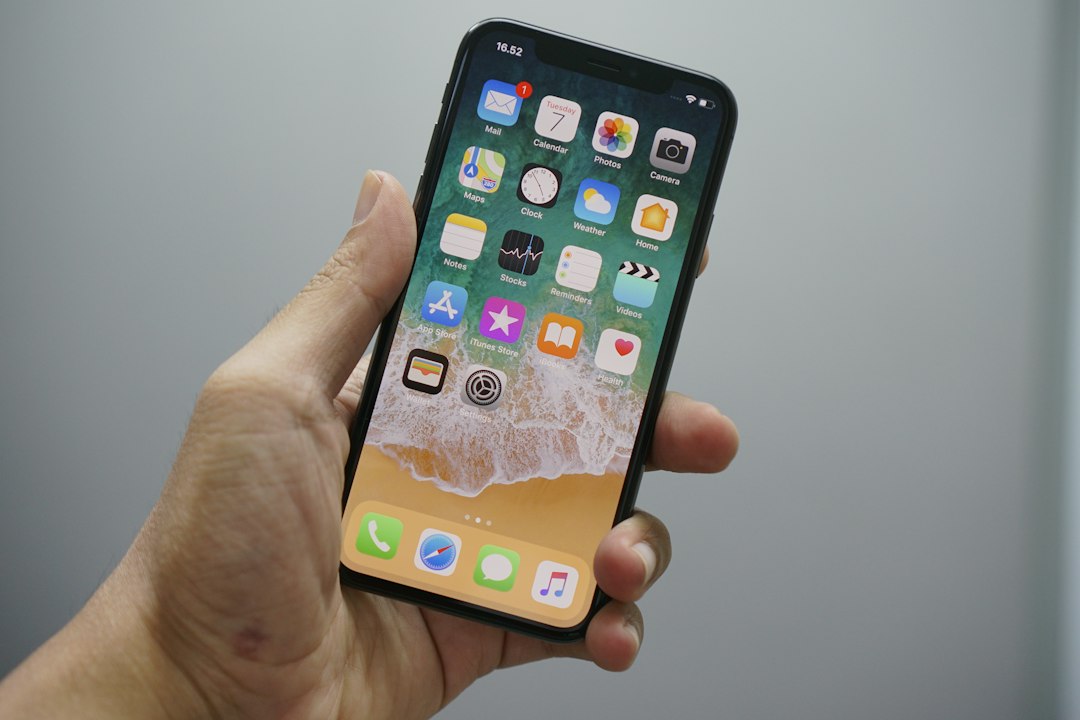
TikTok treats in-app recording and uploaded files differently. A creator recording inside the app may see preset buttons such as 15s, 60s, or 10m. A creator uploading a finished video from a camera roll may get more flexibility, depending on the account.
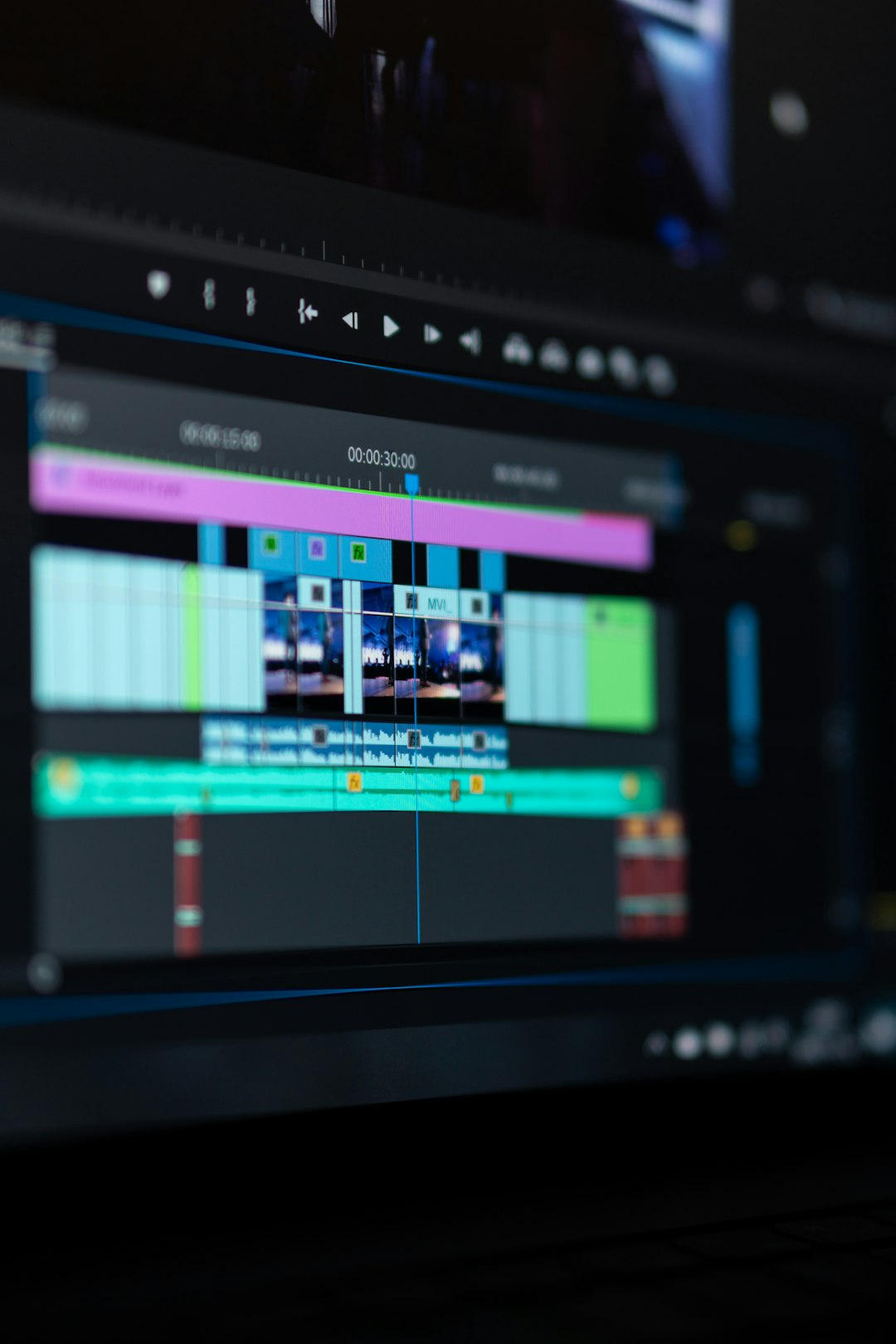
This matters for editing. A brand team may edit a 9-minute product walkthrough in desktop software, export it, and upload it as one polished file. A lifestyle creator may record several short clips directly in TikTok and stitch them together inside the app.
The catch is that TikTok’s editor can feel clumsy with long clips. Trimming a 7-minute file on a phone can take longer than expected, and small timing changes may cost 20 or 30 extra seconds each time. For longer videos, outside editing software is usually cleaner.
Best TikTok Video Format and Size
TikTok is built for vertical mobile video. The best format is simple: MP4 or MOV, vertical 9:16, 1080 x 1920 pixels. This fills the phone screen and avoids black bars.
Recommended upload settings include:
- Aspect ratio: 9:16 vertical is best. 1:1 and 16:9 can work, but they waste screen space.
- Resolution: 1080 x 1920 pixels is the standard choice.
- File type: MP4 is the safest. MOV is also commonly supported.
- Codec: H.264 video with AAC audio works well.
- Frame rate: 30 fps is fine for most posts. 60 fps can help sports, gaming, and fast movement.
- Audio: Clear speech matters more than perfect visuals for many videos.
File size limits may vary by device, upload method, and app version. Creators should compress large files without making the image muddy. A clean 1080p MP4 is usually better than an oversized 4K file that TikTok will compress anyway.
Upload Requirements Creators Should Check
Before uploading, creators should review the basics. These small items often cause failed posts or ugly previews.
- Keep key text away from the edges. TikTok buttons and captions can cover the right side and bottom of the screen.
- Use strong lighting. Dim footage often looks worse after compression.
- Choose a clear cover frame. It affects profile grid clicks.
- Check music rights. Business accounts may have a smaller commercial music library.
- Write a useful caption. Short captions can work, but searchable captions help discovery.
- Add subtitles. Many viewers watch without sound at first.
Which TikTok Length Performs Best?
There is no perfect length for every account. Still, patterns are clear. Short videos often get higher completion rates. Longer videos can earn more total watch time when the topic is strong.
For broad reach, many creators aim for 20 to 45 seconds. This gives enough room for a hook, a payoff, and a replay-friendly ending. A 12-second joke can work too, but it must land fast. A 2-minute tutorial can work if every section earns its place.
Creators should judge length by the job of the video:
- Trends: 7 to 20 seconds.
- Product teasers: 10 to 25 seconds.
- Quick tips: 20 to 45 seconds.
- Storytimes: 45 seconds to 2 minutes.
- Tutorials: 1 to 5 minutes.
- Reviews and explainers: 2 to 10 minutes.
A simple rule helps: the video should be only as long as the viewer’s curiosity lasts. If the setup takes 25 seconds, most people are already gone.
Content Strategy by Video Length
Short videos need instant clarity. The first frame should show the result, problem, or surprise. A fitness creator might open with “This fixed his squat in 10 seconds” while showing the before-and-after right away.
Mid-length videos need structure. A 45-second clip can follow this format: hook, context, three points, payoff. This works for advice, product demos, and creator education.
Long videos need chapters, even if they are not marked. The creator should reset attention every 20 to 40 seconds with a visual change, new point, caption, example, or pattern break. Long TikToks should not feel like a recycled YouTube upload. They need fast pacing and mobile-first framing.
Analytics should guide future length. Creators should watch average watch time, completion rate, rewatches, shares, saves, and comments. If a 50-second video has a 70% completion rate, that is a strong signal. If a 6-minute video averages only 19 seconds of watch time, the opening likely needs major work.
Practical Tips Before Posting
- Start with the payoff. Show the result before explaining the steps.
- Cut dead air. Pauses feel longer on TikTok than they do during editing.
- Use captions for speech. This improves clarity in silent viewing.
- Test different lengths. The same idea can be posted as 20 seconds, 45 seconds, and 2 minutes.
- Avoid filler endings. End when the value ends.

FAQ
How long can a TikTok video be?
Many TikTok accounts can post videos up to 10 minutes. Some accounts may see longer upload options, such as 30 or 60 minutes, but access varies.
What is the best TikTok video length?
For many creators, 15 to 60 seconds is the best range. It is long enough to deliver value but short enough to keep attention.
Can a TikTok be longer than 10 minutes?
Some accounts may have longer upload limits through tests or account-specific access. Creators should check the upload screen in their own app.
What format should TikTok videos use?
MP4 is the safest format. A vertical 9:16 video at 1080 x 1920 pixels is recommended.
Do long TikTok videos perform well?
They can, but only when the topic supports the length. Tutorials, reviews, detailed stories, and educational posts are better suited for long videos than simple jokes or trends.
Should creators record in TikTok or upload edited videos?
Short casual posts can be recorded in TikTok. Longer or branded videos usually work better when edited first and then uploaded as a finished file.
