 logo
logo

The safest way to download audio from YouTube is to use official options, creator-approved downloads, or files the user owns or has clear rights to use. Audio rippers may look quick, but they often break platform rules, create copyright risk, and produce messy files with uneven quality.
TLDR: The best YouTube audio option depends on rights, purpose, and quality needs. A commuter saving a 42-minute podcast through YouTube Premium can listen offline without hunting for unsafe converter sites. A creator who needs background music should use licensed tracks, Creative Commons audio, or their own uploads. For most speech content, 128 kbps to 160 kbps AAC is fine; music often benefits from higher quality when available.
Safe Ways to Get YouTube Audio
YouTube is built for streaming, not unrestricted downloading. That simple fact causes most of the confusion. The catch is that many “download audio” sites promise one-click MP3 files, then bury users under pop-ups, fake buttons, and files with suspicious names. It is not rare for a simple download to take 30 seconds longer than expected because the page keeps opening junk tabs.
Safer options usually fall into four groups:
- YouTube Premium offline playback: This lets subscribers save videos or music inside the YouTube or YouTube Music app. The audio is available offline, but it is not exported as a normal MP3 file.
- Creator-provided downloads: Some creators link to podcast files, music stores, Patreon downloads, course portals, or public archives.
- Owned content from YouTube Studio: Creators can download their own uploaded videos and extract audio for editing, archiving, or reuse.
- Licensed or public domain content: Some audio can be reused under Creative Commons, public domain rules, or direct permission from the rights holder.

What “Downloading Audio” Really Means
There are two common meanings. The first is offline listening, where the content stays inside an app. This is common with YouTube Premium and YouTube Music. The second is file extraction, where audio becomes an MP3, AAC, WAV, or other file stored on a device.
Those are not the same thing. Offline listening is usually allowed under the app’s account rules. File extraction may conflict with YouTube’s terms or copyright law unless permission exists. A student saving a lecture from a university channel may feel harmless. Yet if the lecture is copyrighted and no download is offered, making a separate file can still be a problem.
Main YouTube Audio Options
1. YouTube Premium and YouTube Music
Best for: commuters, students, gym users, and casual listeners.
Premium is the cleanest choice for offline access. It avoids low-quality converter sites and keeps playlists synced across devices. The downside is clear: files are locked inside the app. They cannot be dropped into a video editor, music library, or USB drive.
2. YouTube Studio for Owned Videos
Best for: creators, editors, teachers, and businesses.
A channel owner can download their own videos from YouTube Studio. After that, editing software can export the audio. This is useful when the original project file is lost. Honestly, it feels like this should be easier, since recovering an old voiceover should not require extra steps. Still, it is one of the cleanest routes because the creator owns or controls the upload.
3. Creator Links and Licensed Sources
Best for: podcasts, music, meditation tracks, lessons, and sound effects.
A creator may include a legal audio link in the description. This might point to Bandcamp, SoundCloud, a podcast RSS feed, Gumroad, a course page, or a public archive. These sources usually give clearer terms and better files.
4. Creative Commons and Public Domain Audio
Best for: video makers, educators, remix artists, and researchers.
Creative Commons does not always mean “free for anything.” Some licenses require credit. Others block commercial use or remixing. Public domain content is broader, but users still need to confirm the source is legitimate.
File Formats: MP3, AAC, WAV, and More
Audio format affects size, quality, and compatibility. The right pick depends on the job.
- MP3: The most common format. It works almost everywhere. Good for phones, cars, presentations, and basic sharing.
- AAC: Often sounds better than MP3 at the same bitrate. Common in mobile apps and streaming services.
- WAV: Large and uncompressed. Useful for editing, archiving, podcast production, and professional work.
- FLAC: Lossless compression. Smaller than WAV but still high quality. Great for music collectors and archival use.
- Opus: Efficient and modern. Often used for web audio, but not supported by every older device.
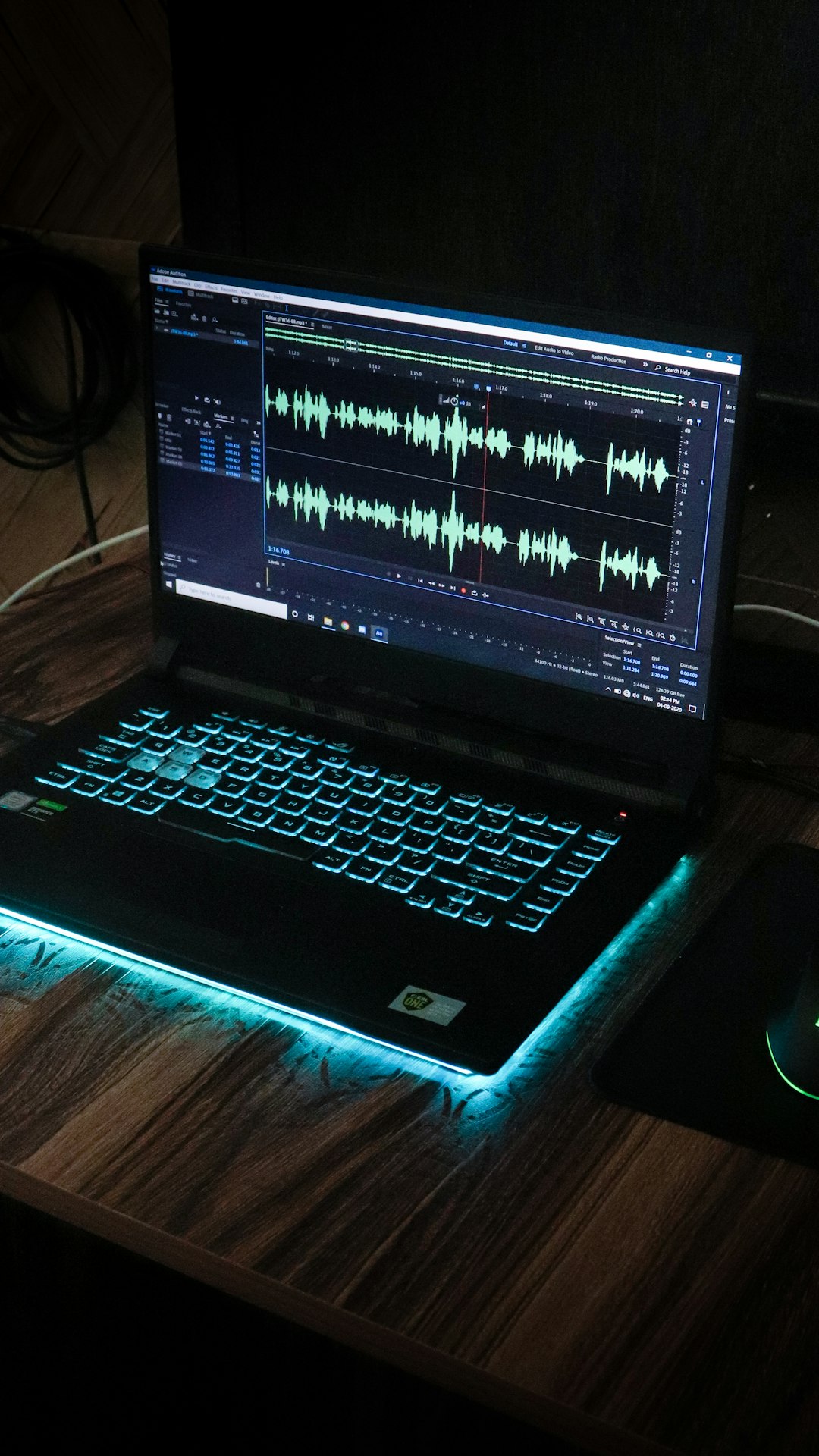
Audio Quality: What Actually Matters
More bitrate can mean better sound, but it is not magic. If the source audio is poor, a larger file will not fix it. A 320 kbps MP3 made from a low-grade stream is still limited by the original source.
Practical quality targets are simple:
- Speech, lectures, interviews: 96 kbps to 160 kbps is usually enough.
- Podcasts with music beds: 128 kbps to 192 kbps works well.
- Music listening: 192 kbps to 320 kbps MP3 or good AAC is preferred.
- Editing or mastering: WAV or FLAC is safer than compressed files.
Users should also watch for sample rate. Most online audio uses 44.1 kHz or 48 kHz. For normal listening, either is fine. For video editing, 48 kHz is common.
Copyright and Responsible Use
Copyright is the part many people skip. That is risky. A song, podcast, lecture, sermon, audiobook, or live set can be protected even if it is free to stream. Free access does not mean free reuse.
Responsible use usually means one of these applies:
- The user owns the content.
- The creator gave permission.
- The platform provides an official download or offline feature.
- The content is public domain.
- The license allows the intended use.
- The use qualifies under a local exception, such as fair use or fair dealing.
Fair use is not a blanket pass. It depends on purpose, amount used, market effect, and the nature of the work. A short clip for criticism may be treated very differently from a full album saved for personal listening.
How to Choose the Right Method
The best method starts with one question: what is the audio for?
- For offline listening: Use YouTube Premium or YouTube Music.
- For editing owned content: Download from YouTube Studio, then export audio in editing software.
- For a podcast: Check the description for an RSS feed or official download.
- For a school or work project: Use licensed music, Creative Commons audio, or permission-based sources.
- For archiving: Save only content the user owns or has rights to store.
Practical Tips Before Saving Audio
- Check the description first. Many creators already provide a legal link.
- Avoid sites with aggressive pop-ups. They often trade convenience for risk.
- Keep license notes. Save screenshots or text files with attribution details.
- Pick the format by use. MP3 for sharing, WAV for editing, AAC for compact quality.
- Do not reupload full tracks without permission. Claims, takedowns, or account strikes may follow.
FAQ
Can someone legally download audio from YouTube?
Yes, in some cases. Official offline features, owned uploads, creator-approved links, public domain works, and properly licensed content are safer options. Random extraction from copyrighted videos can create legal and terms-of-service issues.
Is YouTube Premium the same as downloading an MP3?
No. YouTube Premium allows offline playback inside the app. It does not provide normal audio files for editing, sharing, or storage outside the app.
What is the best audio format for YouTube downloads?
For broad compatibility, MP3 is the easy choice. For better quality at smaller sizes, AAC is strong. For editing, WAV or FLAC is better.
Is 320 kbps always better?
Not always. It helps only when the source is good. A poor recording will not become clean just because the exported file has a high bitrate.
Can YouTube audio be used in a video project?
Only if the user has rights to use it. That may mean direct permission, a license, public domain status, or a valid exception. Credit alone is not always enough.
What should creators do if they lost their original audio?
They can download their own uploaded video from YouTube Studio, then extract the audio with editing software. For future projects, keeping a WAV backup is much safer.
