 logo
logo

High-performing teams rarely get there by accident. Behind the visible wins—faster projects, better ideas, smoother handoffs, happier customers—there is usually a practical system of tools helping people communicate, prioritize, collaborate, and learn. The right tools do not replace good leadership or trust, but they can remove friction, make expectations clearer, and give teams the structure they need to do their best work.
TLDR: Better team performance starts with tools that improve communication, project visibility, knowledge sharing, feedback, and focus. The best stack is not the largest one; it is the one your team actually uses consistently. Start by identifying the biggest bottlenecks in your workflow, then choose tools that solve those problems without adding unnecessary complexity.
Why Tools Matter More Than Ever
Modern teams are often distributed across offices, time zones, departments, and even continents. A quick conversation at someone’s desk has been replaced by chat threads, video calls, shared dashboards, and digital documents. That shift can be powerful, but only when teams have a clear system for how work moves from idea to completion.
The right tools help teams answer essential questions quickly:
- What are we working on?
- Who owns each task?
- What is most important right now?
- Where can I find the information I need?
- How do we know whether we are improving?
When those answers are unclear, performance drops. People duplicate work, miss deadlines, attend unnecessary meetings, or spend hours searching for files and decisions. Better tools create a shared operating system for the team, making collaboration less stressful and more productive.
1. Communication Tools: Keep Conversations Clear
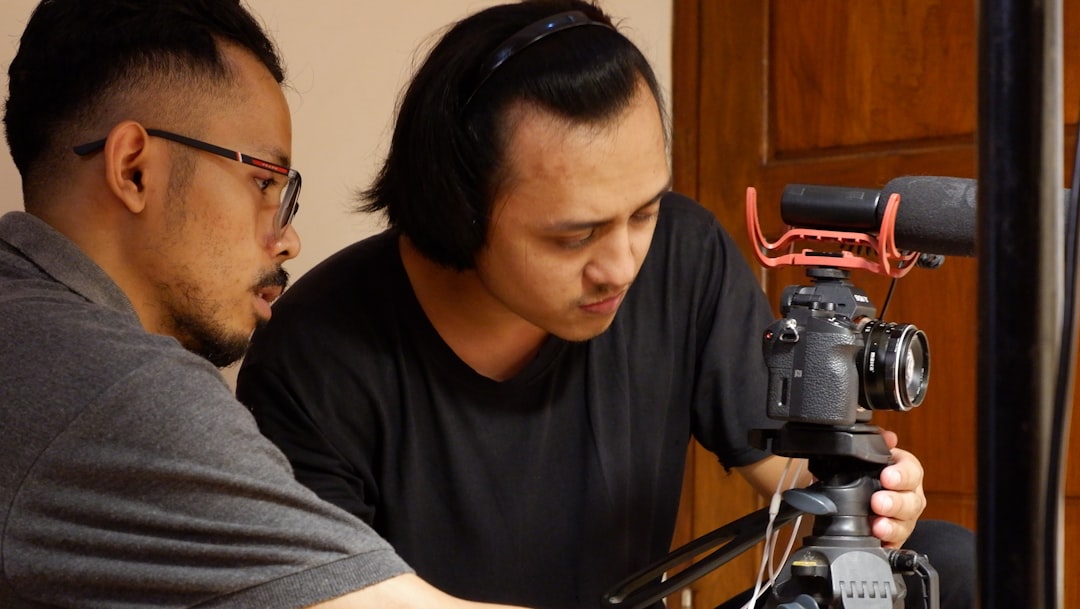
Every team needs a reliable way to communicate quickly. Email still has its place, especially for formal updates and external communication, but it is often too slow and cluttered for day-to-day collaboration. Team messaging platforms can make communication more immediate, organized, and searchable.
Look for communication tools that support:
- Channels or groups for departments, projects, and announcements
- Direct messaging for quick one-on-one conversations
- Searchable history so decisions are not lost
- File sharing for easy access to documents and assets
- Integrations with project management, calendar, and workflow tools
The key is to set communication rules. Without guidelines, messaging tools can become noisy and distracting. Decide when to use chat, when to use email, and when a meeting is truly necessary. For example, urgent questions might belong in chat, detailed decisions in a project tool, and long-term policies in a knowledge base.
Performance tip: Use dedicated announcement channels where only selected people can post. This keeps important updates from getting buried under casual conversation.
2. Project Management Tools: Make Work Visible
If communication tools help people talk, project management tools help people act. They turn goals into tasks, assign ownership, create deadlines, and show progress. This visibility is essential for performance because it reduces confusion and helps leaders spot problems before they become expensive delays.
A strong project management tool should make it easy to:
- Create tasks and subtasks
- Assign owners and due dates
- Set priorities
- Track status across projects
- View work in lists, boards, timelines, or calendars
- Attach relevant files and comments
Teams often struggle not because people are lazy, but because priorities are competing and unclear. A visible task system helps everyone understand what matters most. It also prevents the classic problem of “I thought someone else was handling that.”
For creative teams, a Kanban board can be useful because it shows work moving from “To Do” to “In Progress” to “Done.” For teams managing complex launches or dependencies, a timeline or Gantt-style view may be more helpful. The best format is the one that matches how your team thinks and operates.
3. Documentation Tools: Stop Repeating the Same Answers
High-performing teams do not keep important knowledge trapped in people’s heads. They document processes, decisions, templates, onboarding steps, customer insights, and technical instructions in a shared space. This saves time and protects the team from knowledge loss when someone is unavailable or leaves the organization.
A documentation tool or internal knowledge base can include:
- Standard operating procedures
- Meeting notes and decisions
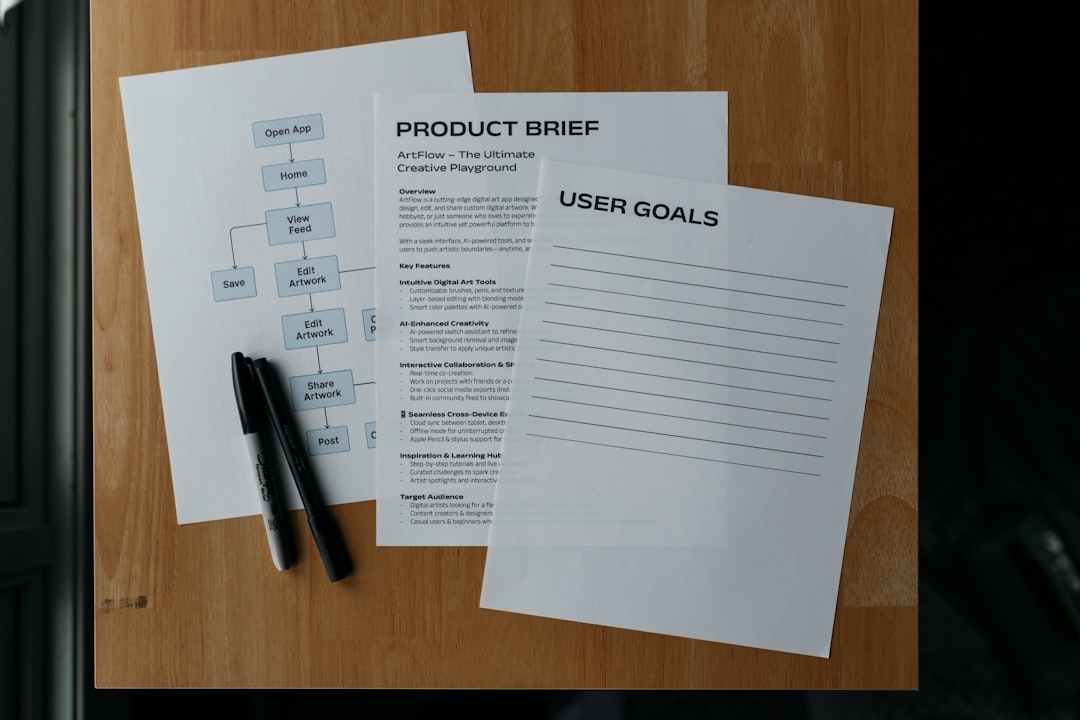
- Project briefs
- Training resources
- Frequently asked questions
- Templates for repeatable work
The goal is not to document everything. The goal is to document what people repeatedly ask, forget, or need to complete their work. A good knowledge base becomes the team’s memory. It reduces interruptions and helps new employees become productive faster.
Performance tip: Assign ownership to each key document. Outdated documentation can be worse than no documentation at all, so make review dates part of the process.
4. Meeting and Video Tools: Make Time Together Count
Meetings can either accelerate performance or quietly destroy it. The difference often comes down to whether the team has the right tools and habits. Video conferencing tools are essential for remote and hybrid teams, but the tool itself is only part of the equation.
To improve meeting performance, use tools that support:
- Calendar scheduling and reminders
- Screen sharing
- Recording and transcription
- Chat during calls
- Breakout rooms for workshops
- Automatic meeting notes or summaries
However, better meetings depend on better structure. Every meeting should have a clear purpose: decision-making, brainstorming, alignment, planning, or review. If the purpose is simply to “check in,” consider whether an asynchronous update would work better.
A helpful rule is to end each meeting with three things: decisions made, actions assigned, and deadlines confirmed. If those are missing, the meeting probably created conversation rather than progress.
5. Goal Tracking Tools: Connect Daily Work to Bigger Outcomes
Teams perform better when they understand how their work contributes to larger goals. Goal tracking tools help connect individual tasks to team objectives and company priorities. This prevents people from becoming busy without being effective.
Many organizations use frameworks such as OKRs—Objectives and Key Results—to define ambitious goals and measurable outcomes. For example, an objective might be “Improve customer onboarding,” while key results could include reducing support tickets, increasing activation rates, and shortening time to first value.
Good goal tracking tools allow teams to:
- Set measurable objectives
- Track progress over time
- Assign goal owners
- Review results regularly
- Connect projects to strategic priorities
This kind of visibility helps teams say no to low-value work. When a new request appears, the team can ask, “Does this help us reach our goals?” If the answer is no, it may not deserve immediate attention.
6. Feedback and Recognition Tools: Improve Motivation and Growth
Performance is not only about task completion. It is also about motivation, learning, and trust. Feedback and recognition tools help managers and peers acknowledge good work, identify growth opportunities, and keep a pulse on team morale.
These tools may include:
- Employee engagement surveys
- Pulse checks
- Peer recognition platforms
- Performance review systems
- One-on-one meeting tools
Frequent feedback is more powerful than annual feedback. When people know what they are doing well and where they can improve, they can adjust faster. Recognition also matters. A simple public thank-you can reinforce the behaviors you want repeated, such as collaboration, ownership, creativity, or customer focus.
Performance tip: Do not use feedback tools only when something is wrong. Use them to build a culture where improvement is normal and appreciation is visible.
7. Time and Focus Tools: Protect Deep Work
One of the biggest threats to team performance is constant interruption. Messages, meetings, notifications, and shifting priorities can prevent people from doing the focused work that produces meaningful results. Time and focus tools help teams understand where time goes and protect space for deep work.
Useful options include:
- Shared calendars
- Time blocking tools
- Focus timers
- Workload management dashboards
- Apps that reduce digital distractions
Workload visibility is especially important for managers. If one person is overloaded while another has capacity, performance suffers and burnout becomes more likely. Tools that show workload across a team can help leaders distribute work more fairly and make smarter staffing decisions.
8. Automation Tools: Remove Repetitive Work
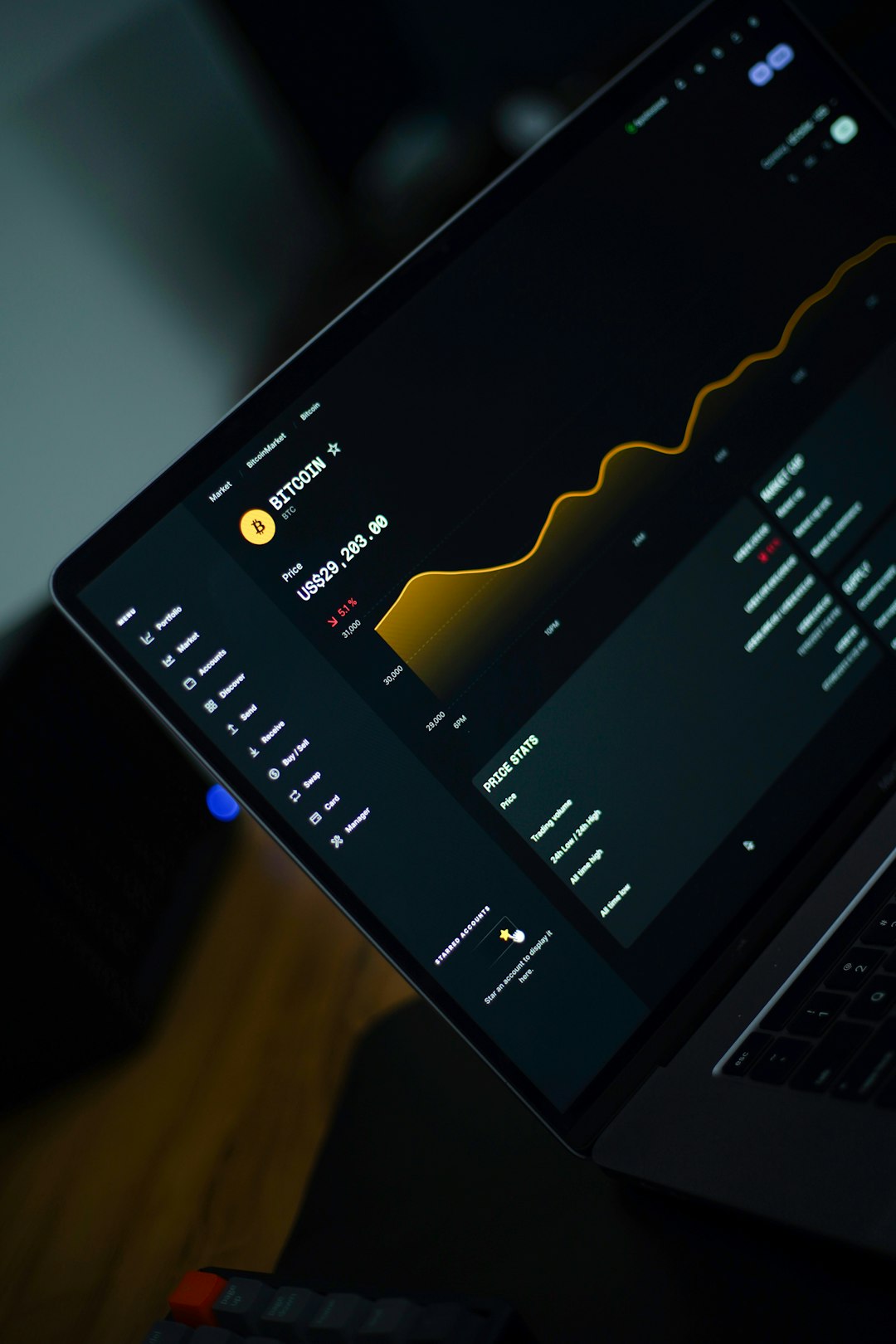
Repetitive manual tasks drain time and energy. Automation tools can connect apps, trigger actions, send reminders, update records, and move information between systems. Even small automations can produce big gains when they eliminate tasks that happen every day.
For example, a team might automate:
- Creating a task when a form is submitted
- Sending reminders before deadlines
- Updating a spreadsheet when a deal closes
- Notifying a channel when a support issue is escalated
- Generating recurring reports
The best place to start is with work that is repeatable, rule-based, and low-creativity. Automation should free people to focus on judgment, strategy, relationships, and problem-solving—not create a confusing web of invisible processes.
How to Choose the Right Tools for Your Team
With so many options available, it is easy to overbuild your tool stack. More tools do not automatically mean better performance. In fact, too many tools can create confusion, duplicate information, and increase costs.
Before adding anything new, ask these questions:
- What problem are we trying to solve? Be specific. “Improve collaboration” is vague; “reduce missed handoffs between sales and operations” is clearer.
- Who will use this tool? A tool must fit the habits and technical comfort level of the people using it.
- Does it integrate with what we already use? Isolated tools often create extra manual work.
- Can we measure improvement? Define what success looks like before rolling it out.
- Will it simplify work or add another place to check? The best tools reduce friction.
It is also wise to introduce tools gradually. Start with one area of friction, pilot a solution with a small group, gather feedback, and refine your process before scaling it. Adoption matters more than features. A simple tool used well will outperform a sophisticated tool that everyone avoids.
Build Habits Around the Tools
Tools only improve performance when they are supported by habits. A project management tool will not help if people forget to update tasks. A knowledge base will fail if nobody maintains it. A chat platform becomes chaotic without communication norms.
To make tools work, teams need clear agreements:
- Where final decisions are recorded
- How quickly people are expected to respond
- Which tool is used for which type of work
- How tasks are assigned and updated
- When documentation should be created
- How performance metrics are reviewed
These agreements do not need to be complicated. In fact, they should be simple enough that everyone can remember and follow them. The goal is to reduce uncertainty, not create bureaucracy.
The Real Secret: Better Systems, Better Teams
Better team performance is not about chasing every new productivity trend. It is about building a practical system that helps people do excellent work together. Communication tools keep conversations organized. Project management tools make work visible. Documentation tools preserve knowledge. Feedback tools support growth. Automation tools remove repetitive effort. Focus tools protect the time needed for meaningful progress.
Start by identifying the biggest source of friction in your team’s day-to-day work. Is it unclear ownership? Too many meetings? Lost information? Slow handoffs? Once you name the problem, choosing the right tool becomes much easier.
In the end, the best tools are not the ones with the longest feature lists. They are the ones that help your team move with more clarity, confidence, and momentum. When the tools, habits, and goals all work together, better performance becomes less of a stretch goal and more of a natural result.
