 logo
logo
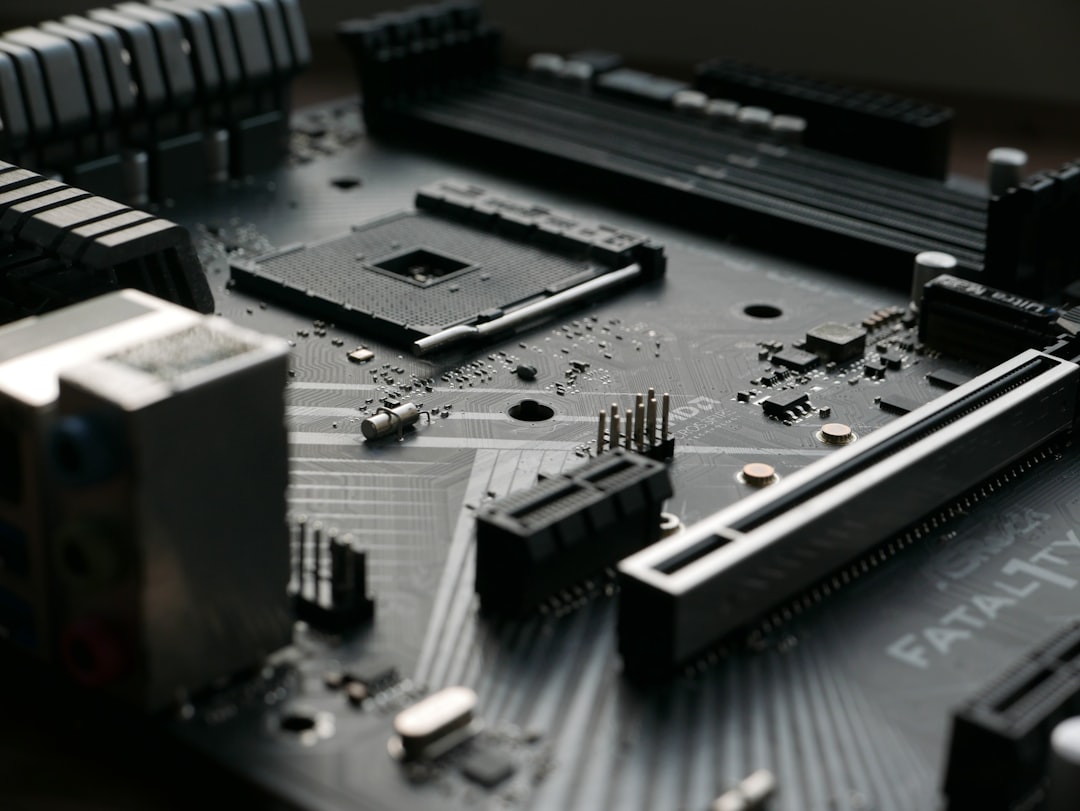
A Nerd PC is more than a flashy desktop with bright lighting and oversized components. In practical terms, it is a carefully configured computer built for users who demand more control, performance, reliability, and specialization than a standard office or home PC can usually provide. Whether used for gaming, software development, content creation, data analysis, simulation, or enthusiast tinkering, a Nerd PC is defined by purposeful hardware choices and a willingness to optimize the machine for demanding workloads.
TLDR: A Nerd PC is a high-performance, highly configurable computer designed for users with advanced technical needs or enthusiast-level expectations. Its most important features include a strong processor, capable graphics, fast storage, sufficient memory, effective cooling, and upgrade-friendly parts. The best use cases include gaming, programming, 3D work, video editing, AI experimentation, virtualization, and general power-user productivity. Before buying one, consider your real workload, upgrade plans, budget, cooling requirements, warranty, and long-term maintenance.
What Makes a PC a “Nerd PC”?
The term Nerd PC is informal, but it generally describes a computer built with attention to detail and performance rather than simply purchased for basic everyday use. It may be custom-built, professionally assembled, or bought as a high-end prebuilt system. The defining factor is not price alone, but the degree to which the system is matched to demanding tasks.
A typical mass-market desktop might be designed for web browsing, email, media streaming, and light productivity. A Nerd PC goes further. It may include workstation-grade components, advanced cooling, multiple monitors, mechanical keyboards, high-speed networking, large amounts of storage, and specialized peripherals. It is often built by someone who understands, or wants to understand, the relationship between hardware specifications and real-world performance.
Core Features of a Nerd PC
1. Powerful processor
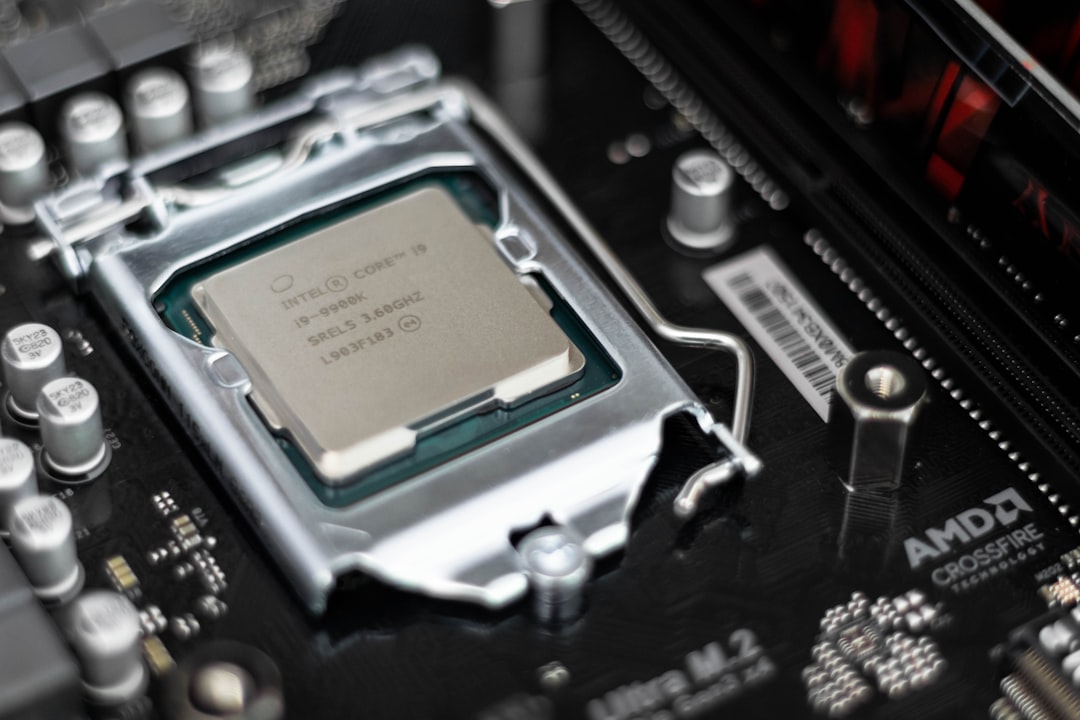
The central processing unit, or CPU, is one of the most important components in any serious computer. For gaming and general high-performance use, modern multi-core processors from leading consumer lines are usually sufficient. For professional workloads such as software compilation, 3D rendering, scientific computing, or virtual machines, a CPU with more cores and threads can significantly improve productivity.
When evaluating processor options, do not focus only on the highest clock speed. Consider the number of cores, thermal performance, platform longevity, power consumption, and compatibility with the motherboard. A balanced system is usually better than one that spends too much of the budget on a CPU while neglecting memory, storage, or graphics.
2. Capable graphics card
The graphics processing unit, or GPU, is essential for gaming, 3D modeling, video editing, AI workloads, and GPU-accelerated applications. A dedicated graphics card is one of the clearest signs that a PC is designed for more than basic use.
For gamers, the right GPU depends on the target resolution and refresh rate. Playing at 1080p requires much less graphics power than playing at 1440p ultrawide or 4K. For creative professionals, GPU memory is often just as important as raw speed, especially when handling large video timelines, complex 3D scenes, or machine learning models.
3. Sufficient RAM
Memory determines how much data your system can actively handle at once. For a modern enthusiast PC, 16 GB is generally the minimum acceptable amount, while 32 GB is a better baseline for gaming, multitasking, programming, and creative work. Users running virtual machines, large databases, serious video editing projects, or professional simulations may benefit from 64 GB or more.
Speed and latency can matter, particularly for certain CPUs and gaming scenarios, but capacity should come first. Running out of memory causes slowdowns that no small speed improvement can compensate for.
4. Fast and reliable storage
A Nerd PC should use solid-state storage as its primary drive. Modern NVMe SSDs offer much faster load times, file transfers, boot speeds, and application responsiveness than traditional hard drives. A common configuration is a fast NVMe drive for the operating system and applications, paired with a larger SSD or hard drive for bulk storage.
For professionals, storage reliability matters as much as speed. Important work should not live on a single drive without backup. A responsible setup includes external backups, network-attached storage, or cloud-based redundancy, depending on the sensitivity and size of the data.
5. Effective cooling and airflow
High-performance components generate heat. If heat is not managed properly, the system may become noisy, unstable, or slower due to thermal throttling. Good cooling is not only about adding more fans; it is about designing airflow intelligently.
A quality case, properly positioned intake and exhaust fans, a suitable CPU cooler, and clean cable management all contribute to temperature control. Liquid cooling can be useful for certain builds, but it is not automatically superior for every user. A well-designed air-cooled system can be quiet, reliable, and easier to maintain.
Common Use Cases
Gaming and streaming
Gaming is one of the most visible reasons people build or buy Nerd PCs. A strong gaming PC can deliver high frame rates, improved visual settings, lower input latency, and support for high-refresh-rate monitors. For users who stream gameplay, additional CPU cores, sufficient RAM, and a reliable internet connection become important.
A good gaming system should be built around the monitor. There is little value in buying an extremely expensive graphics card if the display cannot take advantage of its performance. Conversely, a high-resolution or high-refresh-rate monitor will expose the limitations of a weak GPU.
Software development and engineering
Developers benefit from fast processors, plenty of memory, and quick storage. Compiling code, running containers, managing databases, and testing applications across multiple environments can strain ordinary laptops or entry-level desktops. A Nerd PC can provide the headroom needed for local development without constant slowdowns.
Engineers and technical users may also require specialized software, simulation tools, CAD applications, or multiple virtual machines. In these cases, stability and compatibility are just as important as benchmark scores.
Content creation
Video editors, photographers, animators, musicians, and designers often need more computing power than casual users. High-resolution video editing benefits from strong CPU and GPU performance, large RAM capacity, and fast scratch storage. Large photo libraries require dependable storage, color-accurate displays, and efficient backup workflows.
For audio production, quiet operation is especially important. A loud PC can become a real problem in a recording or mixing environment. In this case, acoustic treatment of the system, fan selection, and case design should be considered carefully.
AI, data science, and experimentation
Modern AI and data workloads can be demanding. While large-scale training is often done in cloud environments, a capable local PC is valuable for learning, prototyping, smaller models, data cleaning, and experimentation. A GPU with adequate memory can make a major difference in supported machine learning workflows.
Data science users should also consider storage capacity, RAM, and processor performance. Large datasets can quickly overwhelm a basic computer, especially when multiple tools are open at once.
Home lab and virtualization
Many technical enthusiasts use a Nerd PC as a home lab. This may include running virtual machines, testing servers, experimenting with networking, hosting development environments, or learning cybersecurity concepts in a controlled setting. For these users, RAM capacity, CPU cores, storage expansion, and network connectivity are central considerations.
Buying Considerations
Define the workload first
The most expensive PC is not always the right PC. Before buying, identify the actual tasks the system must perform. A competitive gamer, a 4K video editor, a software engineer, and an AI hobbyist may all want a powerful computer, but their ideal configurations can be very different.
Write down your primary applications, performance pain points, monitor resolution, storage needs, and expected lifespan. This helps prevent overspending on components that do not improve your real experience.
Choose between custom-built and prebuilt
A custom-built PC offers maximum control over parts, appearance, cooling, and upgrade path. It can also be more cost-effective if you are comfortable assembling and troubleshooting hardware. However, it requires time, research, and some willingness to diagnose problems.
A prebuilt system is more convenient and often includes centralized warranty support. The tradeoff is that some prebuilts use lower-quality power supplies, limited motherboards, restricted cases, or proprietary parts. When buying prebuilt, examine the exact component list rather than relying only on broad labels such as “gaming PC” or “creator workstation.”
Do not underestimate the power supply
The power supply unit is not exciting, but it is critical. A low-quality unit can cause instability and may endanger other components. Choose a reputable model with enough wattage for the system and future upgrades. Efficiency ratings are useful, but build quality and protections matter more than the badge alone.
Plan for upgrades
One advantage of a Nerd PC is upgradeability. Look for a motherboard with enough memory slots, expansion slots, storage connectors, and BIOS support. Choose a case with adequate room for future graphics cards and cooling upgrades. Avoid systems that are difficult to service or rely heavily on proprietary layouts unless you have a clear reason to accept those limitations.
Consider noise, size, and environment
A powerful PC may be large, warm, and noisy if poorly configured. If the computer will sit in a bedroom, studio, office, or shared space, noise levels matter. Smaller form factor systems can be elegant and space-efficient, but they often require more careful thermal planning and may limit future upgrades.
Also consider dust, room temperature, and placement. A high-end system placed on thick carpet under a cramped desk may perform worse and collect more dust than the same system placed on a raised, ventilated surface.
Budget for the complete setup
The tower is only one part of the investment. A serious PC setup may also require a quality monitor, keyboard, mouse, speakers or headphones, webcam, microphone, surge protection, backup drive, software licenses, and networking equipment. A balanced setup often delivers more value than a powerful tower paired with poor peripherals.
Final Thoughts
A Nerd PC is best understood as a purpose-built machine for people who care about capability, customization, and long-term usefulness. It can be a gaming powerhouse, a development workstation, a creative production system, a home lab server, or a flexible mix of all these roles. The right configuration depends on honest assessment, not marketing language.
For most buyers, the safest approach is to prioritize balance: a strong but appropriate CPU, a GPU matched to the workload, enough RAM, fast storage, reliable cooling, and a quality power supply. With careful planning, a Nerd PC can remain useful for years, accept meaningful upgrades, and provide the performance headroom that demanding users expect.
