 logo
logo
Modern households often depend on internet connectivity as heavily as small offices once did. Remote work, cloud gaming, video meetings, smart home devices, security cameras, streaming platforms, and home labs can all compete for bandwidth and reliability. SD-WAN, or software-defined wide area networking, is increasingly being considered for advanced home networks because it can manage multiple internet connections, prioritize important traffic, and improve visibility across connected devices.
TLDR: SD-WAN can help home networks become more reliable, flexible, and easier to manage, especially when a household uses multiple internet connections or supports remote work. It can prioritize video calls, gaming, security systems, and business applications while reducing the impact of outages or congestion. However, it requires compatible hardware, careful configuration, and realistic expectations about performance, privacy, and cost.
What SD-WAN Means for a Home Network
Traditional home networking usually relies on a single router, one internet service provider, and basic traffic handling. If the connection slows down or fails, every device in the home is affected. SD-WAN changes this model by using software policies to decide how traffic should move across available connections.
In a home setting, SD-WAN may combine fiber, cable, 5G, LTE, satellite, or even a secondary DSL line. Instead of treating all traffic equally, it can route important applications over the best available link. For example, a video conference may stay on a low-latency fiber connection, while large downloads use a cheaper backup link. If the main connection fails, traffic can automatically move to another connection with minimal interruption.
Key Benefits of SD-WAN at Home
1. Better reliability through connection failover
One of the biggest benefits of SD-WAN is improved uptime. A household with two internet connections can continue working even if one provider has an outage. This is valuable for remote professionals, online students, content creators, and anyone who depends on uninterrupted access to cloud services.
2. Smarter traffic prioritization
SD-WAN can identify traffic types and apply rules based on importance. Video calls, voice calls, gaming, and security camera uploads may receive priority over software updates, cloud backups, or streaming on secondary devices. This can produce a smoother experience during busy hours.
3. Improved support for remote work
Many homes now function as part-time offices. SD-WAN can improve access to corporate cloud applications, VPN services, hosted desktops, and collaboration tools. Some solutions also support secure tunnels to business networks, allowing remote workers to maintain stable connectivity without relying entirely on consumer-grade router features.
4. Centralized visibility and control
Advanced home users often want to know which devices consume bandwidth, which applications create latency, and whether a link is performing poorly. SD-WAN platforms usually provide dashboards, analytics, and policy controls that make network behavior easier to understand.
5. Better use of multiple internet services
Without SD-WAN, a backup internet line may sit unused until a failure occurs. With SD-WAN, multiple connections can be used actively. Some traffic may be load balanced, some may be routed by performance, and some may be reserved for critical services.
Common Home Use Cases
- Remote work households: Professionals who rely on video meetings, cloud platforms, VoIP, and VPN access can benefit from automatic failover and application prioritization.
- Home offices and small businesses: Consultants, freelancers, telehealth providers, and online tutors may need business-level reliability without moving into commercial office space.
- Smart homes: Homes with doorbells, cameras, sensors, thermostats, and voice assistants can use SD-WAN policies to separate and manage device traffic more effectively.
- Gaming and streaming families: SD-WAN can help reduce lag for gaming while managing bandwidth used by 4K streaming, downloads, and cloud backups.
- Rural or underserved locations: A household may combine satellite, 5G, and fixed wireless connections to improve overall availability and performance.
- Home labs and technology enthusiasts: Users running servers, test environments, or self-hosted applications can gain finer control over routing and security policies.

Hardware Requirements
SD-WAN for home networks can be implemented in several ways, depending on budget, skill level, and performance needs. The simplest option is a dedicated SD-WAN router or firewall appliance. These devices are designed to manage multiple WAN links, apply traffic rules, and provide centralized monitoring.
A typical home SD-WAN setup may require the following components:
- SD-WAN capable router or firewall: This is the core device that handles routing, policies, failover, and traffic steering.
- Multiple WAN connections: These may include cable, fiber, 5G, LTE, satellite, or fixed wireless links.
- Modems or gateways: Each internet service typically requires a modem, ONT, cellular gateway, or provider-supplied device.
- Managed or unmanaged switches: Larger homes may need switches to connect wired devices, access points, and smart home hubs.
- Wi-Fi access points: SD-WAN controls the WAN side, but strong Wi-Fi is still needed for local coverage and performance.
- Optional cloud management license: Some SD-WAN products require subscriptions for advanced analytics, security, or orchestration.
Hardware selection should consider throughput, number of WAN ports, VPN capacity, firewall performance, and whether the appliance can inspect traffic without becoming a bottleneck. A low-cost device may be suitable for a small apartment, while a large home with gigabit links, several users, and many smart devices may require a more powerful appliance.
Software and Configuration Considerations
SD-WAN is not only hardware; its value comes from policy-based control. The household administrator must decide which applications matter most and how different links should be used. For example, a policy might require work traffic to use the fiber connection first, fail over to 5G second, and avoid satellite unless both primary links fail.
Some platforms identify applications automatically, while others require manual rules based on IP addresses, ports, domains, or device groups. More advanced systems can monitor latency, jitter, packet loss, and link availability in real time. When one connection performs poorly, the SD-WAN device can move traffic to a healthier path.
Security should also be considered. SD-WAN devices often include firewall features, VPN support, intrusion prevention, content filtering, and network segmentation. A home network may separate work computers, guest devices, smart appliances, and security cameras into different networks. This helps limit risk if a poorly secured device is compromised.
Performance Considerations
SD-WAN can improve reliability and traffic handling, but it does not magically increase the speed of a single internet connection. If only one WAN link exists, SD-WAN features may still help with visibility and prioritization, but failover and multi-path routing will be limited. Performance gains are strongest when the home has more than one connection and well-defined usage patterns.
Latency is especially important for video calls, online gaming, VoIP, and remote desktops. A connection with high bandwidth but poor latency may be worse for interactive applications than a slower but more stable link. SD-WAN can measure these conditions and select the better path when properly configured.
Encryption and inspection can affect speed. If the SD-WAN appliance terminates VPN tunnels, scans traffic, or applies security filtering, it needs enough CPU power to handle those tasks. A device advertised for gigabit firewall throughput may deliver much lower speeds when advanced security features are enabled.
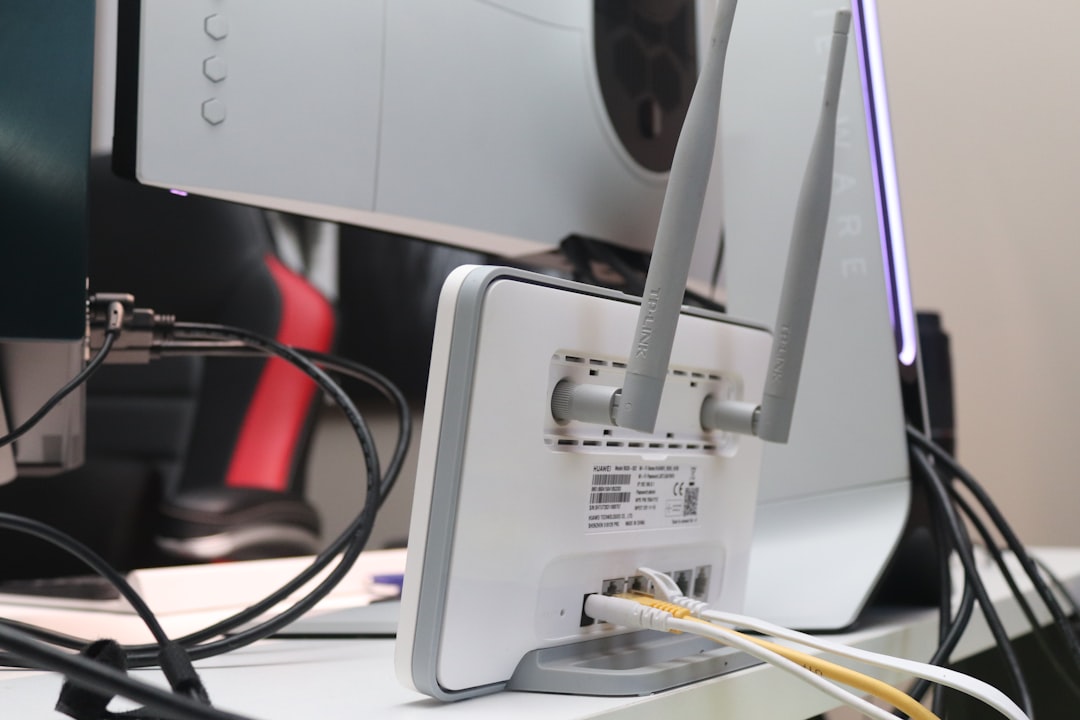
Wireless performance should not be overlooked. Many users blame the internet connection when the real issue is weak Wi-Fi, interference, poor access point placement, or outdated client devices. SD-WAN improves WAN intelligence, but it does not replace good local network design. Mesh Wi-Fi, wired backhaul, and proper access point placement may still be necessary.
Costs and Trade-Offs
SD-WAN for home use can range from affordable to expensive. Some prosumer routers include dual-WAN failover and basic policy routing without a subscription. More advanced platforms may require hardware purchases, monthly cloud management fees, security licenses, or professional installation.
The household should compare the cost of SD-WAN against the cost of downtime. For a casual user, a standard router may be enough. For a remote worker who loses income when the internet fails, a second connection and SD-WAN appliance may be easy to justify. For a family with heavy streaming and gaming demands, quality of service features may deliver benefits even without enterprise-level SD-WAN.
When SD-WAN Makes Sense at Home
SD-WAN makes the most sense when the home network has complexity beyond ordinary browsing and streaming. It is especially useful when multiple people depend on the internet at the same time, when outages are costly, or when a household uses more than one provider. It may also appeal to technically skilled users who want granular control over routing, segmentation, and monitoring.
However, SD-WAN may be unnecessary for simple homes with one connection, light usage, and no remote work requirements. In those cases, upgrading Wi-Fi equipment, changing internet plans, or improving router placement may solve more problems at a lower cost.
FAQ
Is SD-WAN practical for a home network?
Yes, SD-WAN can be practical for homes with remote work needs, multiple internet connections, heavy bandwidth usage, or smart home complexity. It is less necessary for simple networks with only basic browsing and streaming.
Does SD-WAN make the internet faster?
SD-WAN does not increase the raw speed of a single connection. It can improve performance by choosing better paths, balancing traffic, prioritizing important applications, and reducing downtime through failover.
How many internet connections are needed for SD-WAN?
SD-WAN can work with one connection, but its strongest benefits usually appear with two or more WAN links, such as fiber plus 5G or cable plus LTE.
Can SD-WAN replace a home router?
In many cases, an SD-WAN appliance can replace the main router. However, the home may still need separate Wi-Fi access points, switches, modems, or provider gateways.
Is SD-WAN secure?
SD-WAN can improve security when it includes firewall rules, VPN encryption, segmentation, and monitoring. Security depends on proper configuration, firmware updates, and careful management of user access.
Is SD-WAN difficult to set up?
Basic dual-WAN failover can be straightforward on prosumer equipment. Advanced policies, application routing, VPN tunnels, and segmentation may require networking knowledge or professional assistance.
Who benefits most from SD-WAN at home?
Remote workers, small business owners, content creators, online gamers, home lab users, and families with many connected devices are among the most likely to benefit from SD-WAN.
