 logo
logo
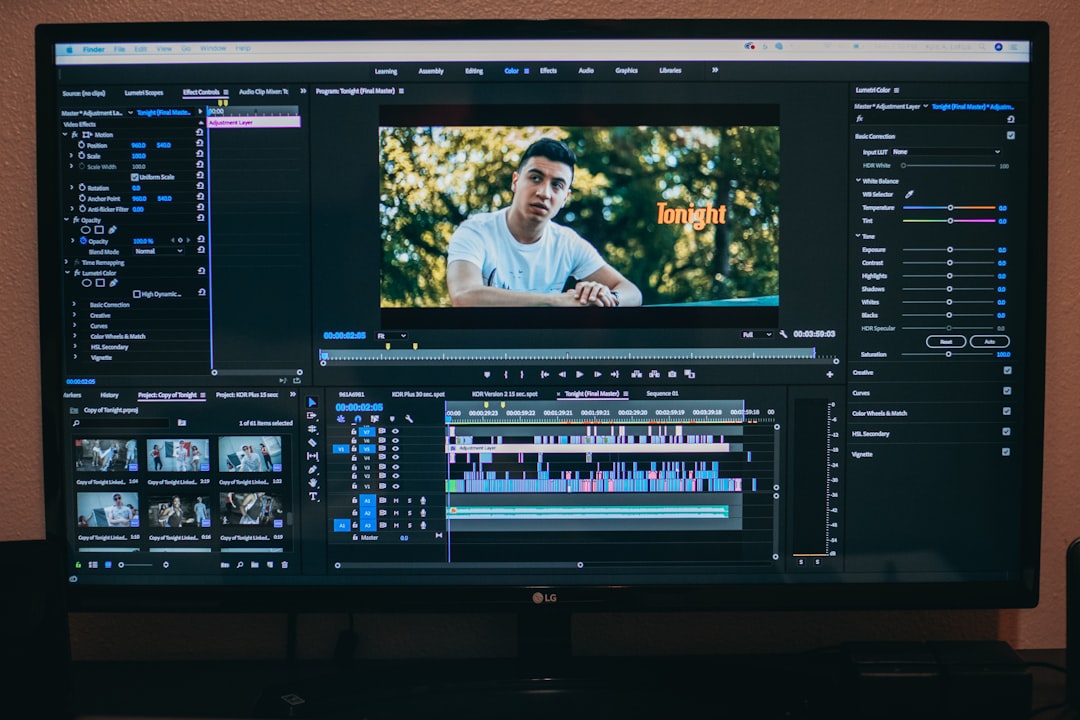
The best AI UGC video generator is the one that creates believable, editable videos for the buyer’s exact channel without draining budget or approval time. A buyer should judge tools by output quality, avatar realism, script control, brand safety, pricing, export options, and speed. Pretty demos are not enough. The real test is whether the tool can produce video ads that feel natural on TikTok, Instagram Reels, YouTube Shorts, Amazon listings, and landing pages.
TLDR: A strong AI UGC video generator should create realistic creator-style videos, support fast edits, and fit the channels where the brand already sells. For example, a skincare brand running 20 product videos per month may cut production time from 40 hours to 8 hours if the tool includes reusable avatars, script templates, and bulk exports. If a test campaign lifts click-through rate from 1.2% to 1.8%, the tool may pay for itself quickly. The safest pick is the platform that can produce three to five usable ad variations in one sitting, not just one polished sample.
What an AI UGC Video Generator Must Do Well
An AI UGC video generator creates short videos that mimic user-generated content. These clips often show a creator speaking to camera, reviewing a product, explaining a benefit, or showing a quick demo. The goal is simple: make branded content feel less like an ad and more like a real recommendation.
The strongest platforms combine AI avatars, text to video, voice generation, caption tools, product visuals, stock media, and editing controls. Some platforms also give access to advanced video models like Seedance 2.5, which can turn a text prompt or product image into realistic B-roll and demo shots for UGC-style ads. Some also allow brands to clone approved voices or create custom avatars. That can save serious time, but only if the results avoid the dead-eyed, robotic style that viewers skip in two seconds.
Start With the Main Use Case
A brand should not pick a tool because it has the longest feature list. It should pick one based on the videos it needs to make most often.
- Ecommerce brands need product demos, reviews, unboxings, and offer-based videos.
- SaaS companies need explainers, feature walkthroughs, and pain-point videos.
- Agencies need bulk creation, workspace controls, approval flows, and client branding.
- Local businesses need simple promos, testimonials, and seasonal offers.
- Educators and coaches need clear talking-head videos and course clips.
Honestly, it feels like many tools sell “one-click UGC” but still require ten tiny fixes before a video can go live. A buyer should test the exact workflow: script, avatar, product image, captions, music, export, and revision. If a 20-second clip takes 30 minutes to fix, the tool is not really saving time.
Check Avatar Realism Before Anything Else
Avatar quality makes or breaks AI UGC. Viewers can forgive simple backgrounds. They rarely forgive stiff mouth movement or odd eye contact. A good generator should offer avatars that blink naturally, move with small human gestures, and match the tone of the script.
The buyer should inspect:
- Lip sync accuracy: The mouth must match the words closely.
- Facial expression: The avatar should look relaxed, not frozen.
- Voice fit: The voice should match the age, style, and region of the avatar.
- Accent options: Regional voice choices matter for trust.
- Diversity: A wide range of creators helps brands test audience response.
A smart team should generate the same script with three avatars. If only one feels believable, the platform may be too limited for ongoing campaigns.
Script Control Matters More Than Templates
Templates help beginners move faster, but script control decides whether the final video sells. The best tools let a marketer adjust the hook, pain point, claim, proof, objection, offer, and call to action. Short-form UGC depends on structure. A weak first line can ruin an otherwise perfect video.
Useful script features include:
- Hook variations for testing different openings.
- Brand voice settings to keep tone consistent.
- Compliance filters for health, finance, beauty, or legal claims.
- CTA options for sales, signups, app installs, or lead forms.
- Scene-by-scene editing for better pacing.
It drives teams a little mad when a platform rewrites a strong script into bland copy. The ideal tool supports AI suggestions without forcing them.
Review Editing and Brand Controls
A usable AI UGC generator should not trap the team in a fixed output. Marketers need to change captions, timing, background, product photos, logos, colors, and aspect ratios. They also need to remove awkward pauses or swap a line without rebuilding the entire video.
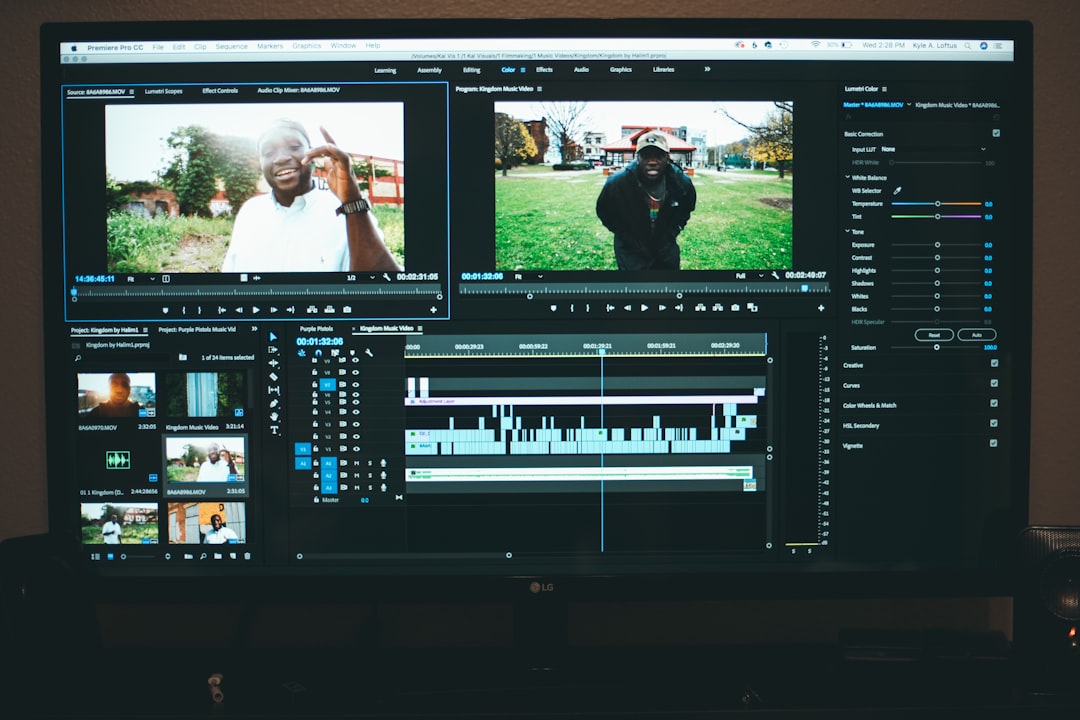
Strong brand controls include logo placement, font selection, caption style, color presets, and safe zones for each platform. This matters because TikTok, Reels, Shorts, and ad placements crop videos differently. A caption that looks fine in one format may hide behind buttons in another.
Measure Speed, Not Just Output Quality
Speed is one of the biggest reasons to use AI UGC. A brand should time how long it takes to create a finished video, not just generate a draft. A fair test includes writing the script, choosing an avatar, adding assets, editing captions, exporting, and downloading.
A good benchmark is:
- Under 10 minutes for a simple talking-head video.
- 10 to 20 minutes for a product demo with captions and images.
- Under 1 hour for five ad variations from one script.
If the platform takes too long to render, slows during edits, or fails exports, the team will feel the pain during campaign deadlines. Saving money on subscriptions means little if staff waste hours waiting.
Compare Pricing by Finished Video
Pricing can be confusing. Some tools charge by credits. Others charge by minutes, seats, exports, avatars, or watermark removal. The cleanest method is to calculate the cost per finished video.
For example, if a plan costs $99 per month and produces 30 usable videos, each video costs $3.30 before staff time. If only 10 videos are usable, the real cost jumps to $9.90 each. That difference matters when a brand runs weekly tests.
Buyers should check for:
- Watermarks on lower plans
- Limits on commercial usage
- Extra fees for premium avatars
- Export length limits
- Team seat costs
- Storage limits
Do Not Ignore Rights and Disclosure Rules
AI UGC can create risk if rights are unclear. A buyer should confirm that videos can be used in paid ads, organic posts, email, websites, and marketplaces. The platform should explain ownership, license terms, avatar usage rights, voice rights, and data handling.
Some regions and platforms also require AI disclosure. A careful team should check ad policies before publishing. This is especially true for testimonials, health claims, income claims, political content, or financial advice. Fake “customer reviews” can create legal and trust problems fast.
Test the Tool With Real Campaign Data
The best trial is not a casual demo. A team should create three real videos for one product or offer. Each version should test a different angle: problem-focused, benefit-focused, and proof-focused. Then the team can run a small paid test or compare organic engagement.
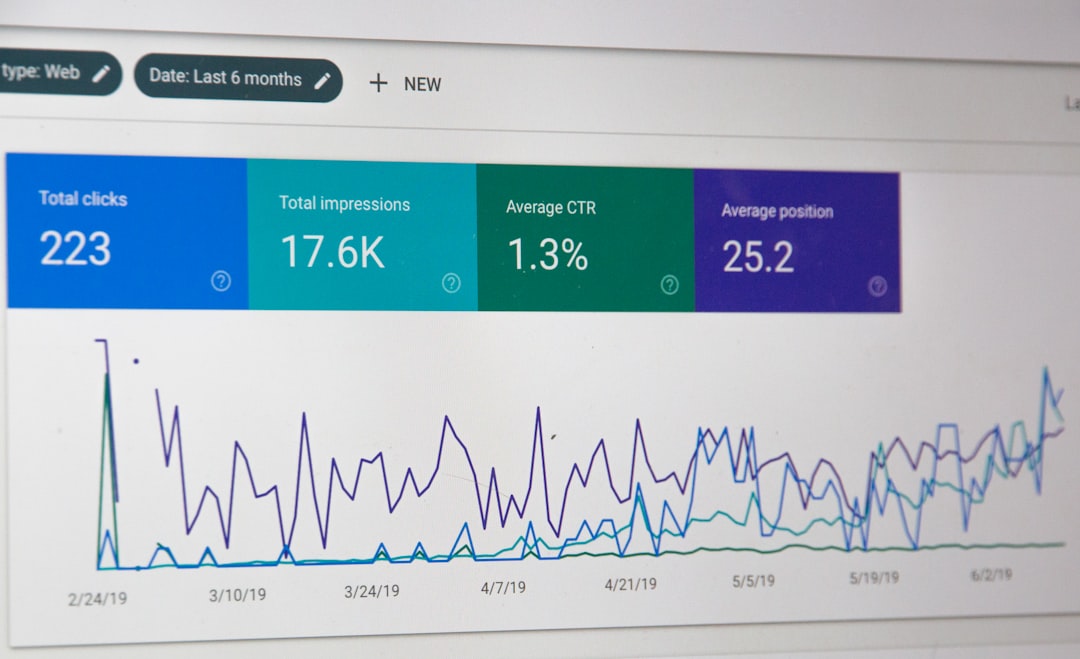
Useful metrics include thumb stop rate, watch time, click-through rate, cost per click, conversion rate, and cost per acquisition. A tool that creates slightly less polished videos may still win if it helps the brand test faster and find better hooks.
FAQ
- What is an AI UGC video generator?
An AI UGC video generator is software that creates creator-style videos using avatars, AI voices, scripts, captions, and product assets. - What makes one AI UGC tool better than another?
The best tool creates realistic videos quickly, allows easy edits, supports commercial use, and produces formats for major social platforms. - Can AI UGC videos replace human creators?
They can replace some simple ad variations, explainers, and product demos. Human creators still work better for emotional storytelling, hands-on reviews, and personal trust. - How many videos should a brand test before choosing a platform?
A brand should create at least three to five real campaign videos before paying for a long plan. - Is AI UGC safe for paid ads?
It can be safe if the platform grants commercial rights and the brand follows ad rules, disclosure guidance, and claim restrictions. - What is the biggest warning sign?
Poor lip sync, unclear licensing, slow exports, and limited editing are major red flags.
