 logo
logo
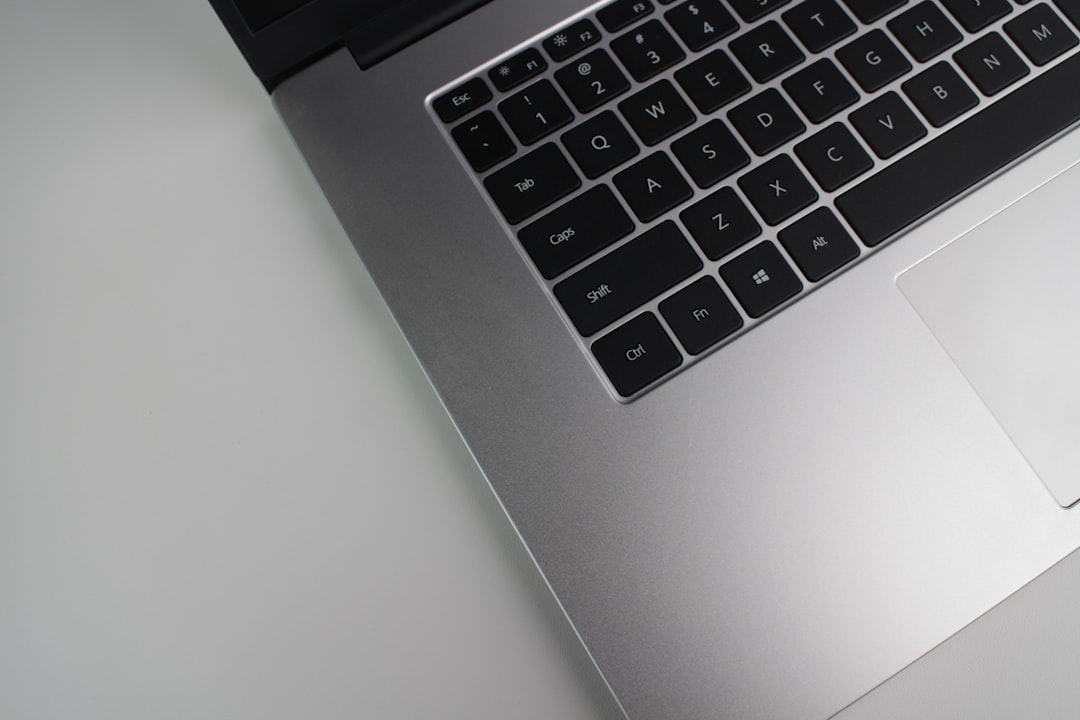
The Cube Thinker i35 is a premium-looking ultrabook that gained attention for offering a sharp 3:2 display, slim metal construction, and a productivity-focused feature set at a more accessible price than many mainstream flagship laptops. It is best understood as a compact notebook aimed at students, writers, office users, and travelers who value screen quality, portability, and everyday performance over gaming power.
TLDR: The Cube Thinker i35 is a stylish 13.5-inch ultrabook with a standout 3000 x 2000 touchscreen display and a fanless Intel Core m3 processor. It performs well for browsing, document work, streaming, and light creative tasks, but it is not designed for heavy gaming or demanding professional workloads. Its main strengths are the screen, keyboard comfort, metal build, and quiet operation, while its limitations include modest graphics power and average battery life by modern standards.
Design and Build Quality
The Cube Thinker i35 has a clean, minimalist design that resembles higher-end productivity laptops. Its metal chassis gives it a more premium impression than many budget notebooks, and the silver finish helps it look suitable for both office and classroom environments. The device feels solid when handled, although it does not quite reach the refinement of more expensive ultrabooks from established global brands.
One of its notable design features is the 13.5-inch 3:2 display format. This aspect ratio is taller than the common 16:9 layout, making it more practical for reading documents, browsing websites, writing, and working with spreadsheets. The laptop is compact enough for daily commuting, though it is not the lightest model in its category.
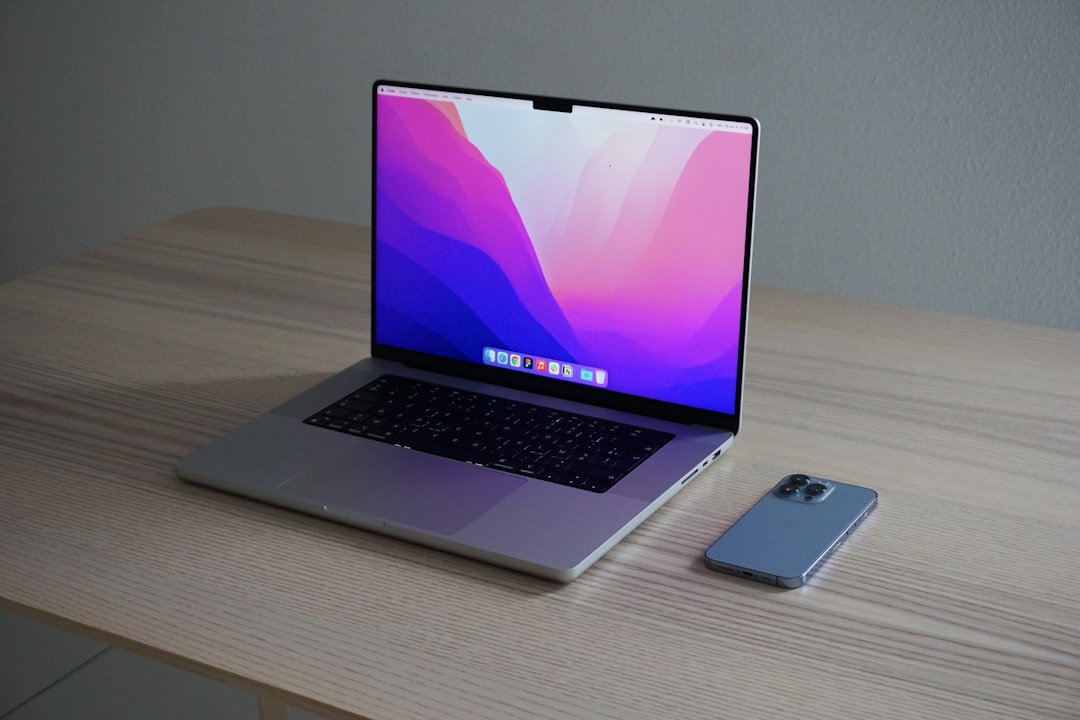
The hinge is generally stable and allows comfortable positioning for desk use. The overall construction is impressive for its class, especially considering that the Cube Thinker i35 was positioned as a value-oriented alternative to premium productivity laptops. It gives the impression of a machine designed for practical users who still care about aesthetics.
Display Quality
The display is arguably the strongest feature of the Cube Thinker i35. It uses a 13.5-inch IPS touchscreen with a resolution of 3000 x 2000 pixels. This results in very sharp text, crisp images, and an excellent workspace for productivity tasks. The 3:2 ratio provides more vertical room, which makes a surprising difference during long writing or research sessions.
Colors are pleasing, viewing angles are wide, and brightness is suitable for typical indoor use. The glossy touchscreen surface improves clarity but may create reflections in bright environments. For media consumption, the display looks rich and detailed, although the 3:2 shape means widescreen videos may show black bars.
Touch input is responsive for general navigation, scrolling, and zooming. Some versions of the device may support stylus input, making it useful for simple note-taking or sketching. However, it should not be mistaken for a dedicated drawing tablet or a high-end convertible workstation.
Performance Review
The Cube Thinker i35 is commonly equipped with an Intel Core m3-7Y30 processor, a low-power dual-core chip designed for silent, efficient laptops. This processor is not built for heavy workloads, but it performs well in everyday scenarios. Tasks such as web browsing, word processing, video streaming, email, PDF reading, and light photo editing are handled smoothly when expectations are reasonable.
The laptop typically includes 8GB of RAM, which is enough for multitasking at a basic to moderate level. Several browser tabs, a document editor, and a streaming app can run together without major issues. However, users who regularly work with large media files, virtual machines, or professional editing software may find the system limited.
Graphics are handled by Intel HD Graphics 615. This integrated GPU is suitable for video playback and light visual tasks, but it is not meant for modern 3D gaming. Older or less demanding games may run at reduced settings, but buyers seeking a gaming laptop should look elsewhere.
In practical terms, the Cube Thinker i35 is a quiet productivity notebook rather than a performance powerhouse. Its fanless or near-silent behavior is a major benefit for libraries, classrooms, meetings, and late-night writing sessions.
Storage and Upgrade Options
The laptop is usually configured with a 256GB SSD, which provides fast boot times, quick app launches, and responsive file handling. The SSD makes the device feel much faster than older laptops using mechanical hard drives. For most productivity users, 256GB is acceptable, though those with large media libraries may need external storage or cloud backup.
Upgrade options depend on the exact version and market configuration. Some units allow SSD replacement, but RAM is often soldered and not user-upgradable. This means buyers should consider whether 8GB RAM is enough for their long-term needs before purchasing.
Keyboard and Touchpad
The keyboard is one of the more pleasant parts of the Cube Thinker i35 experience. It has a comfortable layout for typing essays, reports, emails, and notes. Key travel is decent for a thin laptop, and the typing feel is suitable for extended writing sessions. Some configurations include a backlit keyboard, which is helpful in dim environments.
The touchpad is reasonably large and supports common Windows gestures. It is not always as precise as premium laptops from Apple, Dell, or Microsoft, but it is usable for daily work. Users who demand maximum accuracy may prefer connecting a Bluetooth or USB mouse.
Ports and Connectivity
The Cube Thinker i35 includes a practical set of ports for a slim ultrabook. Typical connectivity options include USB ports, a USB Type-C port, a micro HDMI output, a headphone jack, Wi-Fi, and Bluetooth. The exact port selection can vary slightly by version, so it is wise for buyers to check the seller’s product page carefully.
The USB Type-C port improves flexibility for modern accessories, although it may not support every advanced function found on premium Thunderbolt-equipped laptops. Micro HDMI is useful for external monitors and presentations, but it may require an adapter. Wireless performance is generally adequate for browsing and streaming, especially when connected to a strong Wi-Fi network.
Battery Life
Battery life on the Cube Thinker i35 is acceptable but not exceptional. The efficient Core m3 processor helps reduce power consumption, but the high-resolution 3K display can use a significant amount of energy. In typical mixed use, the laptop may last several hours, depending on brightness, workload, and background apps.
For light tasks such as writing with reduced screen brightness, battery life is better. During streaming, multitasking, or full-brightness use, it drains more quickly. As a result, the Cube Thinker i35 is portable enough for meetings or short study sessions, but carrying the charger remains advisable for a full day away from a power outlet.
Audio, Camera, and Media Use
The speakers are suitable for casual video watching, calls, and background music. They are clear enough for speech, though they lack deep bass and high volume compared with larger laptops. Headphones or external speakers provide a better experience for music and movies.
The webcam is basic and works for occasional video calls. It is not a highlight of the device, especially when compared with newer laptops that offer improved sensors and microphones. For regular remote meetings, an external webcam may deliver better image quality.
Cube Thinker i35 Key Specifications
- Display: 13.5-inch IPS touchscreen
- Resolution: 3000 x 2000 pixels
- Aspect Ratio: 3:2
- Processor: Intel Core m3-7Y30 dual-core
- Graphics: Intel HD Graphics 615
- Memory: 8GB RAM
- Storage: 256GB SSD
- Operating System: Windows 10 on most original configurations
- Connectivity: Wi-Fi, Bluetooth, USB, USB Type-C, micro HDMI
- Camera: Front-facing webcam
- Build: Metal chassis
- Best For: Writing, browsing, office work, streaming, studying, travel
Pros and Cons
Pros
- Excellent 3K display with a productivity-friendly 3:2 aspect ratio
- Premium metal design compared with many budget laptops
- Quiet operation thanks to the efficient low-power processor
- Good keyboard for writing and office work
- SSD storage provides fast everyday responsiveness
Cons
- Limited performance for heavy editing, gaming, or professional applications
- Integrated graphics are suitable only for basic visual workloads
- Battery life is decent but not class-leading
- Webcam and speakers are average
- Upgrade flexibility may be limited depending on the unit
Who Should Consider the Cube Thinker i35?
The Cube Thinker i35 is best suited for users who prioritize a sharp display, attractive design, and quiet everyday performance. It works well for students taking notes, writers drafting long documents, professionals handling emails and spreadsheets, and casual users who mainly browse the web and watch videos.

It is less suitable for users who need high processing power, advanced 3D graphics, or guaranteed long-term manufacturer support. Since the device is not as common as laptops from major global brands, buyers should also consider warranty terms, replacement parts, and seller reliability before purchasing.
Final Verdict
The Cube Thinker i35 remains an interesting ultrabook because it combines a premium-style body with a genuinely impressive high-resolution touchscreen. Its performance is modest, but it is well matched to office work, research, writing, and everyday entertainment. The laptop’s quiet operation and comfortable display make it especially appealing for focused productivity.
Its biggest weakness is that the processor and graphics are not built for demanding tasks. Battery life is also only average when measured against newer ultraportables. Still, for the right user, the Cube Thinker i35 offers a balanced experience centered on screen quality, portability, and value.
FAQ
Is the Cube Thinker i35 good for students?
Yes. It is a good option for students who need a laptop for note-taking, research, writing papers, browsing, and streaming lectures. Its sharp 3:2 display is especially useful for reading and document work.
Can the Cube Thinker i35 run games?
It can run older or lightweight games at low settings, but it is not a gaming laptop. The Intel HD Graphics 615 is designed for basic graphics tasks, not modern 3D gaming.
Does the Cube Thinker i35 have a touchscreen?
Yes, the Cube Thinker i35 is commonly equipped with a 13.5-inch touchscreen display. Touch support is useful for navigation, scrolling, and simple creative tasks.
Is the Cube Thinker i35 suitable for video editing?
It can handle very light editing, but it is not ideal for serious video production. The low-power processor and integrated graphics limit performance in demanding editing software.
How good is the Cube Thinker i35 display?
The display is one of its strongest features. The 3000 x 2000 resolution, IPS panel, and 3:2 aspect ratio make it excellent for productivity, reading, and general media use.
Can the RAM be upgraded?
In most configurations, the RAM is not easily upgradeable because it is soldered. Buyers should treat the included 8GB RAM as the long-term memory configuration.
Is the Cube Thinker i35 worth buying?
It can be worth buying if the price is reasonable and the buyer values display quality, quiet operation, and everyday productivity. However, users needing strong performance or premium support may be better served by a newer mainstream ultrabook.
