 logo
logo
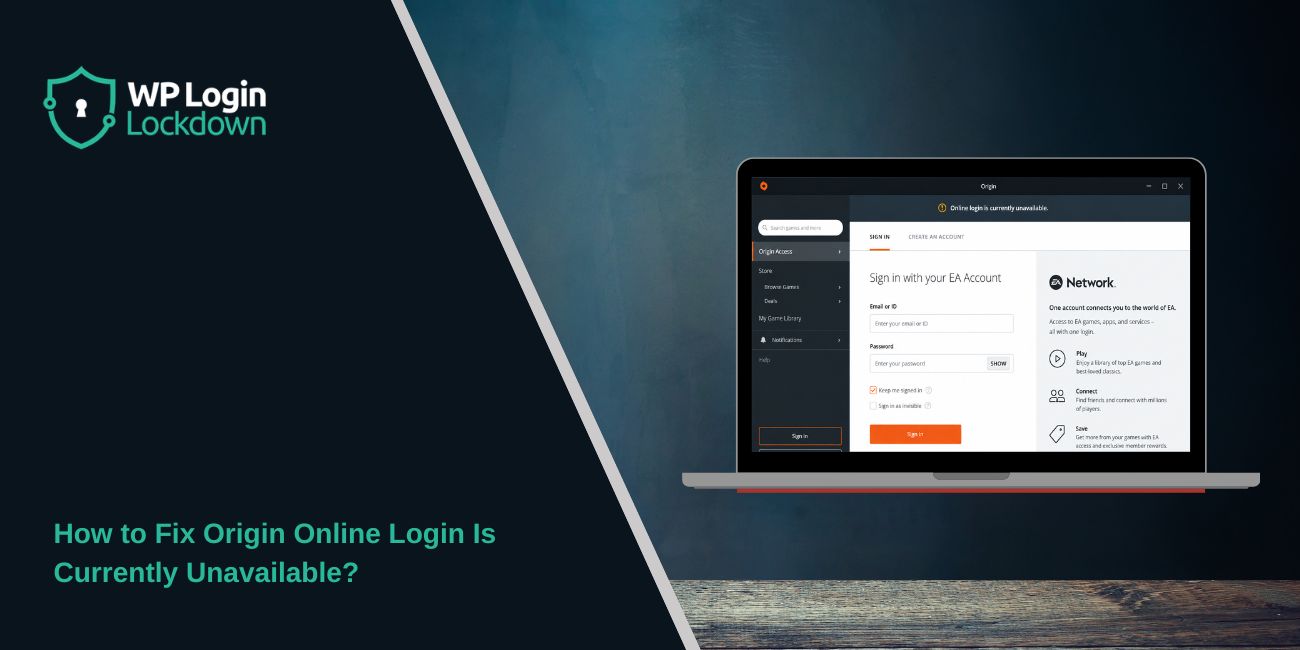
The “Origin online login is currently unavailable” error usually appears when the Origin client can’t connect to EA’s login service. You may open Origin, enter your details, and then it refuses to sign in.
This can happen even when your internet looks fine. Sometimes EA’s servers are having trouble. Sometimes Origin has old cache files, wrong device time, blocked network access, or a stuck background process.
One more thing. EA has been moving users from Origin to the EA app, especially on Windows. So if Origin keeps failing, the EA app may be the better option now.
What Does “Origin Online Login Is Currently Unavailable” Mean?
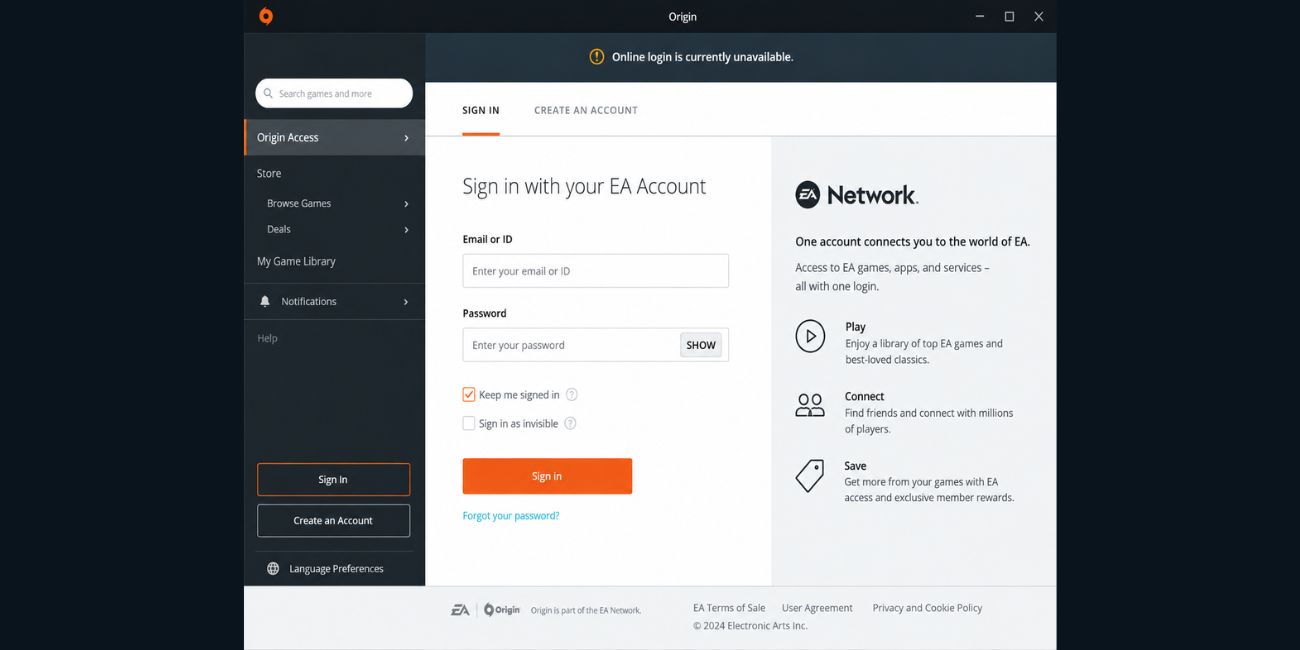 This error means Origin can’t complete the login request with EA’s account system. Your EA account may still be okay. Your games may still be there too. The problem is usually with the Origin client, EA login servers, saved cache files, or your connection.
A simple way to think about it: Origin opens, but it can’t talk properly with EA’s sign-in system.
Why Does Origin Online Login Is Currently Unavailable Happen?
This error can happen for a few different reasons. It’s not always your password. If your email and password work on the EA website, then the issue is likely with Origin, your PC settings, or the connection between Origin and EA.
Common causes include:
- EA login servers are down or slow
- Origin cache files are corrupted
- Origin is stuck in the background
- Your PC date and time are wrong
- VPN or proxy is blocking EA login
- Firewall or antivirus is blocking Origin
- Origin is outdated
- EA now wants you to use the EA app instead
How to Fix Origin Online Login Is Currently Unavailable?
Start with the easy fixes first. Don’t uninstall everything right away. Also don’t keep resetting your password if you can log in on the EA website. That usually means your account is fine.
1. Check if EA or Origin Services Are Down
Before changing your PC settings, check if EA’s service is having a problem. If EA login servers are down, Origin will keep showing the same error no matter what you try.
To check the service status, you can do this:
- Open the EA website and try signing in there.
- Check EA Help or EA server status pages if available.
- Search “EA login down” or “Origin login not working.”
- Check EA Help social pages for outage posts.
- Ask a friend to try logging in from another device.
- If many users are facing it, wait and try again later.
If the EA website also won’t let you sign in, the issue may be on EA’s side. If the website works but Origin doesn’t, move to the next fixes.
2. Restart Origin Completely
Origin can keep running in the background even after you close the window. That stuck process can cause login problems, especially after sleep mode, an update, or a failed login attempt.
Close Origin from the system tray near the clock. Right-click the Origin icon and choose Quit Origin. If you don’t see it, open Task Manager and end Origin-related tasks. Then open Origin again and try logging in.
This is a small fix, but it’s worth doing first.
3. Restart Your PC and Router
If Origin still says online login is unavailable, restart your PC. This clears stuck network sessions and background app problems.
Also restart your router if you’re using Wi-Fi. Turn it off, wait a short moment, then turn it back on. After the internet reconnects, open Origin again and try signing in once.
Don’t open five login windows at the same time. Just try one clean login.
4. Clear Origin Cache Files
Corrupted cache is one of the most common reasons Origin gets stuck on login. These files help Origin load faster, but sometimes they store bad login data.
Here are the steps for clearing Origin cache on Windows:
- Close Origin completely.
- Press Windows + R on your keyboard.
- Type %ProgramData%/Origin and press Enter.
- Delete all files and folders inside, except the LocalContent folder.
- Press Windows + R again.
- Type %AppData% and press Enter.
- Delete the Origin folder.
- Go back one folder to AppData.
- Open the Local folder.
- Delete the Origin folder there too.
- Restart your PC.
- Open Origin and try logging in again.
Be careful not to delete your game files. You’re only clearing Origin’s saved app data, not your installed games.
5. Check Your PC Date and Time
Wrong date or time can stop Origin from signing in. EA login uses secure checks, and your PC clock needs to match properly.
Open Windows Settings, then go to Time & language. Turn on Set time automatically and Set time zone automatically if those options are available. After that, restart Origin and try again.
It feels like a weird fix. But for login errors, it can matter.
6. Disable VPN or Proxy Services
A VPN or proxy can make EA’s login system reject the connection. This is more likely if the VPN changes your location, blocks some traffic, or uses an IP address that EA doesn’t trust.
Try this if you’re using a VPN or proxy:
- Turn off your VPN app.
- Disable proxy settings in Windows.
- Close Origin fully.
- Restart your internet connection if needed.
- Open Origin again.
- Try logging in with your normal connection.
If Origin works after this, your VPN or proxy was likely the reason. You can turn it back on later for other use, but keep it off while signing in.
7. Allow Origin Through Firewall or Antivirus
Sometimes Windows Firewall or antivirus software blocks Origin from reaching EA servers. When that happens, your internet still works, but Origin login fails.
Open your firewall or antivirus settings and check if Origin is blocked. Allow Origin and OriginWebHelperService if you see them. Then restart Origin and test the login again.
If you recently installed a new antivirus, this fix matters more. Some security tools are strict with game launchers.
8. Update Origin or Install the EA App
Origin is old now, and EA has moved many users to the EA app. So if Origin keeps showing the login unavailable error, the client itself may be the problem.
To handle this properly, try this:
- Close Origin completely.
- Check if Origin has any pending update.
- If Origin still fails, download the EA app from EA’s official site.
- Install the EA app.
- Sign in with the same EA account.
- Check if your game library appears there.
- Launch your game from the EA app.
For many Windows users, switching to the EA app is the cleaner fix. If you’re using an older game, check if it still needs Origin or works through the EA app.
9. Clear EA App Cache if You Already Switched
If you already use the EA app and still see login or loading issues, clear the EA app cache too. EA includes an App Recovery option for this.
You can follow this path:
- Open the EA app.
- Click the menu icon.
- Go to Help.
- Choose App Recovery.
- Select Clear Cache.
- Let the app restart.
- Try signing in again.
If the EA app won’t open, restart your PC first. Then try opening it again as normal.
10. Reinstall Origin or EA App
Reinstalling should not be the first fix, but it helps when app files are broken. If cache clearing, time settings, VPN checks, and firewall fixes don’t work, a fresh install can clean things up.
Uninstall Origin or the EA app from Windows settings. Restart your PC after uninstalling. Then download the latest EA app from EA’s official website and install it again.
Before doing this, make sure you know your EA account email and password. Your games are tied to your account, not just the app.
Prevention Tips to Avoid Origin Login Problems Later
You can’t stop every EA login issue, especially when EA servers are down. But you can reduce repeat problems by keeping the launcher and your PC clean.
Try these simple habits:
- Keep the EA app updated
- Don’t use VPN while signing in
- Keep Windows date and time automatic
- Restart your PC after launcher updates
- Don’t block EA services in firewall
- Clear cache when the launcher acts strange
- Use the EA app if Origin keeps failing
Final Thoughts
The “Origin online login is currently unavailable” error is usually fixable. Start by checking EA server status, then restart Origin, clear Origin cache, check your PC time, and turn off VPN.
If Origin keeps failing, try the EA app with the same EA account. That’s often the cleaner path now.
Did this error happen while opening Origin itself, or while launching a game like The Sims, FIFA, Battlefield, or Apex? Comment the game name.
