 logo
logo
For many individuals and businesses, Canva has become the go-to design platform thanks to its simplicity and accessible templates. However, when design needs become more advanced—requiring greater precision, flexibility, collaboration, and professional-grade tools—many users begin searching for more powerful alternatives. From vector-heavy workflows to complex UI prototyping and high-end photo manipulation, several platforms outperform Canva in depth and control.
TLDR: While Canva is excellent for beginners and quick designs, advanced users often require more powerful tools. Platforms like Adobe Creative Cloud, Affinity Designer, Figma, CorelDRAW, and Sketch offer deeper functionality, precision editing, and professional workflows. These tools support vector design, UI/UX collaboration, complex typography, and advanced photo manipulation at a higher level. For professionals and growing brands, upgrading from Canva can significantly enhance creative output and flexibility.
Why Professionals Outgrow Canva
Canva excels in accessibility, offering drag-and-drop simplicity. However, advanced designers frequently encounter limitations such as:
- Limited vector editing control
- Basic typography customization
- Simplified layer management
- Restricted color management systems
- Minimal automation and scripting options
For branding agencies, product designers, illustrators, and marketing teams working at scale, these limitations can hinder creativity and precision. More advanced tools provide granular controls, expandable workflows, and integration with professional printing and development pipelines.
1. Adobe Creative Cloud (Illustrator, Photoshop, InDesign)
Adobe remains the industry standard for professional design. Its suite provides specialized tools for virtually every design discipline.
Best For: Professional designers, agencies, print specialists, and advanced digital creators.
Key Strengths
- Advanced vector editing in Illustrator
- Professional photo manipulation in Photoshop
- Precision layout design in InDesign
- Full typography and color profile control
- Extensive plugin ecosystem
Adobe’s ecosystem enables complete brand system development—from logo creation to packaging and multi-page editorial layouts. Unlike Canva, designers have full control over anchor points, blend modes, masks, CMYK profiles, and export specifications.
The primary downside is cost and complexity. However, for advanced needs, these tools remain unmatched in power.
2. Affinity Designer
Affinity Designer has quickly gained popularity as a powerful, budget-friendly alternative to Illustrator. It offers sophisticated vector tools without a subscription model.
Best For: Freelancers and professionals seeking advanced features at a one-time purchase price.
Key Strengths
- Precision vector and raster workflow in one app
- Advanced grids and snapping systems
- CMYK and Pantone support
- Smooth performance even with large files
Unlike Canva’s web-based simplicity, Affinity provides full control over shapes, curves, and non-destructive adjustments. Designers can seamlessly switch between vector and pixel modes within a single document.
It lacks the cloud collaboration ecosystem of Adobe but compensates with strong performance and affordability.
3. Figma
Figma has emerged as the dominant tool for interface and user experience design. While Canva offers collaborative features, Figma is built entirely around real-time teamwork and product design workflows.
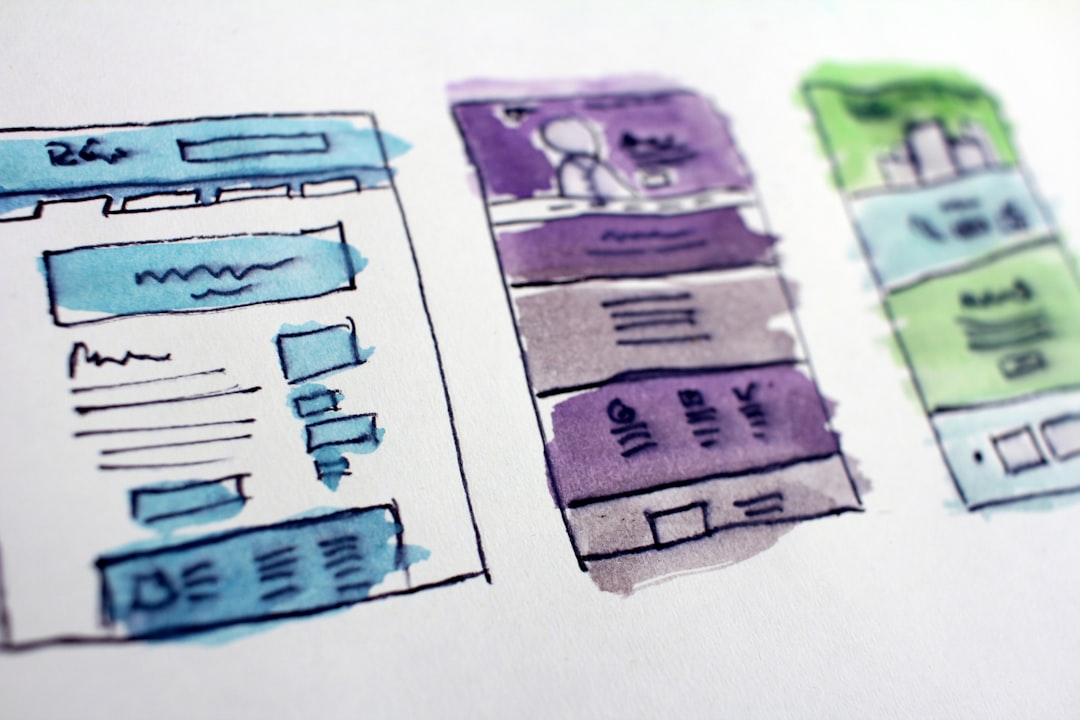
Best For: UI/UX designers, product teams, and digital agencies.
Key Strengths
- Real-time multi-user collaboration
- Advanced prototyping and animation tools
- Component-based design systems
- Developer handoff tools
Figma enables teams to build scalable design systems using reusable components. Its auto-layout functionality far exceeds Canva’s alignment tools, especially for responsive web and app design.
While not intended for high-end print production, Figma dominates in digital product environments where teamwork and speed are critical.
4. CorelDRAW Graphics Suite
CorelDRAW has long been respected in branding, signage, and print industries. It offers advanced illustration and page layout tools suitable for professionals.
Best For: Print designers, apparel creators, and production specialists.
Key Strengths
- Professional print layout control
- Powerful vector illustration tools
- Multi-page document handling
- Advanced color management
CorelDRAW excels in preparing complex print-ready files and large-format designs. Where Canva simplifies export settings, Corel provides granular control over bleed, imposition, and output profiles.
5. Sketch
Sketch remains a favorite among Mac-based designers, particularly in user interface design.
Best For: Mac users focused on interface and product design.
Key Strengths
- Lightweight vector-based interface
- Strong plugin ecosystem
- Symbol-based component management
- Clean, minimal UI
Sketch offers more vector control and robust design system management than Canva. While it lacks built-in photo editing depth, it integrates well into professional UX pipelines.
Feature Comparison Chart
| Tool | Best For | Vector Precision | Collaboration | Print Support | Pricing Model |
|---|---|---|---|---|---|
| Adobe Creative Cloud | Full professional workflow | Excellent | Strong (Cloud-based) | Industry standard | Subscription |
| Affinity Designer | Freelancers, budget-conscious pros | Excellent | Limited | Strong | One-time purchase |
| Figma | UI/UX teams | Very Good | Excellent (Real-time) | Limited | Subscription / Free tier |
| CorelDRAW | Print and production | Excellent | Moderate | Excellent | Subscription or License |
| Sketch | Mac UI designers | Very Good | Moderate | Limited | Subscription |
How to Choose the Right Advanced Design Tool
Selecting the right alternative depends on workflow needs, collaboration requirements, and output formats.
Consider These Factors:
- Type of Projects: Print branding, UI design, digital marketing, or illustration?
- Team Collaboration: Do multiple stakeholders need real-time access?
- Budget: Subscription-based vs. one-time purchase.
- Learning Curve: Professional tools require training and time.
- System Compatibility: Mac-only vs. cross-platform support.
For agencies and enterprises, Adobe Creative Cloud often provides the most complete ecosystem. For startups and product teams, Figma offers unmatched collaborative efficiency. Freelancers looking for advanced capabilities without recurring fees may prefer Affinity Designer.
Ultimately, while Canva remains ideal for rapid, template-based graphics, advanced design demands tools that prioritize control, scalability, and output precision.
Frequently Asked Questions (FAQ)
1. Why isn’t Canva sufficient for professional designers?
Canva is optimized for simplicity and speed rather than precision. Professional designers often require advanced vector manipulation, color profile management, print-ready exports, and layered compositions that exceed Canva’s capabilities.
2. Which Canva alternative is best for logo design?
Adobe Illustrator and Affinity Designer are typically the strongest choices for logo creation due to their advanced vector editing tools and scalability controls.
3. What is the best alternative for collaborative teams?
Figma stands out for real-time collaboration, shared design systems, and developer-friendly handoff tools, making it ideal for product and UX teams.
4. Are there any one-time purchase alternatives to Canva?
Yes. Affinity Designer and certain CorelDRAW licensing options provide one-time purchase models, avoiding ongoing subscription fees.
5. Do these tools have a steep learning curve?
Most professional-grade design programs require more training than Canva. However, they offer substantially more control, flexibility, and output quality in return.
6. Can beginners transition to these advanced tools easily?
Beginners can transition successfully with tutorials and practice. Many platforms provide extensive documentation and learning resources to support skill development.
For designers ready to move beyond templates and basic layouts, these advanced Canva alternatives unlock a new level of creativity, precision, and professional opportunity.
